©
2015 Draeger
Medic
al
,
Inc
.
INFINITY COCKPIT QUICK REFERENCE GUIDE |19
THIS GUIDE IS INTENDED
FOR REFERENCE
ONLY. REFER
TO
INSTRUCTIONS FOR USE
MANUAL.ADDITIONAL INFORMATION
Screen Setup, Restore Profile & Views
DISPLAY MODE SETUP/AUTO VIEW TAB
The Mainscreen of the Cockpit will show parameters and wave-
forms based on two settings, Auto or Manual
1. Select Setup button on far right of Auto display toolbar if
available
o OR, select System Setup from menu bar key, Screen Setup
tab (on top), and Auto view tab (on right).
2. Select Auto display mode selection button to have the Main
screen display only those parameters with cables connected
to the monitor
OR
3. Select Manual display mode to have the Main screen show all
parameters even those not connected.
4. Adjust position and number of waveforms and parameter
boxes, turn on Split screen, and setup and turn on Mini trends
display.
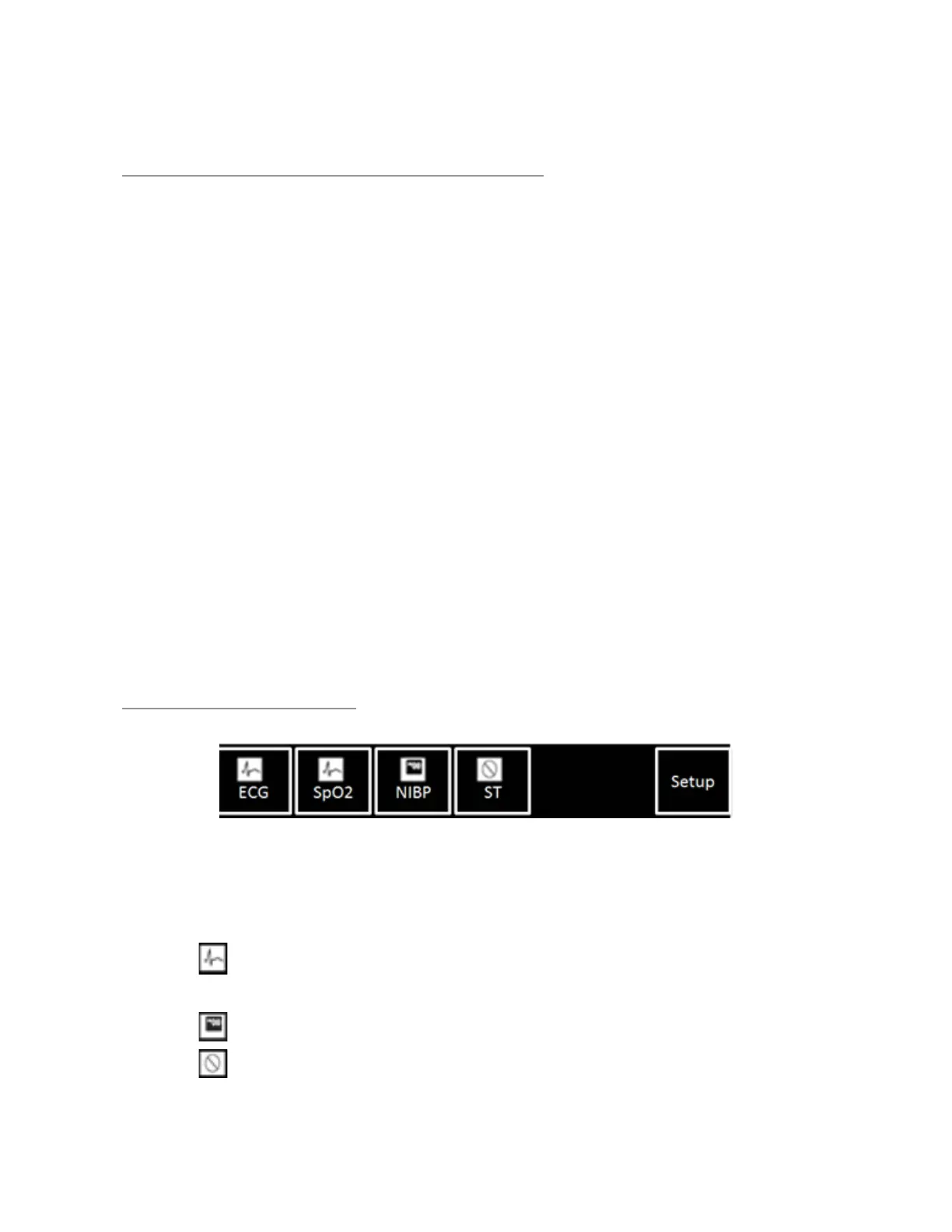
AUTO VIEW TOOLBAR
1. On Auto view toolbar at bottom of screen, touch the desired
parameter icon to move.
2. With rotary knob, dial left to move to higher priority, or dial
right to move parameter to a lower priority.
o Parameter is displayed as a waveform with a parameter
box.
o Parameter is displayed only as a parameter box.
o Parameter is actively in use but not displayed on the
screen.











 To Next Page