Instructions for use – Infinity Acute Care System – Monitoring Applications VG6.n 285
Temperature
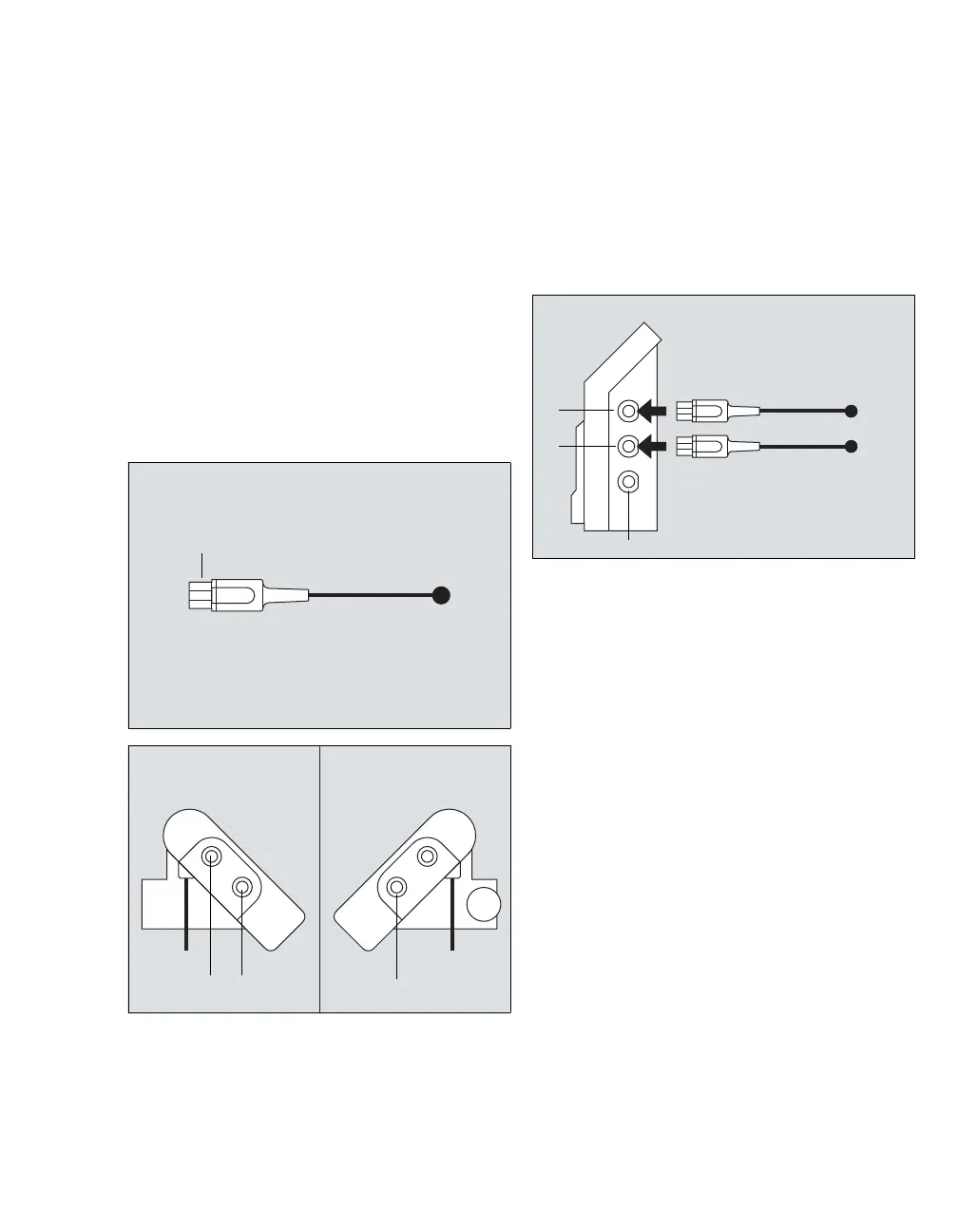
Connecting the temperature sensors to the hemodynamic pods
You can connect a single temperature sensor to the
following devices:
– Hemo4 pod
– Hemo2 pod
– MPod – QuadHemo
To connect temperature sensors to the MPod –
QuadHemo
1 Connect the temperature sensor connector (A)
to the MPod – QuadHemo Tb port (C) or Ta port
(D).
2 Connect the connection cable to the monitor
connector (B) of the MPod – QuadHemo and to
the gray hemo connector on the M540.
To connect temperature sensors to the Hemo2
pod and the Hemo4 pod
1 Connect the temperature sensor connectors (E)
to the Ta port (H) and/or the Tb port (G) of the
Hemo4 pod or the Hemo2 pod.
2 Connect the connection cable to the monitor
connector (F) of the Hemo2 pod/Hemo4 pod
and to the gray hemo connector on the M540
(see page 284).
332334
335












 To Next Page