Instructions for use – Infinity Acute Care System – Monitoring Applications VG6.n 317
Invasive blood pressure (IBP)
Starting wedge measurements from the Cockpit
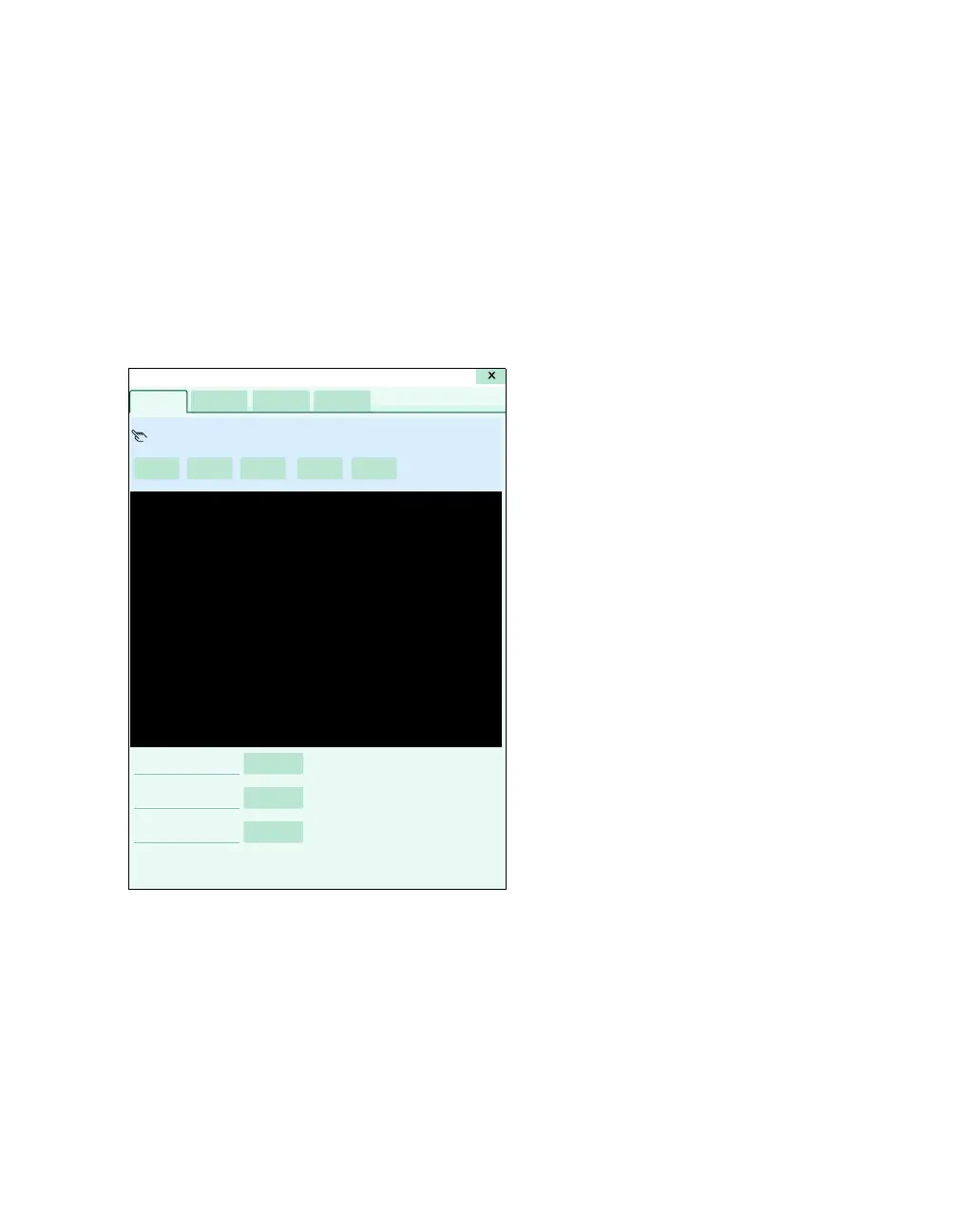
The following diagram shows the Wedge page
where you start wedge measurements manually.
The wedge pressure value is saved automatically
when:
– You close the Wedge page.
– 240 seconds have elapsed after the wedge
pressure was started and a valid PWP value
exists.
A Prepare wedge button
B Start wedge button
C Freeze/ Adjust button
D Save wedge button
E Cancel wedge button
F Message field
G PWP value
H PWP results window
I Scale button
J Sweep speed [mm/s] button
K Reference waveform button
045












 To Next Page