Instructions for use – Infinity Acute Care System – Monitoring Applications VG6.n 505
IT applications (options)
Accessing an IT tab
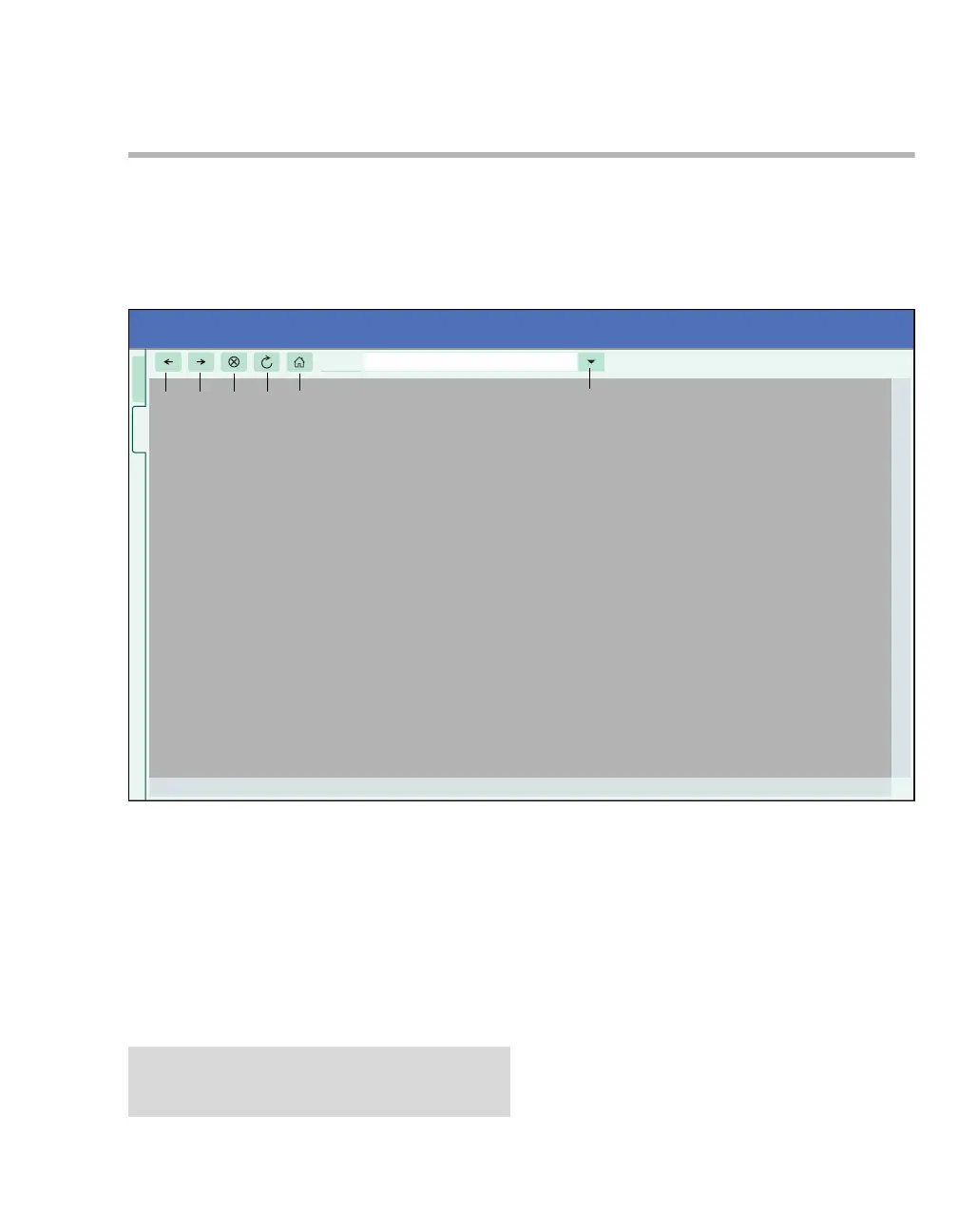
The following diagram is an example of a web
page. After a browser has been successfully
configured (see page 480), you can select it by
clicking the corresponding IT tab. Whatever IT
application is displayed, the Cockpit header bar is
always visible to report the patient’s monitoring
data status. The top IT tab is the Patient tab that
returns you to the main screen displaying the
patient’s vital signs.
A Patient tab – always returns you to the main
screen with the patient’s vital signs.
B Navigate backward and forward
C Stops loading the web page
D Refreshes the screen
E Displays the main screen
F Address window
065
NOTE
Refreshing certain IT applications may disconnect
the application and require a new login.












 To Next Page