Cardiac output (C.O.)
330 Instructions for use – Infinity Acute Care System – Monitoring Applications VG6.n
To start a measurement in auto mode
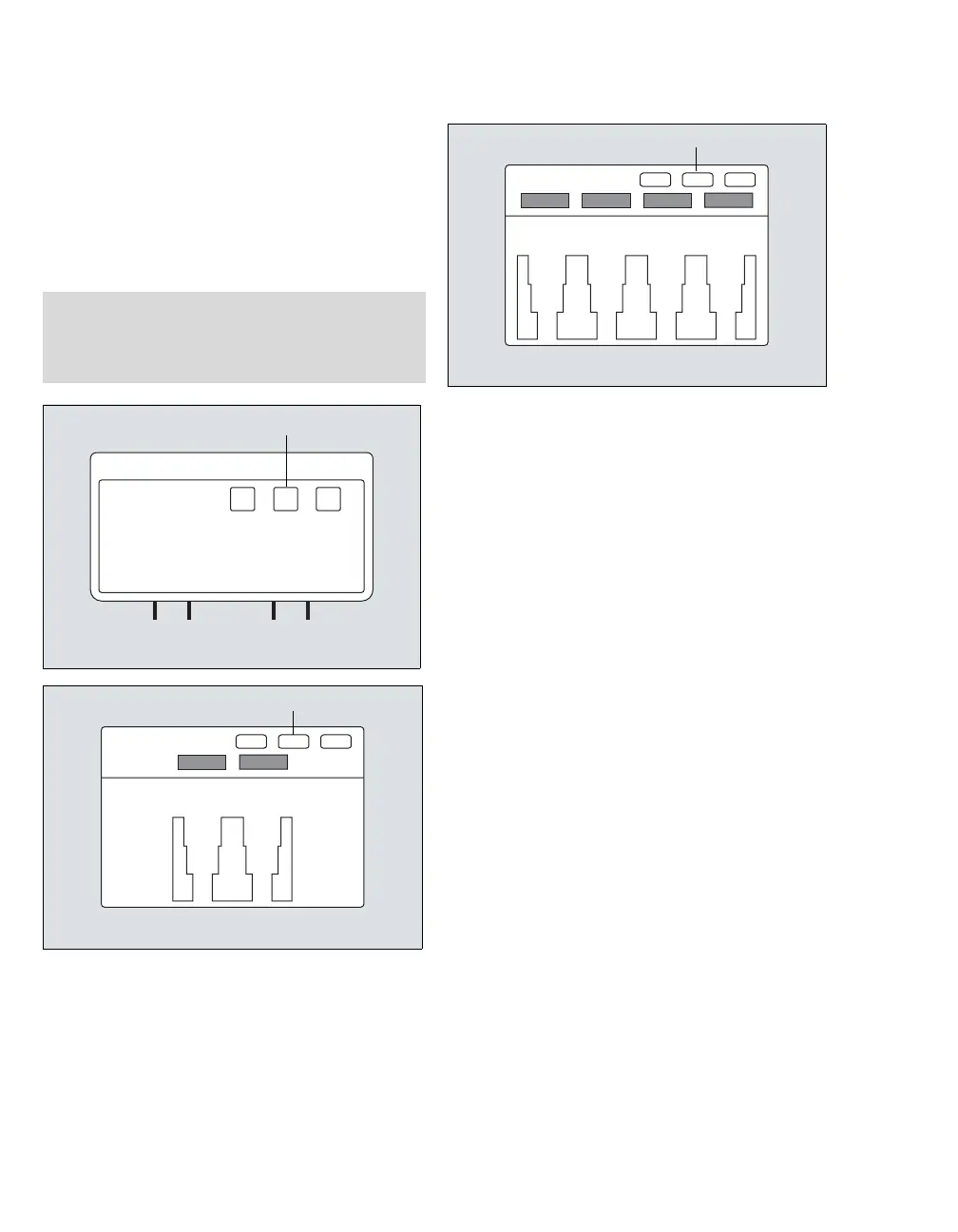
1 Press the cardiac output start key (A) on the
MPod – QuadHemo or the Hemo4/Hemo2.
or
Select the Start C.O. button on the
Procedures... > C.O. page (see page 333).
2 Wait for a tone to sound and the message Inject
when ready message to appear which
indicates that a stable blood temperature has
been detected. Do not perform an injection
before the Inject when ready message
appears.
3 Inject the saline solution into the bloodstream. A
thermodilution waveform appears, displaying
the change in blood temperature. If the blood
temperature becomes unstable, the
measurement is canceled automatically. If no
temperature drop is detected, the waveform
stops and the message %0 No Temperature
Change appears.
4 Repeat step 2 to take additional measurements
or to repeat a measurement, making sure to
wait for the Inject when ready message.
The Procedures... > C.O. page (see page 333)
stores up to five cardiac output measurements.
Each value panel is touch-sensitive and allows
you to include or exclude a value from the
calculation of the average. Any value that is
crossed out is excluded from the average. If you
touch the panel again, the value reappears and
will be included in the average.
To save the cardiac output average, see
page 332.
NOTE
If configured to appear on the main menu bar, the
Start C.O. button is also accessible on the main
menu bar. For more information, see page 452.
340339
338












 To Next Page