Vigor2910 Series User’s Guide
106
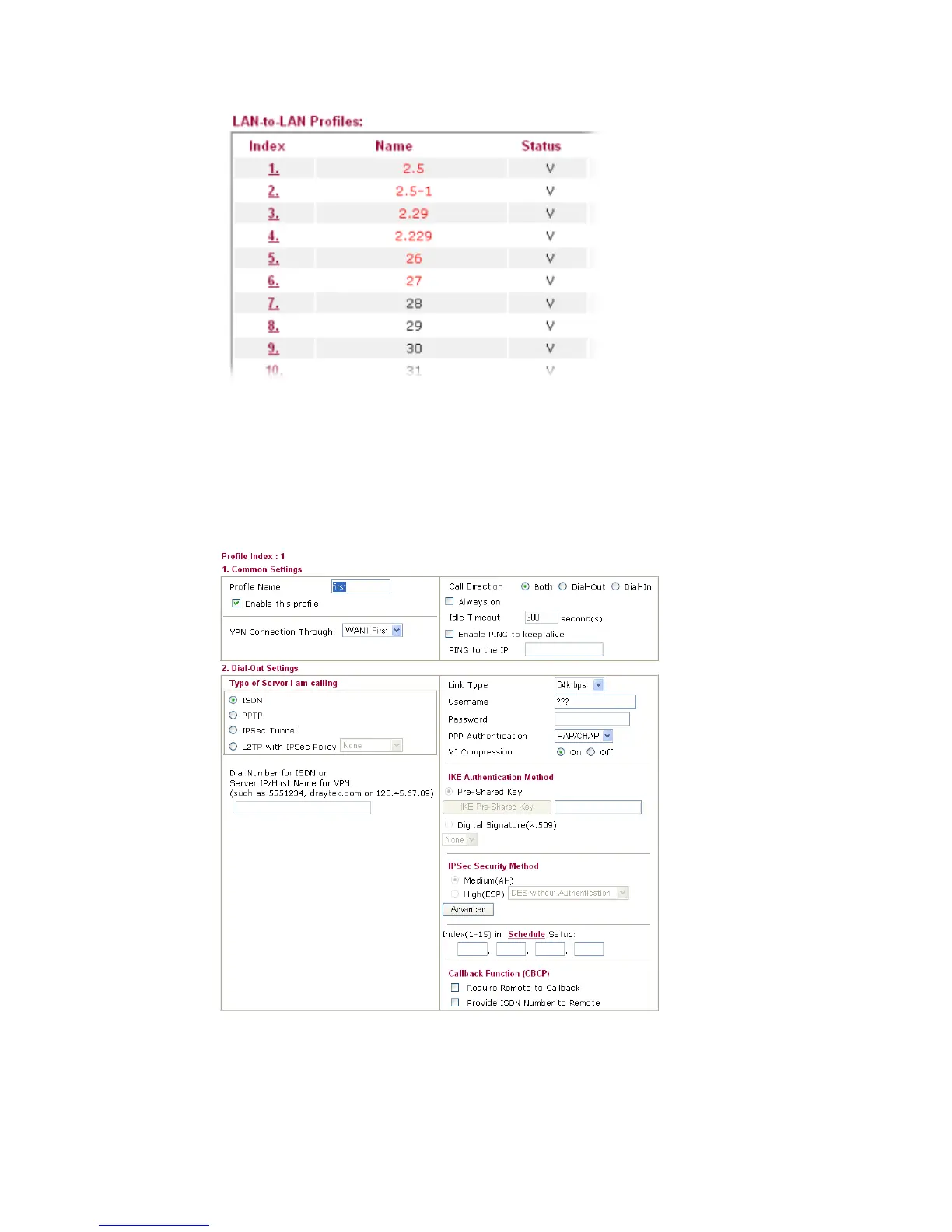
Click each index to edit each profile and you will get the following page. Each LAN-to-LAN
profile includes 4 subgroups. If the fields gray out, it means you may leave it untouched. The
following explanations will guide you to fill all the necessary fields.
When VPN TRUNK is activated, several fields (e.g., Dial-in Settings, Dial-in selection in
Call Direction and others) might be locked and dimmed. Please refer to VPN and Remote
Access>>VPN TRUNK Management for more details.
For the web page is too long, we divide the page into several sections for explanation.
Profile Name Specify a name for the profile of the LAN-to-LAN
connection.
Enable this profile Check here to activate this profile.



 To Next Page