Vigor2910 Series User’s Guide
180
3
3
.
.
1
1
5
5
D
D
i
i
a
a
g
g
n
n
o
o
s
s
t
t
i
i
c
c
s
s
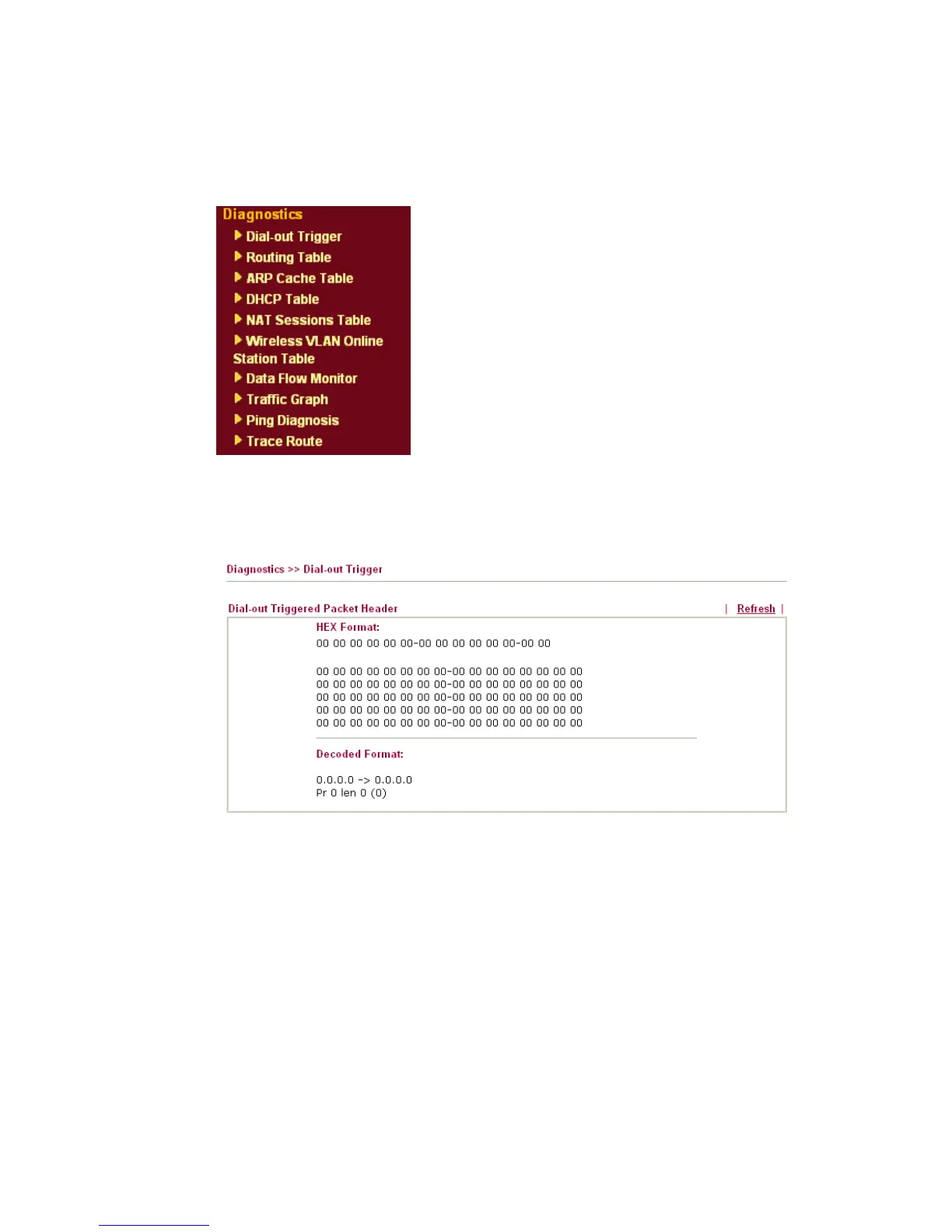
Diagnostic Tools provide a useful way to view or diagnose the status of your Vigor router.
Below shows the menu items for Diagnostics.
3
3
.
.
1
1
5
5
.
.
1
1
D
D
i
i
a
a
l
l
-
-
o
o
u
u
t
t
T
T
r
r
i
i
g
g
g
g
e
e
r
r
Click Diagnostics and click Dial-out Trigger to open the web page. The internet connection
(e.g., ISDN, PPPoE, PPPoA, etc) is triggered by a package sending from the source IP
address.
Decoded Format It shows the source IP address (local), destination IP
(remote) address, the protocol and length of the package.
Refresh Click it to reload the page.



 To Next Page