Vigor2910 Series User’s Guide
131
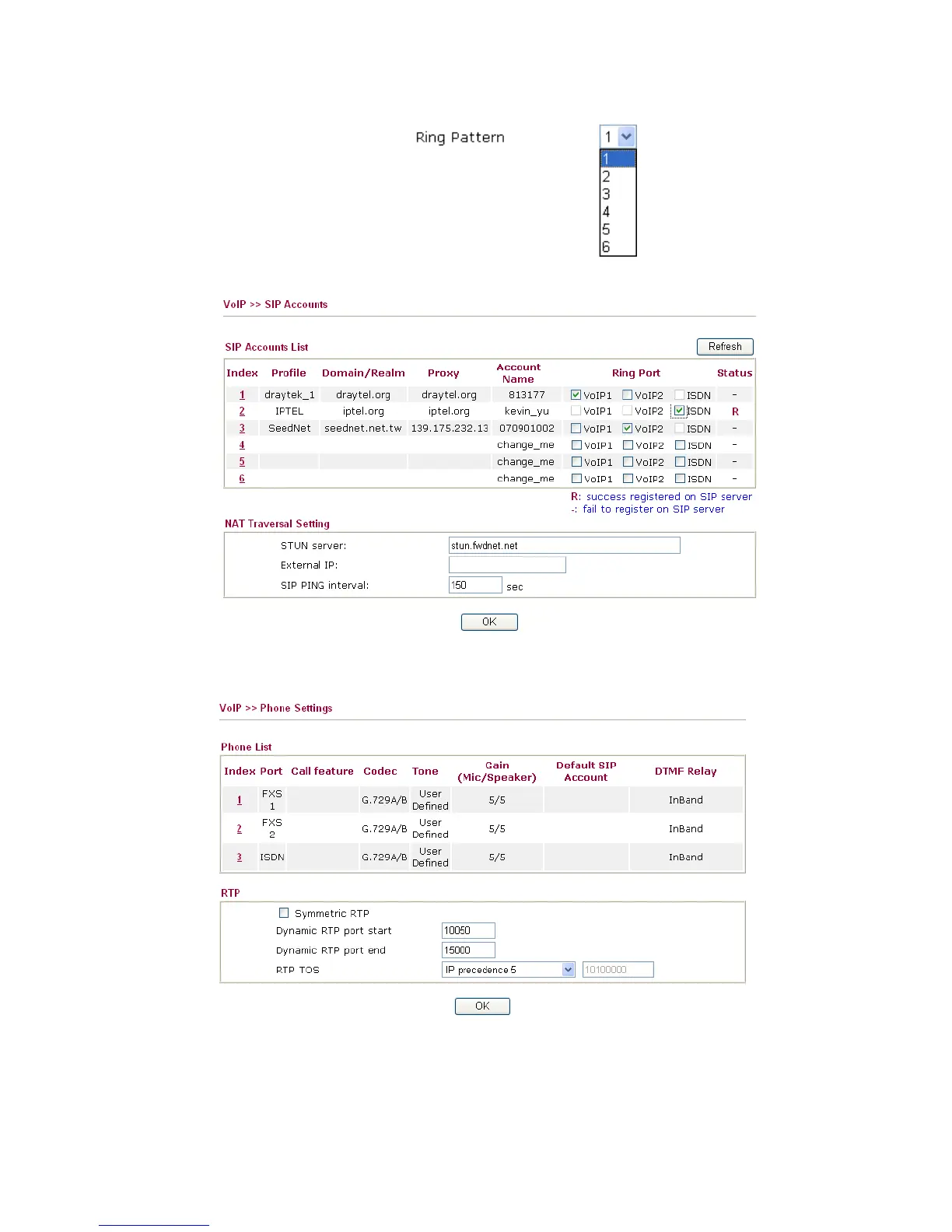
Ring Pattern Choose a ring tone type for the VoIP phone call.
Below shows successful SIP accounts for your reference.
3
3
.
.
1
1
0
0
.
.
3
3
P
P
h
h
o
o
n
n
e
e
S
S
e
e
t
t
t
t
i
i
n
n
g
g
s
s
This page allows user to set phone settings for VoIP 1 and VoIP 2 respectively.
Phone List Port – There are three phone ports provided here for you to
configure.
Call feature – A brief description for call feature will be
shown in this field for your reference.
Codec – The default Codec setting for each port will be



 To Next Page