Vigor2910 Series User’s Guide
181
3
3
.
.
1
1
5
5
.
.
2
2
R
R
o
o
u
u
t
t
i
i
n
n
g
g
T
T
a
a
b
b
l
l
e
e
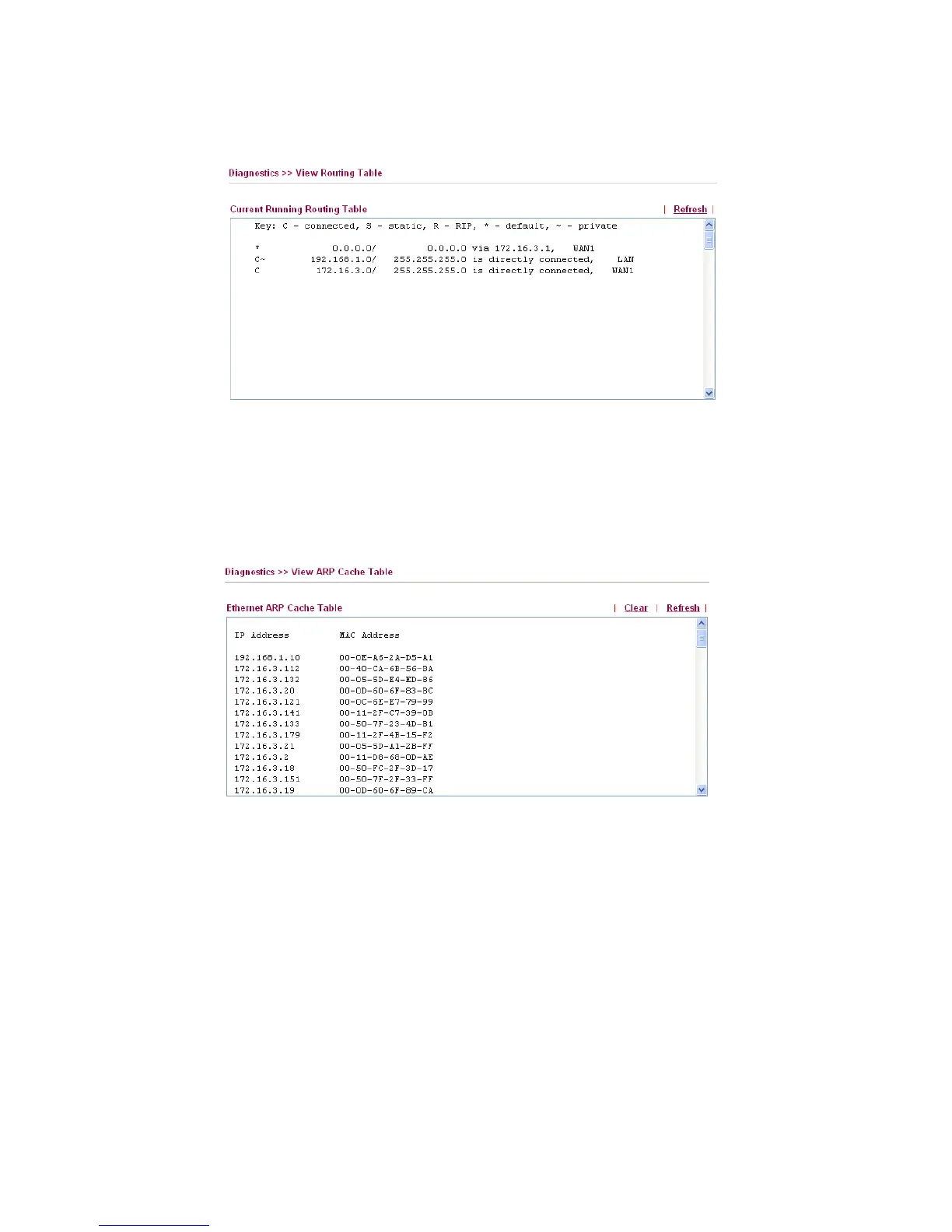
Click Diagnostics and click Routing Table to open the web page.
Refresh Click it to reload the page.
3
3
.
.
1
1
5
5
.
.
3
3
A
A
R
R
P
P
C
C
a
a
c
c
h
h
e
e
T
T
a
a
b
b
l
l
e
e
Click Diagnostics and click ARP Cache Table to view the content of the ARP (Address
Resolution Protocol) cache held in the router. The table shows a mapping between an
Ethernet hardware address (MAC Address) and an IP address.
Refresh Click it to reload the page.
Clear Click it to clear the whole table.



 To Next Page