Vigor2910 Series User’s Guide
191
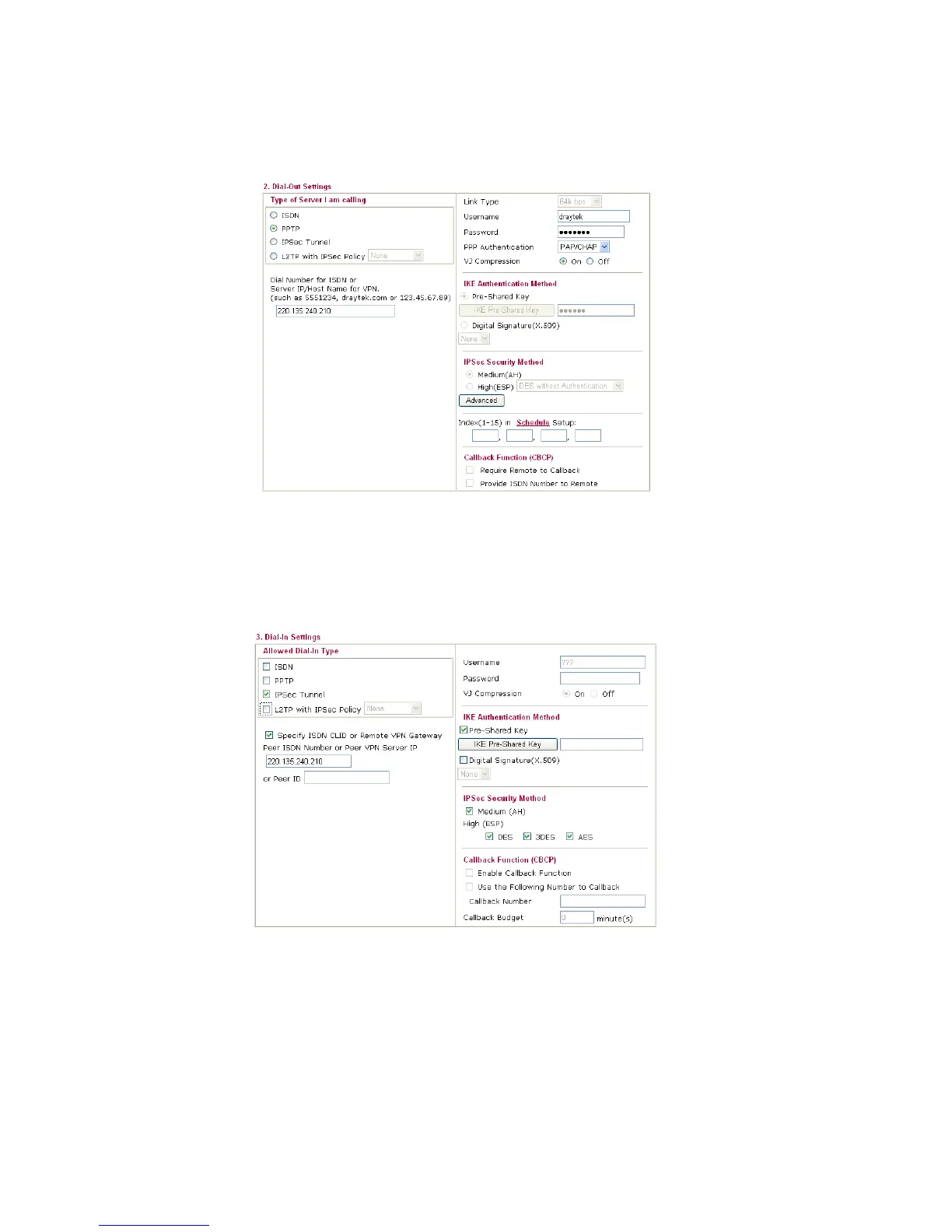
If a PPP-based service is selected, you should further specify the remote peer IP
Address, Username, Password, PPP Authentication and VJ Compression for this
Dial-Out connection.
6. Set Dial-In settings to as shown below to allow Router B dial-in to build VPN
connection.
If an IPSec-based service is selected, you may further specify the remote peer IP
Address, IKE Authentication Method and IPSec Security Method for this Dial-In
connection. Otherwise, it will apply the settings defined in IPSec General Setup above.
If a PPP-based service is selected, you should further specify the remote peer IP
Address, Username, Password, and VJ Compression for this Dial-In connection.



 To Next Page