Vigor2910 Series User’s Guide
40
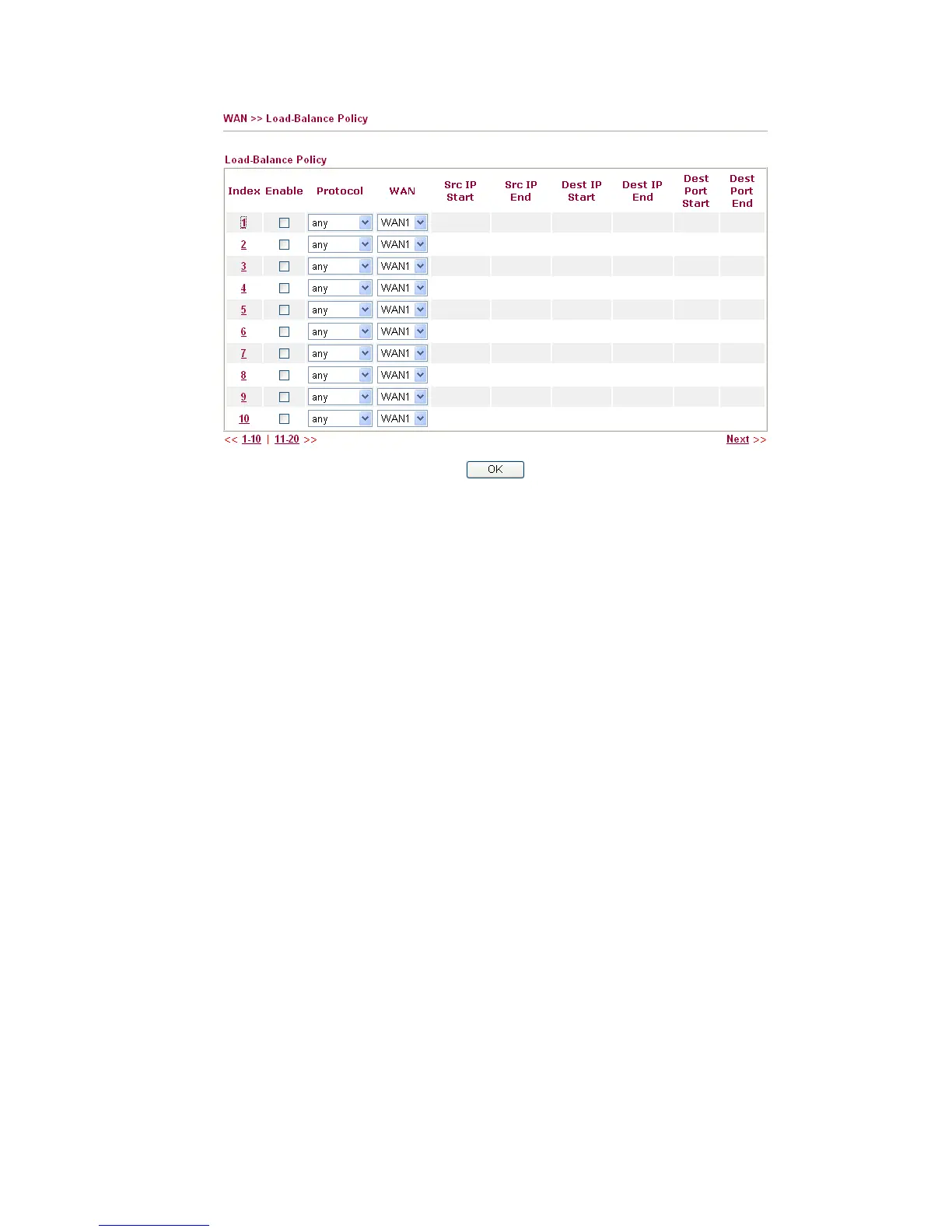
Index Click the number of index to access into the load-balance policy
configuration web page.
Enable Check this box to enable this policy.
Protocol Use the drop-down menu to change the protocol for the WAN
interface.
WAN Use the drop-down menu to change the WAN interface.
Src IP Start Displays the IP address for the start of the source IP.
Src IP End Displays the IP address for the end of the source IP.
Dest IP Start Displays the IP address for the start of the destination IP.
Dest IP End Displays the IP address for the end of the destination IP.
Dest Port Start Displays the IP address for the start of the destination port.
Dest Port End Displays the IP address for the end of the destination port.
Click Index 1 to access into the following page for configuring load-balance policy.



 To Next Page