Vigor2910 Series User’s Guide
43
W
W
h
h
a
a
t
t
i
i
s
s
R
R
o
o
u
u
t
t
i
i
n
n
g
g
I
I
n
n
f
f
o
o
r
r
m
m
a
a
t
t
i
i
o
o
n
n
P
P
r
r
o
o
t
t
o
o
c
c
o
o
l
l
(
(
R
R
I
I
P
P
)
)
Vigor router will exchange routing information with neighboring routers using the RIP to
accomplish IP routing. This allows users to change the information of the router such as IP
address and the routers will automatically inform for each other.
W
W
h
h
a
a
t
t
i
i
s
s
S
S
t
t
a
a
t
t
i
i
c
c
R
R
o
o
u
u
t
t
e
e
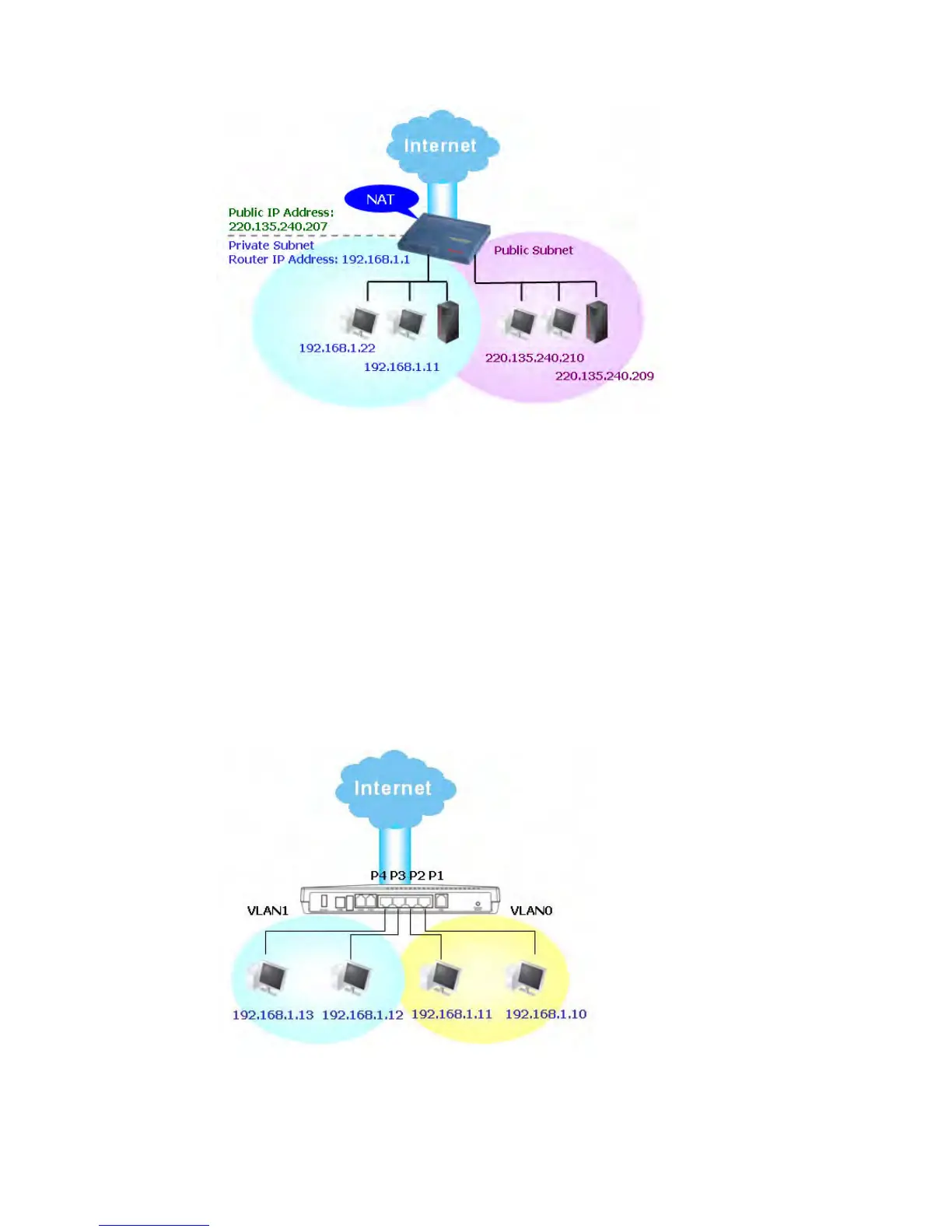
When you have several subnets in your LAN, sometimes a more effective and quicker way
for connection is the Static routes function rather than other method. You may simply set
rules to forward data from one specified subnet to another specified subnet without the
presence of RIP.
W
W
h
h
a
a
t
t
a
a
r
r
e
e
V
V
i
i
r
r
t
t
u
u
a
a
l
l
L
L
A
A
N
N
s
s
a
a
n
n
d
d
R
R
a
a
t
t
e
e
C
C
o
o
n
n
t
t
r
r
o
o
l
l
You can group local hosts by physical ports and create up to 4 virtual LANs. To manage the
communication between different groups, please set up rules in Virtual LAN (VLAN)
function and the rate of each.



 To Next Page