Vigor300B Series User’s Guide
95
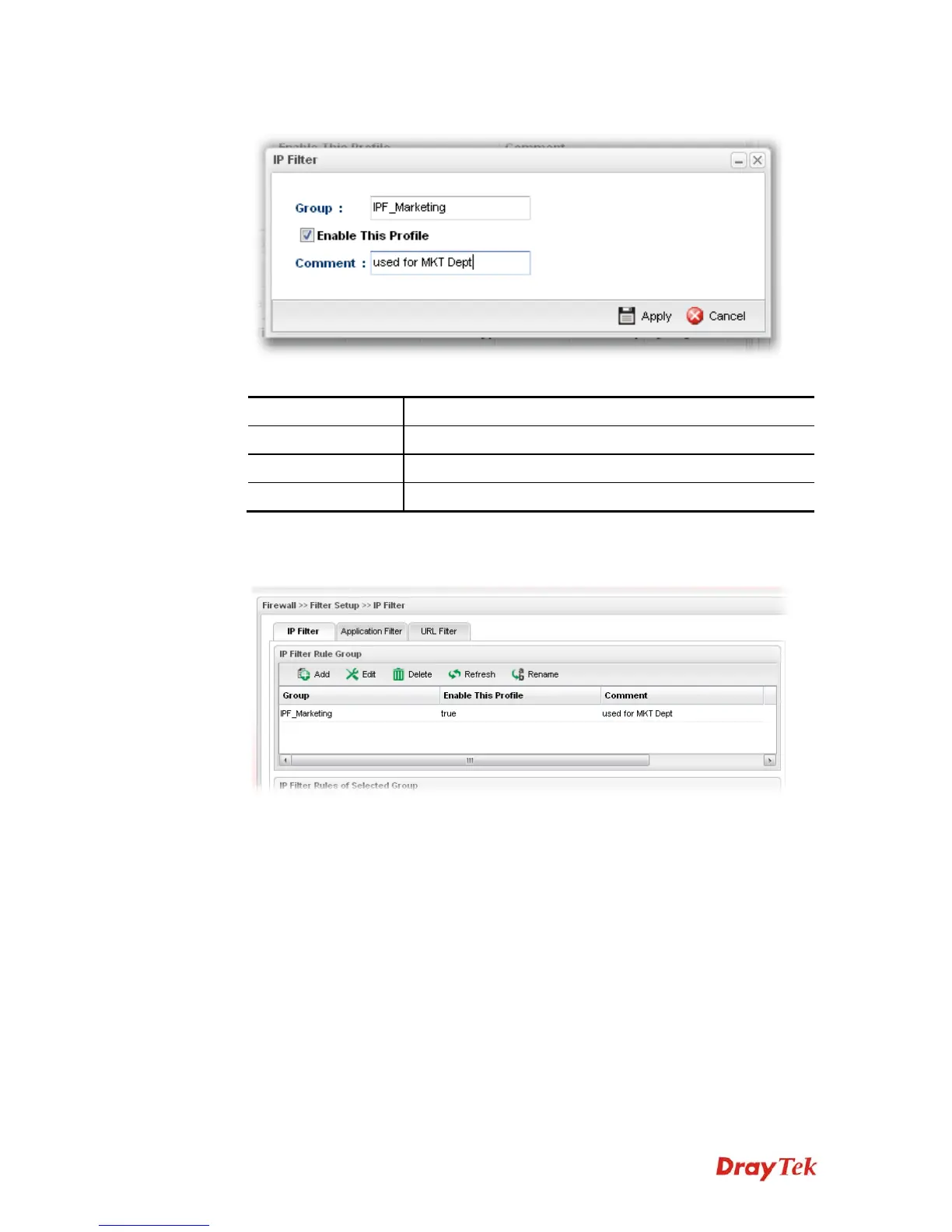
3. The following dialog will appear.
Available parameters are listed as follows:
Item Description
Group
Type the name of the IP filter group.
Enable This Profile
Check the box to enable this profile.
Comment
Give a brief description for the profile.
4. Enter all the settings and click Apply.
5. A new filter group has been added onto the table.
6. Choose the IP filter group first and then click the Add tab (the lower one in this page).



 To Next Page