Vigor300B Series User’s Guide
16
2
2
.
.
3
3
R
R
e
e
g
g
i
i
s
s
t
t
e
e
r
r
V
V
i
i
g
g
o
o
r
r
R
R
o
o
u
u
t
t
e
e
r
r
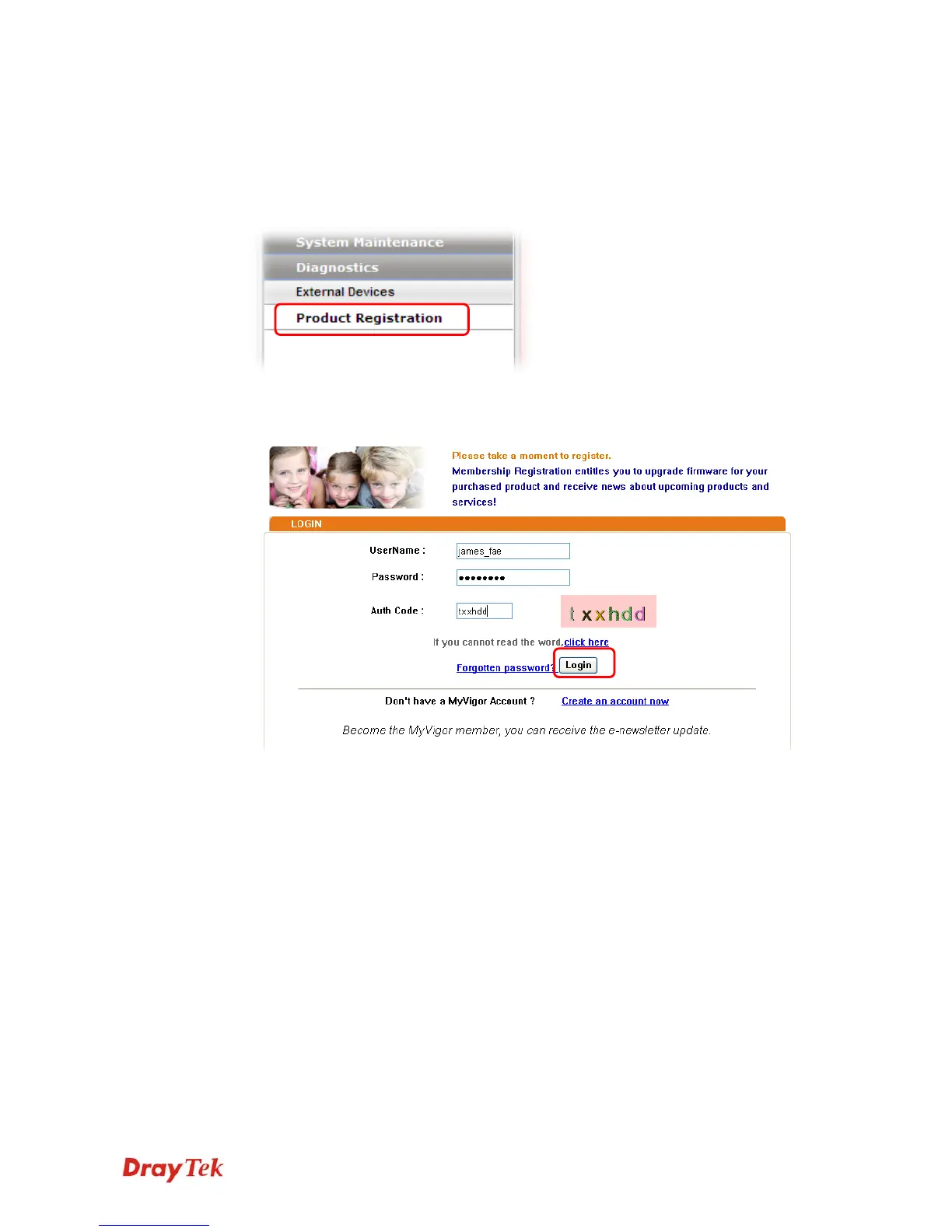
Please follow the steps below to register the router.
1 Before using such function, please register your router online first. Log into the web
configurator of Vigor300B and click Product Registration.
2 A Login page will be shown on the screen. Please type the account and password that
you created previously. And click Login.



 To Next Page