Vigor300B Series User’s Guide
169
Cancel
Click it to exit the dialog without saving the configuration.
4. Enter all the settings and click Apply.
5. The incoming filter rule for QoS Policer has been modified.
4
4
.
.
8
8
.
.
3
3
O
O
u
u
t
t
g
g
o
o
i
i
n
n
g
g
C
C
l
l
a
a
s
s
s
s
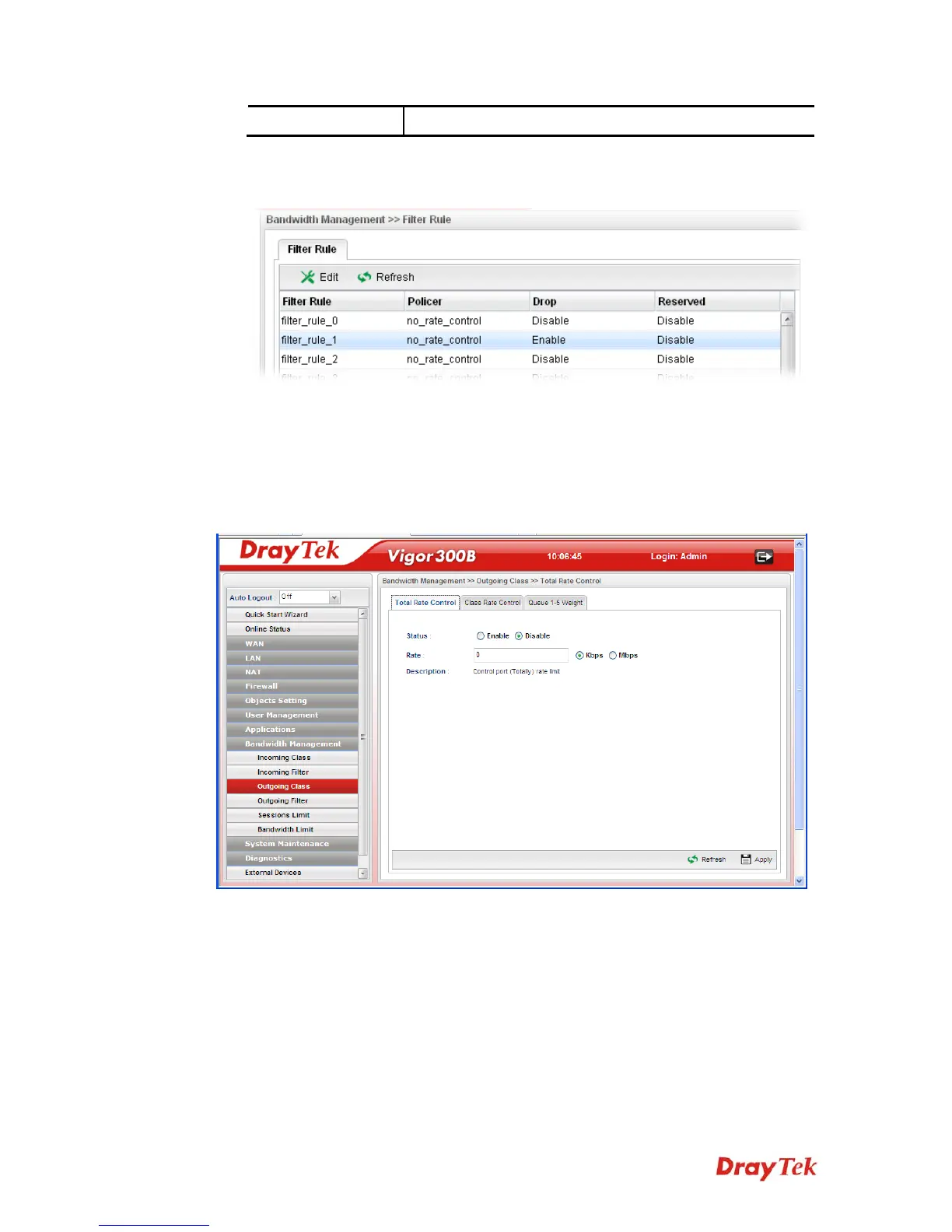
Outgoing Class Setup allows you to configure bandwidth percentage for data and voice
signals transmission. Click the Bandwidth Management option and choose Incoming
Class.



 To Next Page