Vigor300B Series User’s Guide
213
5
5
.
.
4
4
C
C
h
h
e
e
c
c
k
k
i
i
n
n
g
g
I
I
f
f
t
t
h
h
e
e
I
I
S
S
P
P
S
S
e
e
t
t
t
t
i
i
n
n
g
g
s
s
a
a
r
r
e
e
O
O
K
K
o
o
r
r
N
N
o
o
t
t
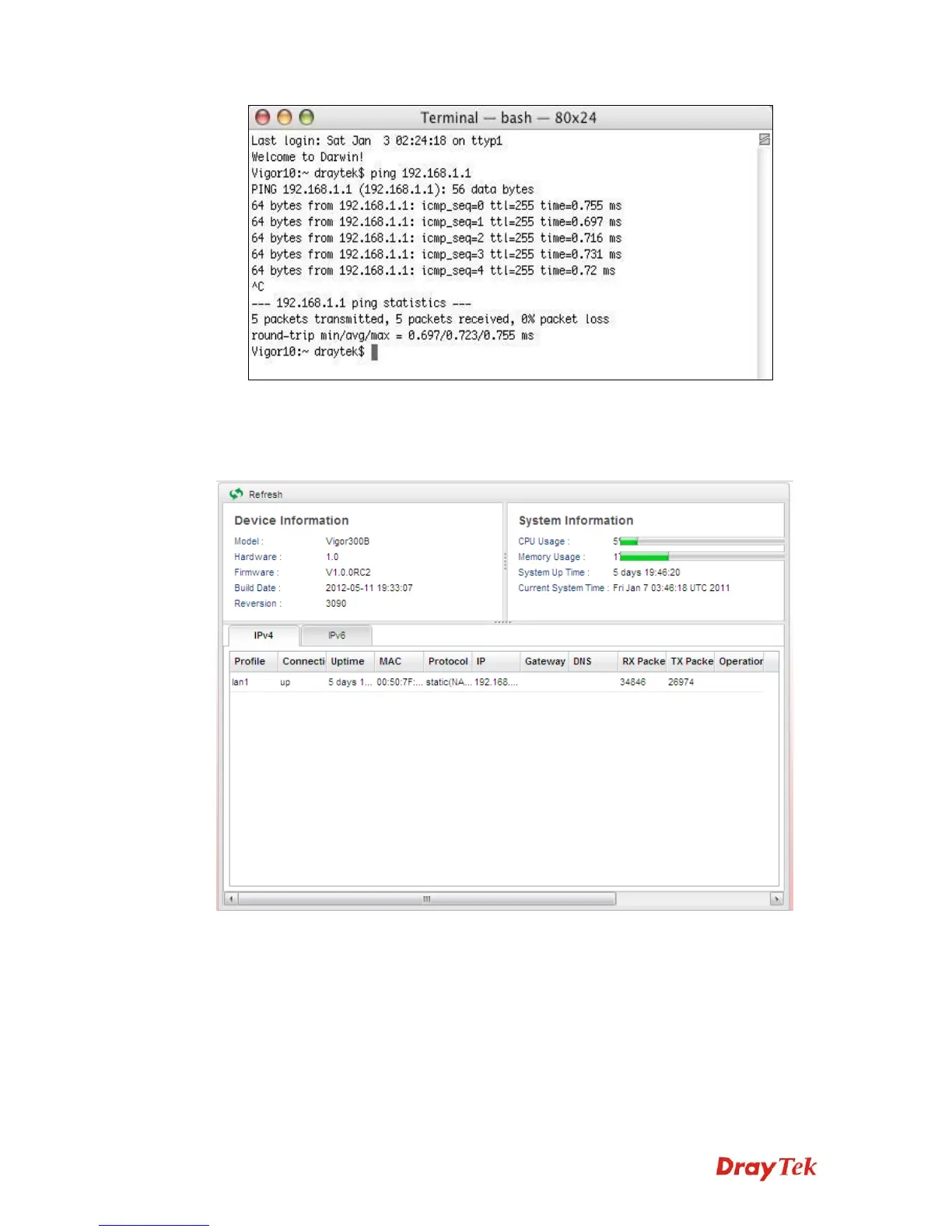
Open Online Status to check current network status. Be careful to check if the settings
coming from your ISP have been typed correctly or not.
If there is something wrong with the configuration, please go to WAN page and choose
General Setup again to modify the WAN connection.



 To Next Page