Vigor300B Series User’s Guide
35
– Click the icon to remove the selected entry.
Apply
Click it to save the configuration and exit the dialog.
Cancel
Click it to exit the dialog without saving the configuration.
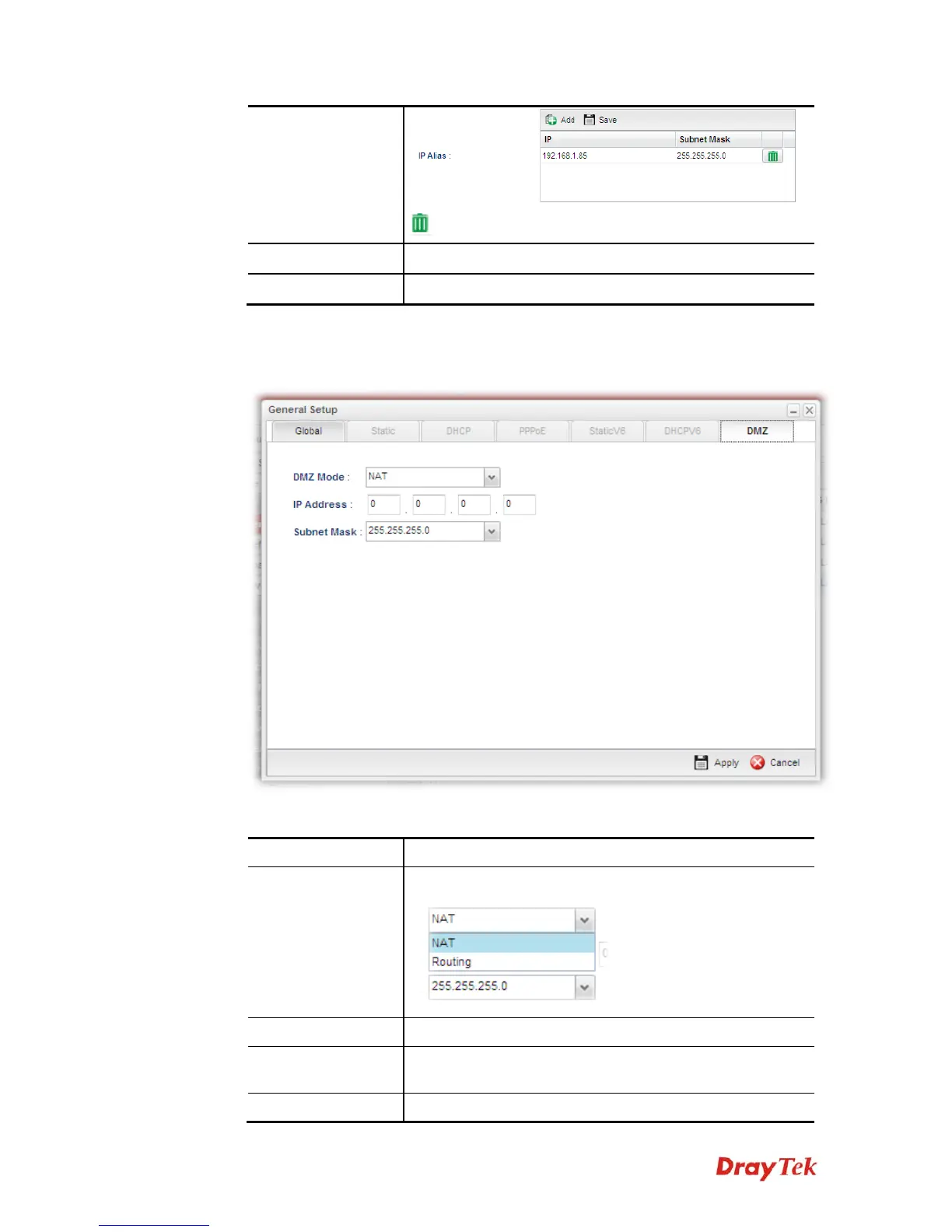
z If you choose DMZ (only available in wan4 profile) as IPv4 protocol type, click the
DMZ Tab to open the following page:
Available parameters are listed as follows if you choose NAT as DMZ Mode:
Item Description
DMZ Mode
Choose NAT or Routing as DMZ mode.
IP Address
Type the IP address specified for such profile.
Subnet Mask
Use the drop down list to choose the subnet mask for such
profile.
Apply
Click it to save the configuration and exit the dialog.



 To Next Page