Vigor300B Series User’s Guide
84
Public Port Start/
Public Port End
Type the starting/ending number of the public port.
Private Port Start/
Private Port End
Specify the private port number of the service offered by the
internal host.
Type the starting/ending number of the private port..
Apply
Click it to save and exit the dialog.
Cancel
Click it to exit the dialog without saving anything.
4. Enter all the settings and click Apply.
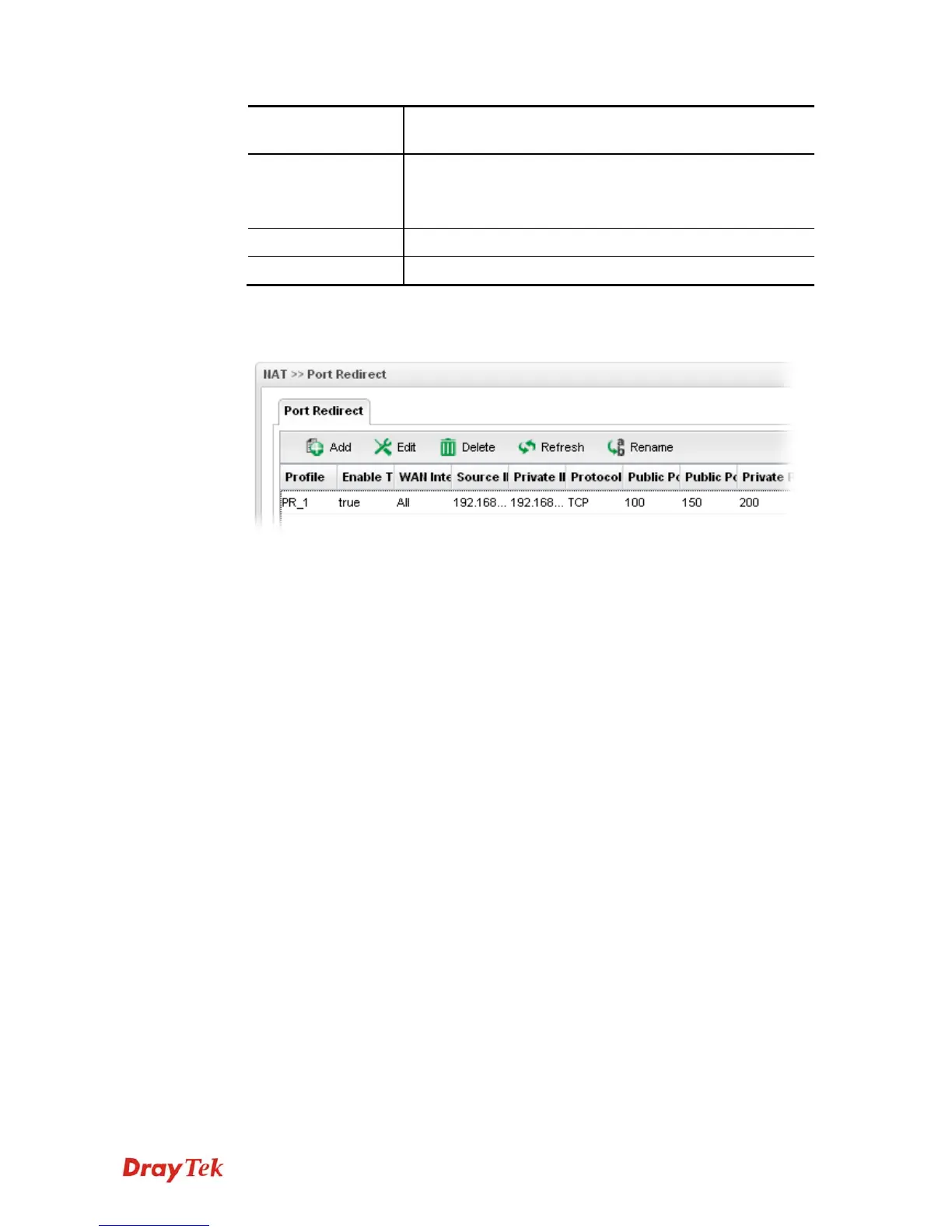
5. A new profile has been added onto Port Redirection table.



 To Next Page