VigorAP 700 User’s Guide
5
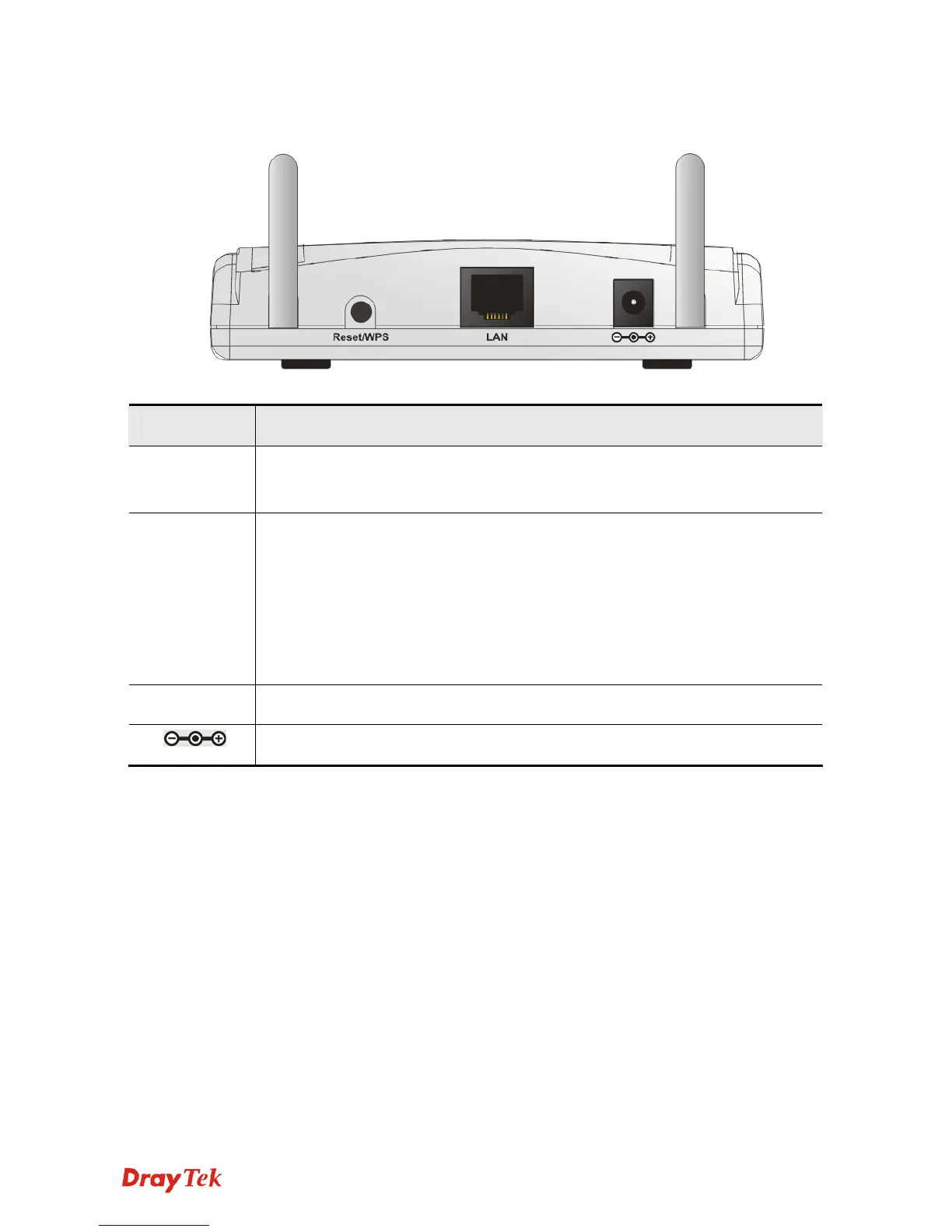
Back Panel
Interface Description
Antennas Two reserve SMA antenna connectors for screwing 3dBi detachable
antennas enclosed with the product.
Reset /
WPS
Restore the default settings.
Usage: Turn on the VigorAP 700. Press the button and keep for more than
10 seconds. Then the AP will restart with the factory default
configuration.
Press the button and keep it less than 5 seconds, the WPS connection will
be enabled.
LAN Connecter for local networked devices.
Connecter for a power adapter.












 To Next Page