VigorAP 700 User’s Guide
13
2-2-5 Connecting to Web Management Interface
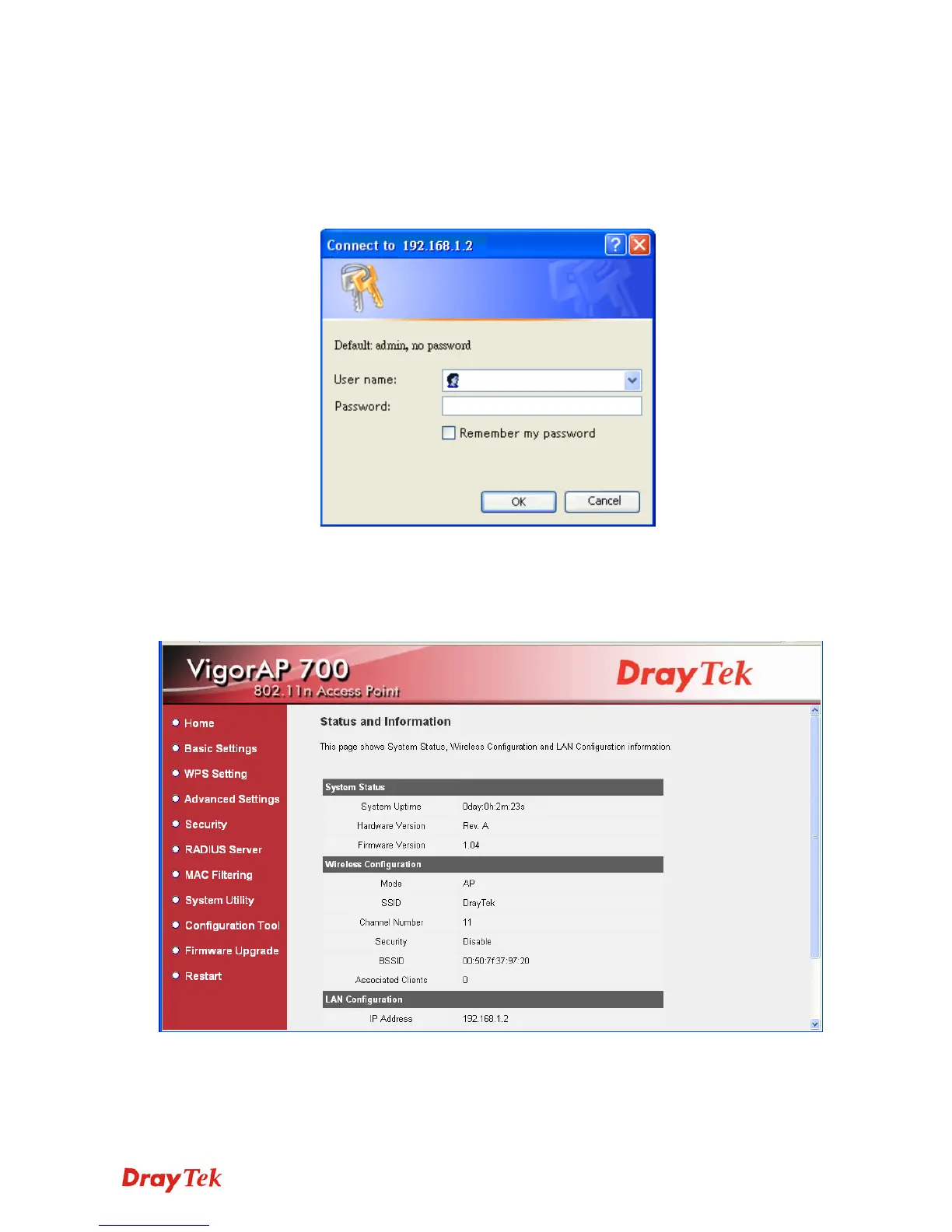
All functions and settings of this access point must be configured via web management
interface. Please start your web browser, and input 192.168.1.2 in address bar, then press Enter
key. The following screen should be shown:
Please input user name and password in the field respectively. The default user name is admin
and no password needed. Next, press OK, and you can see the web management interface of
this access point:












 To Next Page