VigorAP 700 User’s Guide
36
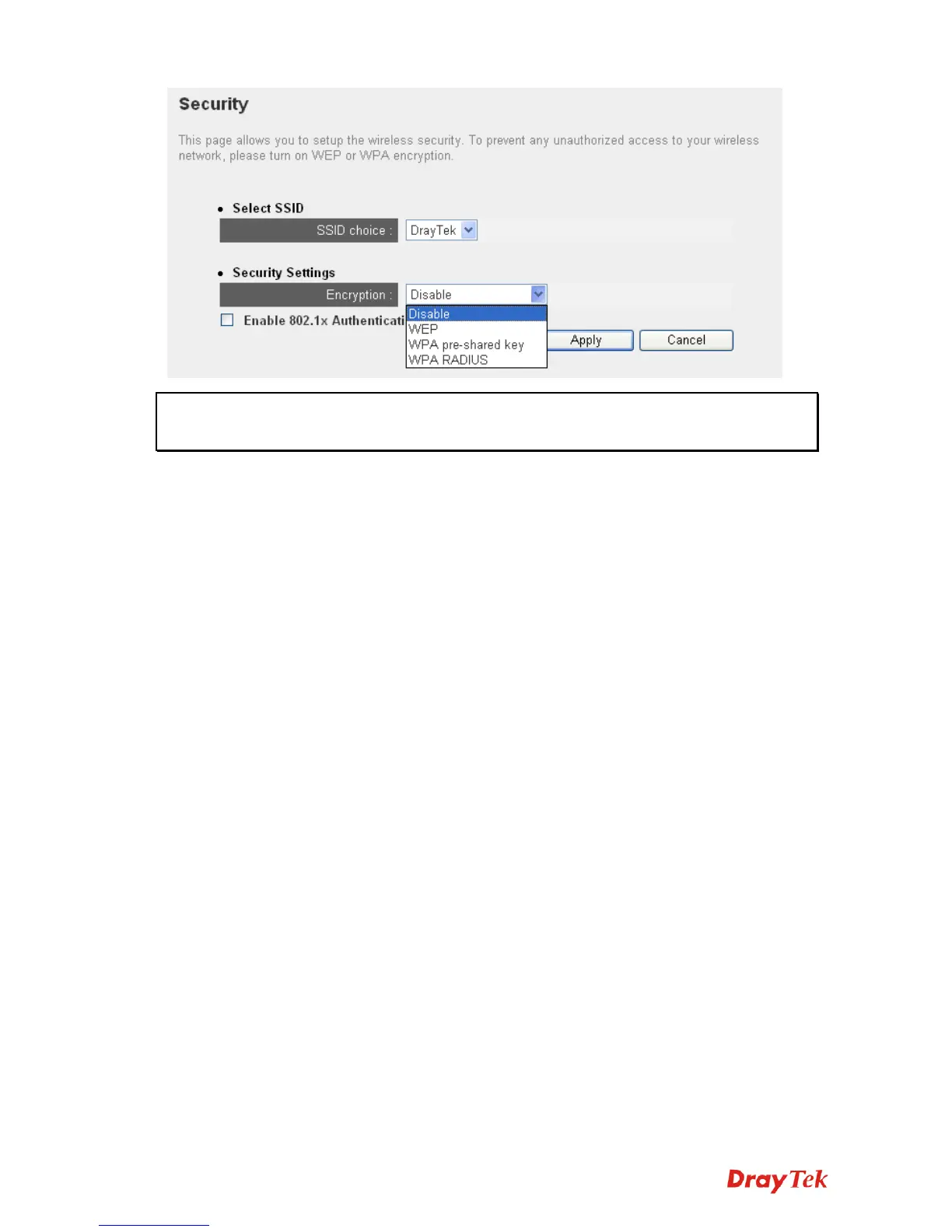
Note: If you have enabled Multiple SSID function, please select the SSID network you
wish to configure in advance.
Please remember it’s very important to set wireless security settings properly! Without a proper
setting, hackers and intruders may gain access to your local network and do something bad to
your computers and servers, which could cause serious problem.
There are several things you can do to improve wireless security:
1. Always enable data encryption. Only disable it when you want to open your VigorAP 700 to
the public.
2. Never use simple words as encryption password. Use the random combination of symbols,
numbers, and alphabets will greatly improve security.
3. Use WPA when possible - it's much safer than WEP.
4. Change encryption password when you’ve used it for too long time.












 To Next Page