VigorAP 700 User’s Guide
53
2-13 Restart
When you think the access point is not working properly, you can use this function to restart the
access point. This may help and solve the problem.
This function is useful when the access point is far from you or unreachable. However, if the
access point is not responding, you may have to switch it off by unplugging the power plug and
plugginh it back again after 10 seconds.
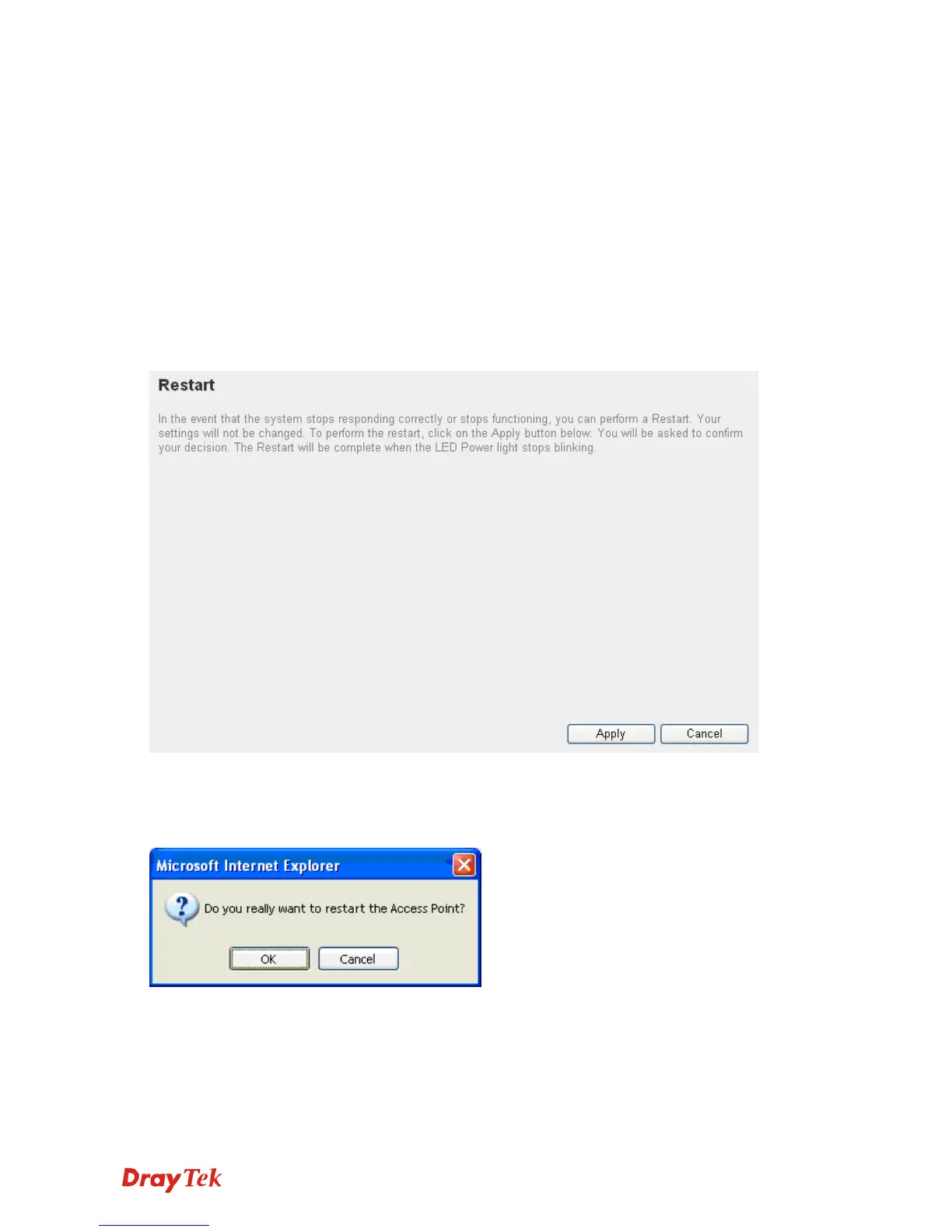
To restart your access point, please click Restart on the left. The following screen will be
displayed:
Please click Apply. A popup message will ask you again to make sure you really want to restart
the access point:
Click OK to reset the access point or click Cancel to abort. Please remember all connections
between wireless clients and this access point will be disconnected.












 To Next Page