4
4
.
.
3
3
I
I
n
n
i
i
t
t
i
i
a
a
l
l
C
C
o
o
n
n
f
f
i
i
g
g
u
u
r
r
a
a
t
t
i
i
o
o
n
n
This section details how to set up the VigorAP to operate as part of your wireless
network.
4
4
.
.
3
3
.
.
1
1
C
C
o
o
n
n
n
n
e
e
c
c
t
t
e
e
d
d
a
a
s
s
a
a
M
M
e
e
s
s
h
h
N
N
o
o
d
d
e
e
(
(
i
i
n
n
M
M
e
e
s
s
h
h
N
N
e
e
t
t
w
w
o
o
r
r
k
k
)
)
Install the VigorAP on to the ceiling.
As a mesh node, settings related to VigorAP 912C must be configured by
a remote Mesh Root (e.g., VigorAP 903) within the mesh network:
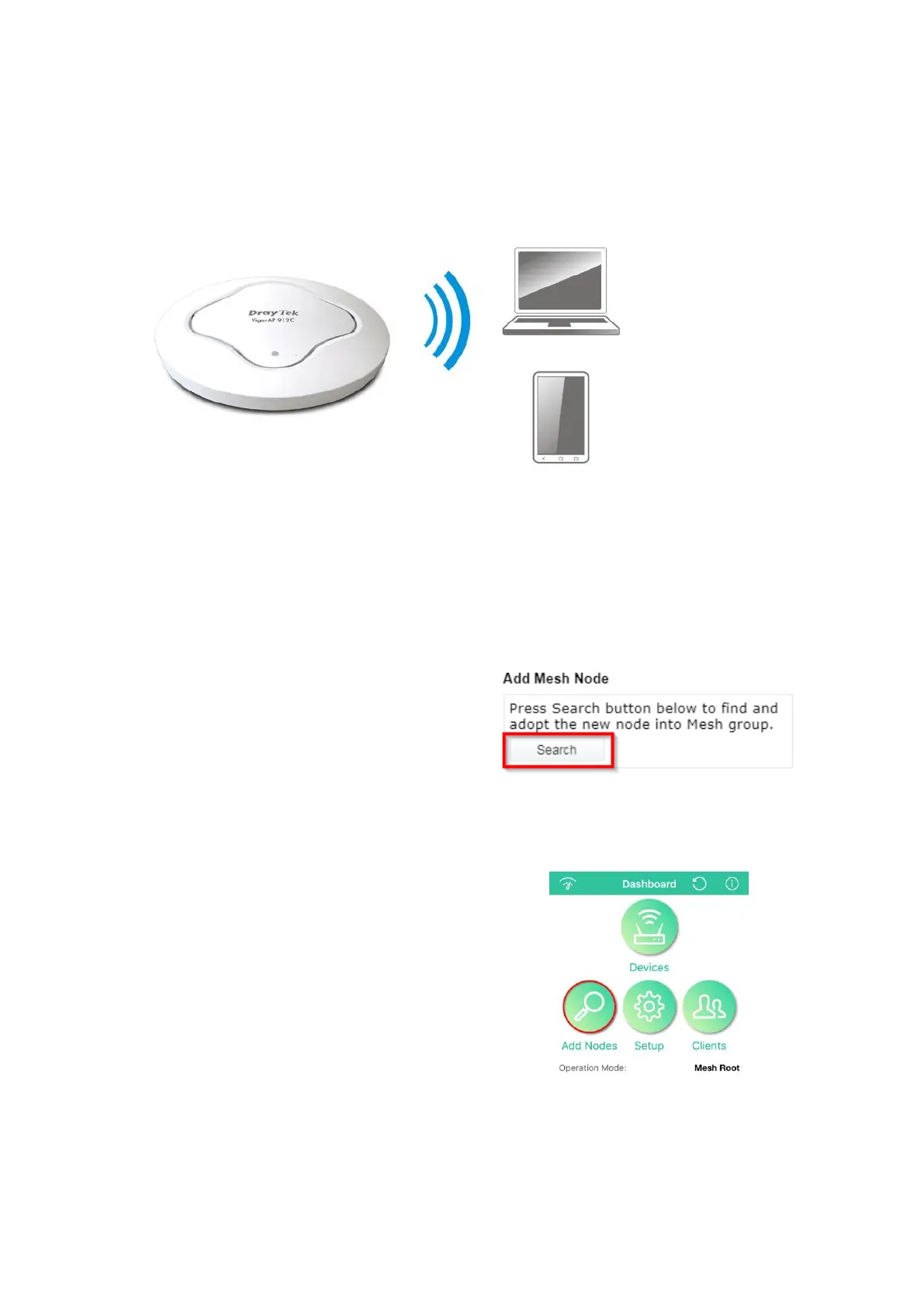
Method 1 - Mesh Root AP’s Web Interface:
Access the web interface of the
Mesh Root AP.
Go to [Mesh] > [General Setup]
and click the Search button to
discover the new AP and add it as a
new Mesh Node.
Method 2 - DrayTek Wireless app:
Connect to the Mesh Root with the
DrayTek Wireless app.
Press the Add Nodes button to
begin the discovery process.
Select the new VigorAP to add it as
a new Mesh Node.












 To Next Page