9
4
4
.
.
2
2
C
C
o
o
n
n
n
n
e
e
c
c
t
t
t
t
o
o
a
a
V
V
i
i
g
g
o
o
r
r
R
R
o
o
u
u
t
t
e
e
r
r
u
u
s
s
i
i
n
n
g
g
A
A
P
P
M
M
a
a
n
n
a
a
g
g
e
e
m
m
e
e
n
n
t
t
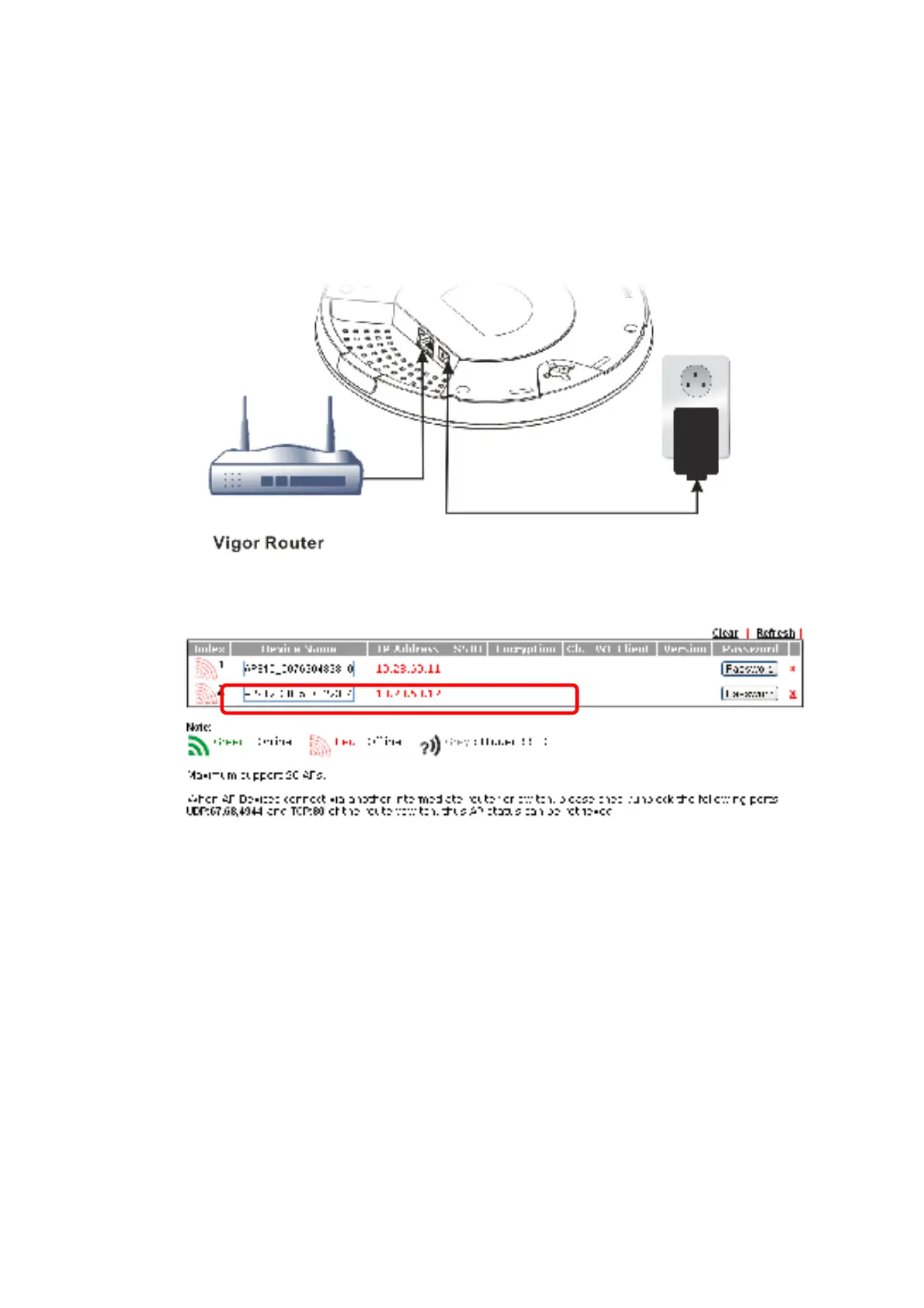
Your VigorAP can be used wit h Vigor rout ers which support AP management (such
as t he Vigor2865 or Vigor2927 series). AP Management enables you t o monit or
and manage mult iple DrayTek APs from a single int erf ace.
1. Connect one end of t he power adapt er t o power port of VigorAP, and t he
ot her side int o a wall out let .
2. Access int o t he web user int erf ace of Vigor rout er. Here we t ake Vigor2865
as an example. Open Central Management>>AP>>Status.
3. Locat e VigorAP 960C. Click t he IP address assigned by Vigor rout er t o access
int o web user int erf ace of VigorAP 960C.
4. Af t er t yping username and password (admin/ admin), t he main screen will be
displayed.













 To Next Page