11
There are two methods t o conf igure VigorAP.
Method 1:
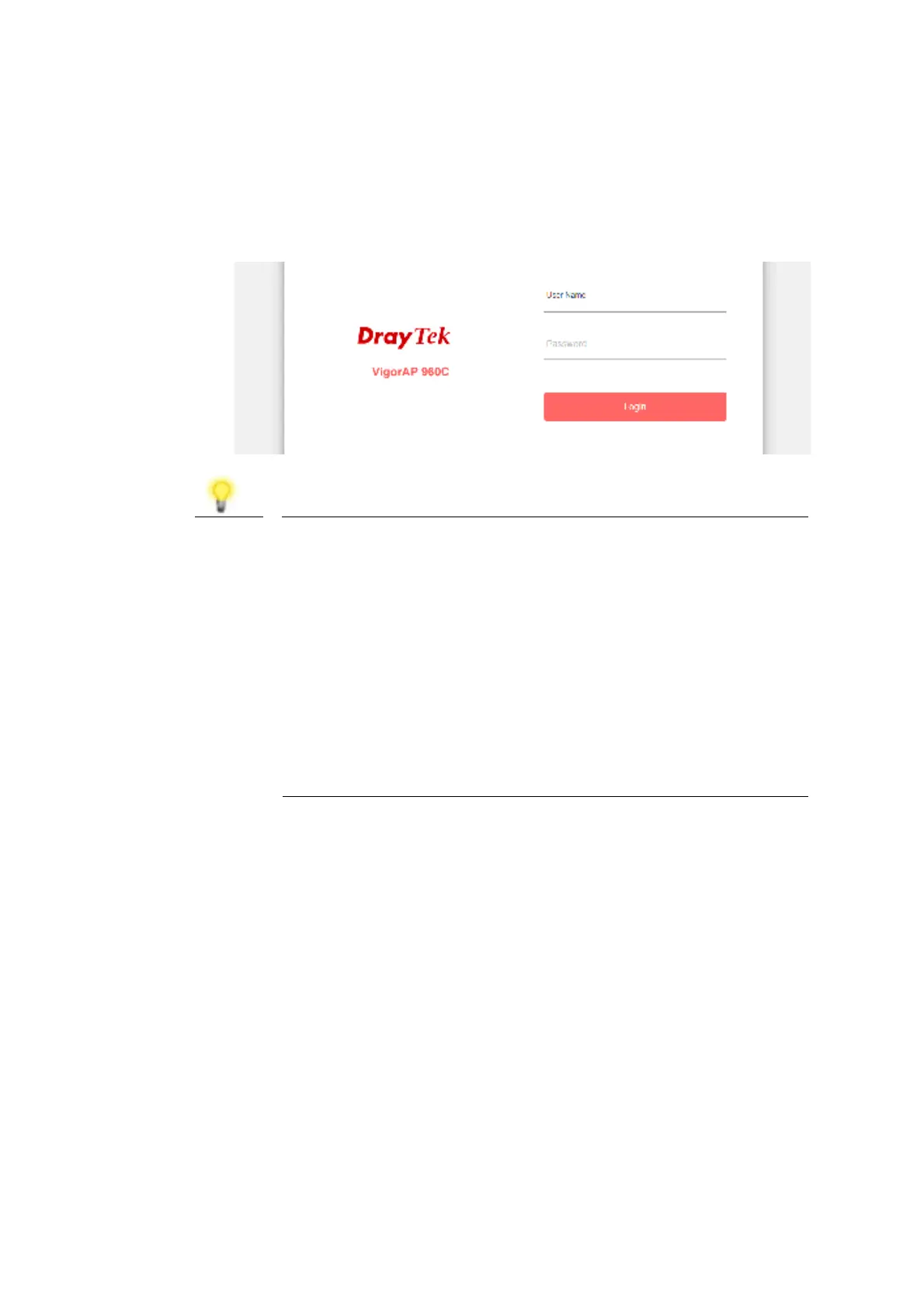
(a) First , open a web browser on your PC and t ype https:/ / 192. 168. 1. 2. A
pop-up window will open t o ask for username and password.
Note
You may eit her simply set up your comput er t o get IP
dynamically f rom t he rout er or set up t he IP address of t he
comput er t o be in t he same subnet as the IP address of
VigorAP 960C.
If t here is no DHCP server on t he net work, t hen VigorAP
960C will have an IP address of 192.168. 1. 2.
If t here is DHCP available on t he net work, t hen VigorAP
960C will receive it s IP address via t he DHCP server.
If you connect t o VigorAP by wireless LAN, you could t ry
t o access t he web user int erf ace t hrough
ht t p: / / vigorap.com.
(b) Aft er clicking Login, Quick Start Wizard f or conf iguring wireless
set t ings will appear as follows.













 To Next Page