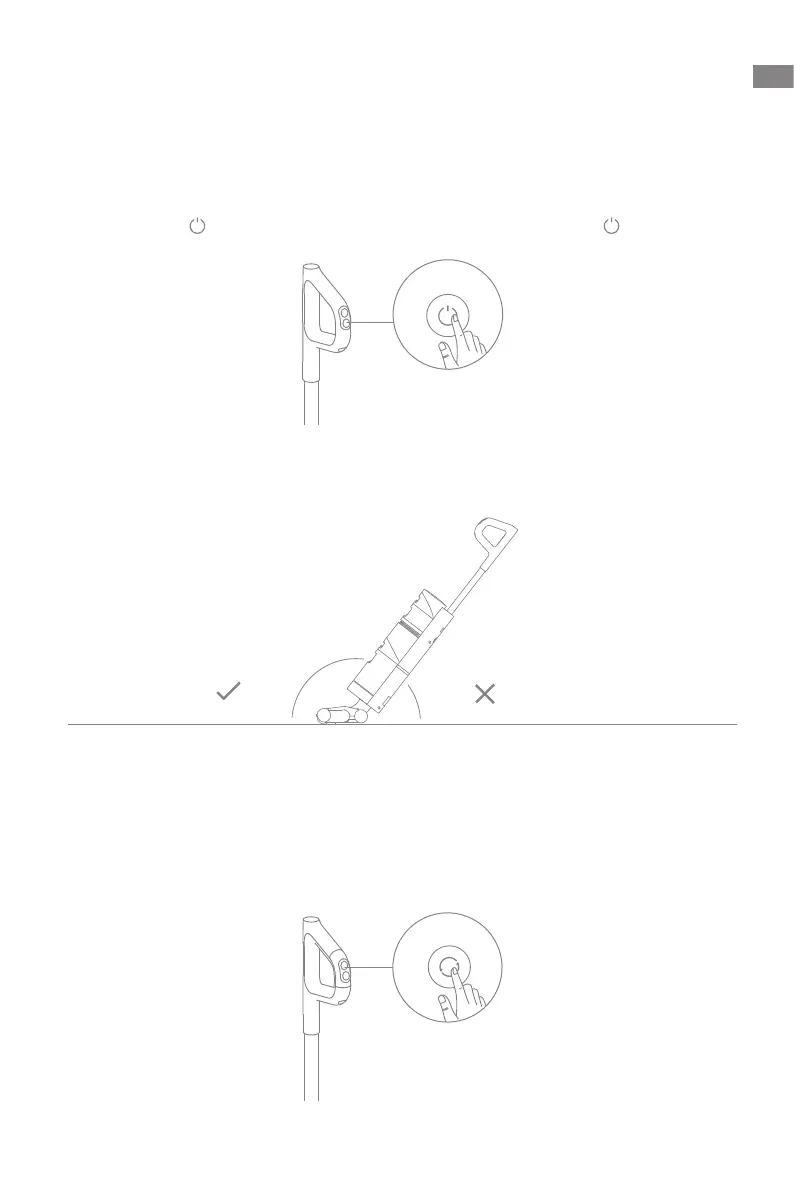
<40°<140°
11
EN
How to Use
Start Cleaning
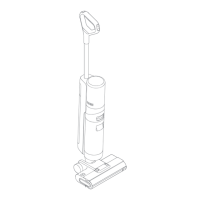
The vacuum is equipped with an upright/tilt switch. Please use it at an angle after
turning it on.
Short press the
to power on and the vacuum starts cleaning. Press
again to stop
working.
Note: When the vacuum is working, do not lift it up and downor move it, and do not
tilt the vacuum to one side or lay it at to protect against the dirty water back into the
vacuum.
Do not recline the vacuum more than 140° to protect against water leakage.
Switch Suction Level
The vacuum is powered on by default in Standard mode. You can press the suction level
button to enter the Turbo mode according to actual needs.



 To Next Page
 Loading...