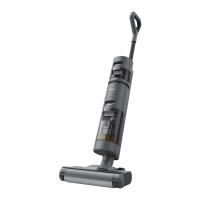
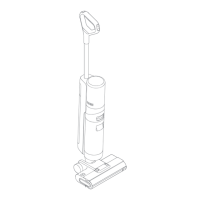
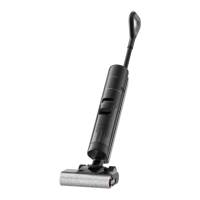
14
Note:
• Do not vacuum any foamy liquids.
• The appliance will be suspended in the upright position while running.
• The appliance is suitable for cleaning floors, marble, tiles, and other hard
surfaces.
• Do not recline the appliance backwards more than 140° to prevent the appliance
from leaking water.
• When the appliance is in operation, do not lift it off the ground or lay it flat. Doing
so may cause the used water to flow into the motor.
Cleaning the Used Water Tank
Press and Used Water Tank release button to take out the tank. Remove the tank cover
and pour out the used water. Close the tank cover and re-install the tank before use.
One-Press Self-Cleaning
1. Place the appliance back onto the base while you finish cleaning. Ensure that the
water in the Clean Water Tank is sufficient for self-cleaning.
2. Briefly press the self-cleaning button on the top of the handle, the self-cleaning
indicator will light up, and the appliance will start self-cleaning.
3. Please empty the Used Water Tank after self-cleaning is completed and drying
mode had been engaged. Press the button to exit the drying mode.
Note: The self-cleaning function can be enabled only when the appliance is being
charged and the battery level is more than 15%.



 To Next Page
 Loading...