13
Filling the Clean Water Tank
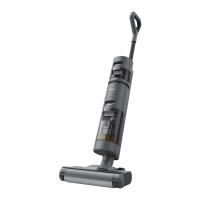
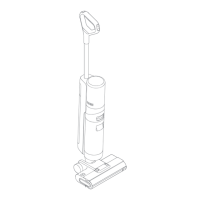
Press the Clean Water Tank release button and pull the tank outwards to remove it.
Remove the cover of the Clean Water Tank and fill the tank with clean water. Install the
Clean Water Tank and ensure it click into place.
Note:
• For better cleaning performance, it is recommended to add 10ml detergent with
the bottle cap into the full Clean Water Tank, then shake gently and evenly for
use.
• Do not add any liquids other than the officially approved cleaner. The cleaner can
be available on the official online store.
Start Cleaning
Gently step on the brush cover and recline the appliance backwards. Press the power
switch to start operating. Press the to switch among the auto mode – the ultra-
mode – the suction mode according to your needs.



 To Next Page
 Loading...