Touch Screen
19
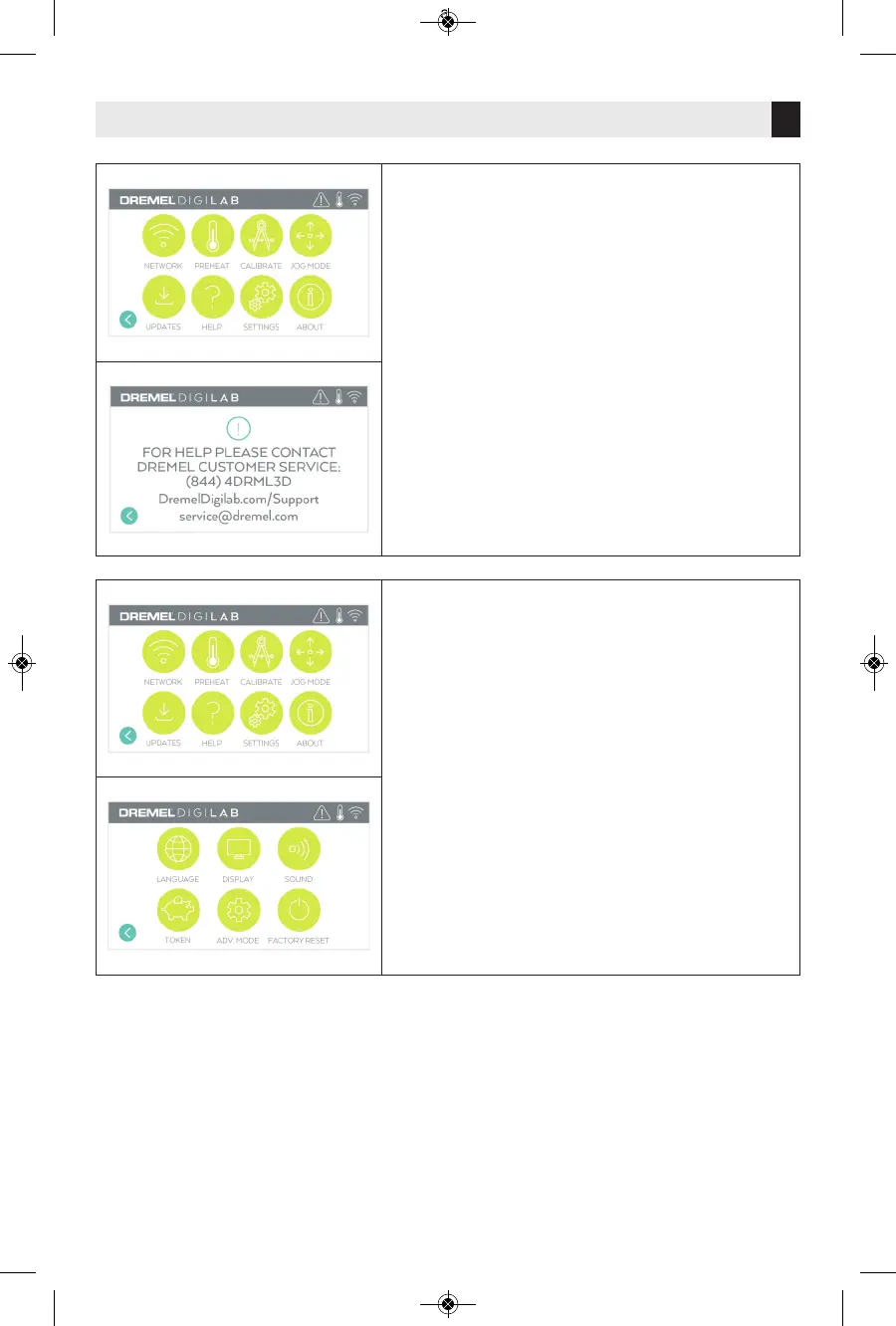
SETTINGS
LANGUAGE – Tap to pick alternate menu language.
DISPLAY – Tap to customize cabinet LEDs or main
menu hotkeys.
SOUNDS – Tap to turn 3D45 sounds On/Off.
TOKEN – Tap to release current token and get a
new token when connected to Wifi or Ethernet.
ADVANCED MODE – Tap to manually prioritize G-
Code settings.
FACTORY RESET – Tap to remove all information
stored on 3D45 and return it to factory defaults.
HELP
Tap to enter service menu to see customer service
contact information.



 To Next Page