Getting Ready to Build
25
9. Filament will be drawn into the extruder
and begin to exit from the hot extruder tip.
NOTE: Your Dremel 3D45 was tested by
building objects before leaving the factory.
These test objects may have been made
with a different filament color than you are
using. Therefore, a small amount of
filament may be remaining in the extruder.
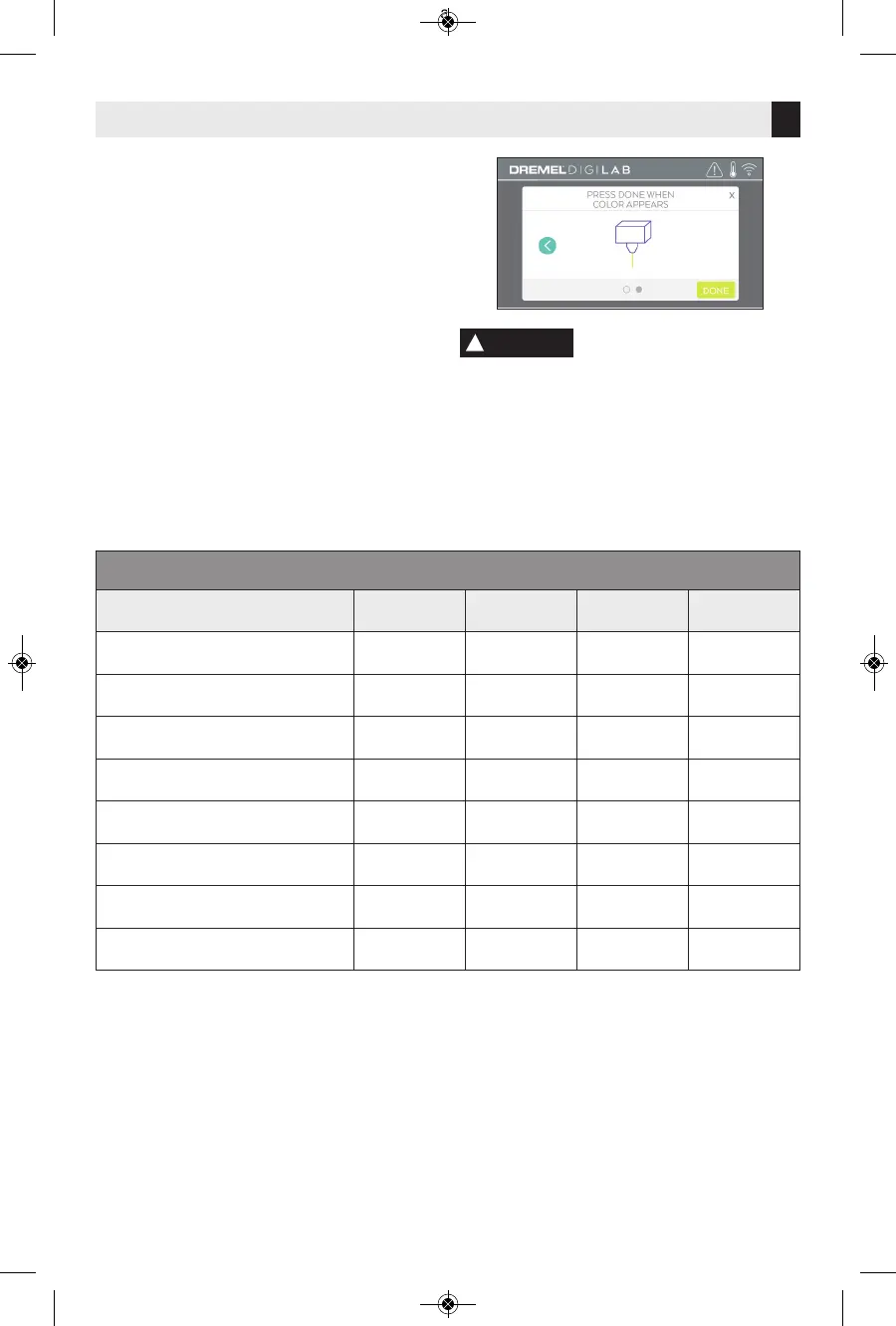
10. When new filament appears from
extruder tip, tap “done” on touch screen
to complete filament load process,
return to main menu, and calibrate
extruder. Carefully remove excess
filament without touching hot extruder
tip. If necessary, carefully remove debris
from extruder tip with needle nose
pliers.
Use extra care not to
damage the extruder tip
when clearing debris. Dremel 3D45 will not
work properly with a damaged extruder tip
and will require replacement.
11. Close 3D45 lid and door.
!
CAUTION
FILAMENT TYPEANDSETTINGS
Filament Type
PLA ECO-ABS Nylon PETG
Nozzle Temperature Range
190 -240 C 190 -240 C 220 – 280 C 230-260 C
Optimal Nozzle Temperature
220 C 220 C 255 C 250 C
Build Platform Temperature Range
0 – 60 C 0 – 70 C 0 – 100 C 0 – 80 C
Optimal Build Platform Temperature
35 C 45 C 80 C 70 C
Print Speed Multiplier
0 – 100% 0 – 100% 0 – 100% 0 – 100%
Recommended Speed Multiplier
100% 100% 90% 100%
Fan Range
0 – 100% 0 – 100% 0 – 100% 0 – 100%
Object cooling fan setting
100% 100% 50% 100%
NOTE: Please check website digilab.dremel.com for latest filament settings.



 To Next Page