10
LT-2334
BATTERY CHARGING / TRAVEL
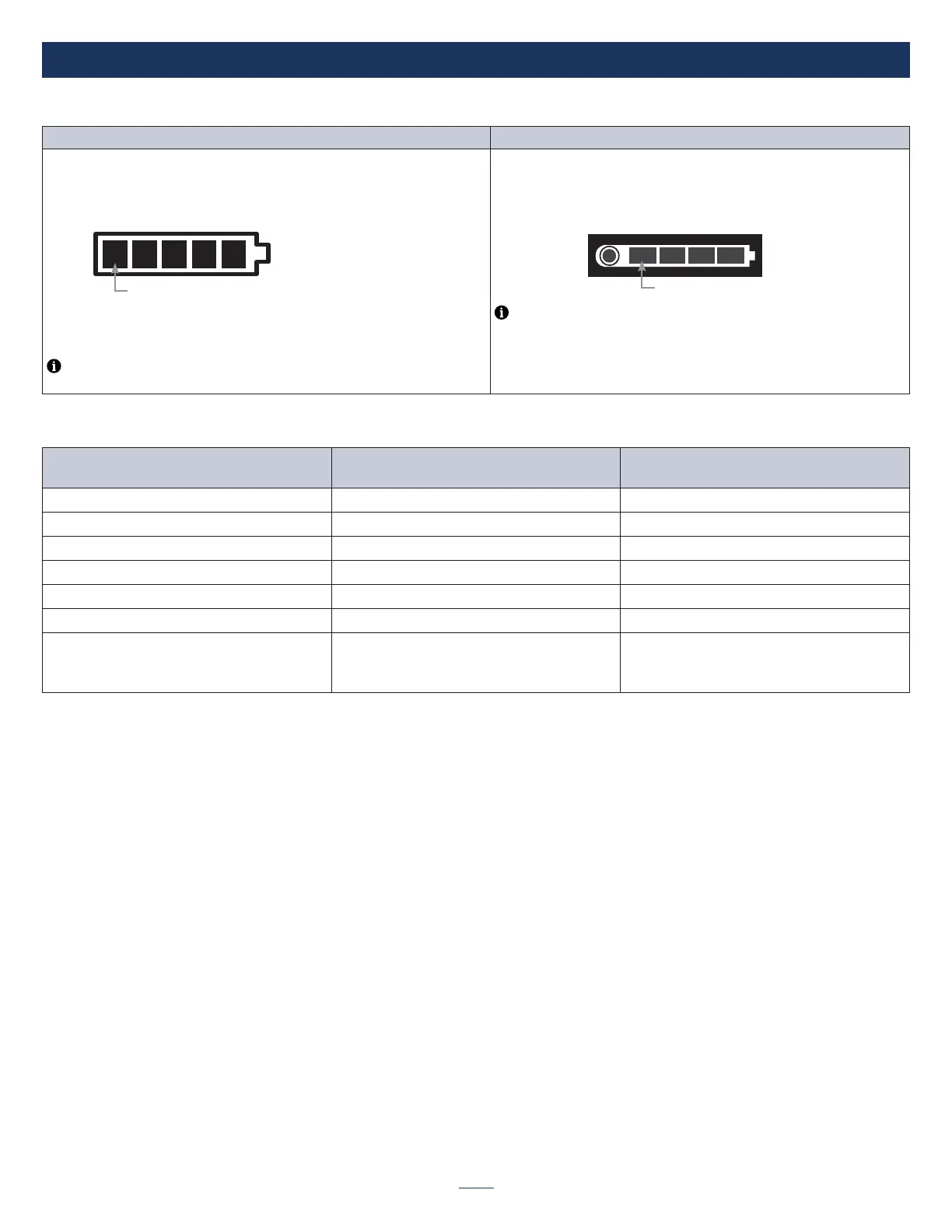
Battery Charge Level
Display (installed battery) Spare Battery (not installed)
To check the battery charge level percent, press and hold either the “+” or “-“
button, and the percent of battery remaining display will be shown. The display
will revert back to prescription setting in a few seconds, but the battery status
indicator is always shown.
To check the charge level on a spare battery, simply press the Charge
Status Button on the individual battery.
Flashing = 10% remaining
Audible Alert = 5% remaining
Device Shutdown = within 2 minutes of reporting 5% charge
remaining. Plug in device or change battery to continue use.
NOTE– Each segment of the battery charge status gauge indicates a percent
of the total charge capacity
Flashing = 10% remaining
NOTE– Each segment of the battery charge status gauge indicates 25%
of total charge capacity.
Discharging Battery Bar Table (unplugged)
Battery Charge Status Displayed Charge
Battery Bar Display
# of Bars Lit
90 - 100% 90 - 99 5 bars steady
70 - 89% 70 - 89 4 bars steady
50 - 69% 50 - 69 3 bars steady
30 - 49% 30 - 49 2 bars steady
11 - 29% 11 - 29 1 bar steady
6 - 10% 06 - 10 1 bar blinking at 1 Hz (slow ash)
1 - 5% 01 - 05
*Device will shutdown within 2 minutes
of reporting 5% charge remaining
1 bar blinking at 3.3 Hz (fast ash)
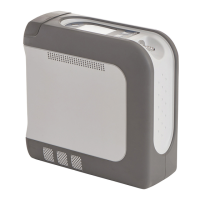
TRAVELING WITH THE IGO2 POC
Refer to the instruction guide for information and recommendations on traveling with the iGo2 POC.



 To Next Page