LT-2334
11
MAINTENANCE
MAINTENANCE
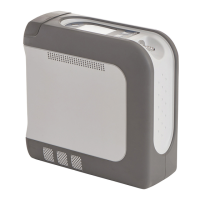
There is no routine or scheduled maintenance required for the iGo2 POC.
Alarm System Function Check
The alarm system function is checked automatically each time the unit is turned on. Therefore there is no monitoring system or method required to check the
function of the alarm system. At power on, the audible alarm sounds for 1 second and all LCD (liquid crystal display) segments light for 3 seconds to verify that
all LCD segments are operating.
Expected Service Life
• Oxygen Concentrator - 5 years
• Carrying Case - 5 years
• Compressor - 3 years
• Sieve Beds - 1 year
• Battery - 1 year
Expected service life of the unit, and in particular the sieve beds and compressor, may vary based on the operating environment, storage, handling, and the
frequency and intensity of use.
There is no portion of the gas pathways through the concentrator that could be contaminated with body uids under normal or single fault.
The device patient connection may unintentionally become contaminated with expired gasses if a hose internal to the device, between the dispense valve and
patient outlet port, becomes disconnected. This would allow open ow from the patient to the device. A bacteria lter is used in the patient connection, and this
will prevent contamination of the system. The design of the concentrator allows removal of the patient connection for cleaning and/or replacement of the lter
INFORMATION MODE
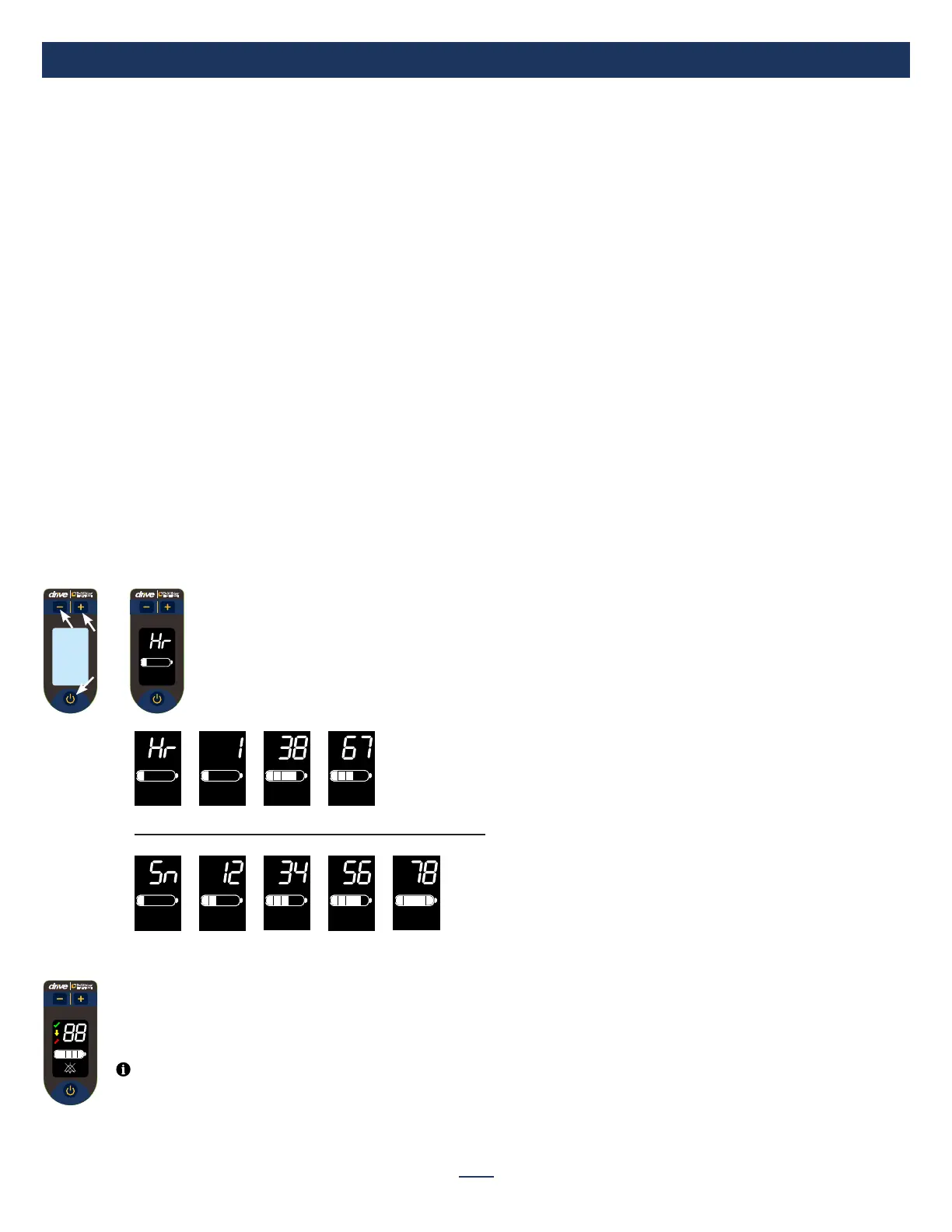
Information mode allows you to view the Hour Meter and Serial Number.
Entering Information Mode
With the device plugged in and OFF:
- Press and hold all 3 buttons for 2 seconds until display shows Hour Meter.
Press Power button for 1 second and release for Serial Number.
Hr (Hour Meter)
Hr (Hour Meter) is displayed; it contains 5 digits shown across 3 segments. Display auto
scrolls through segments.
Sn (Serial Number)
Sn (Serial Number) is next item displayed; it contains 8 digits shown across 4
segments. Display auto scrolls through segments.
To Exit information Mode:
Press Power button for 2 seconds and release to exit Information Mode and turn off device.
Exiting Information Mode
NOTE– Information Mode times out after 2 minutes without user interaction.



 To Next Page