8. CYCLE MONITORING
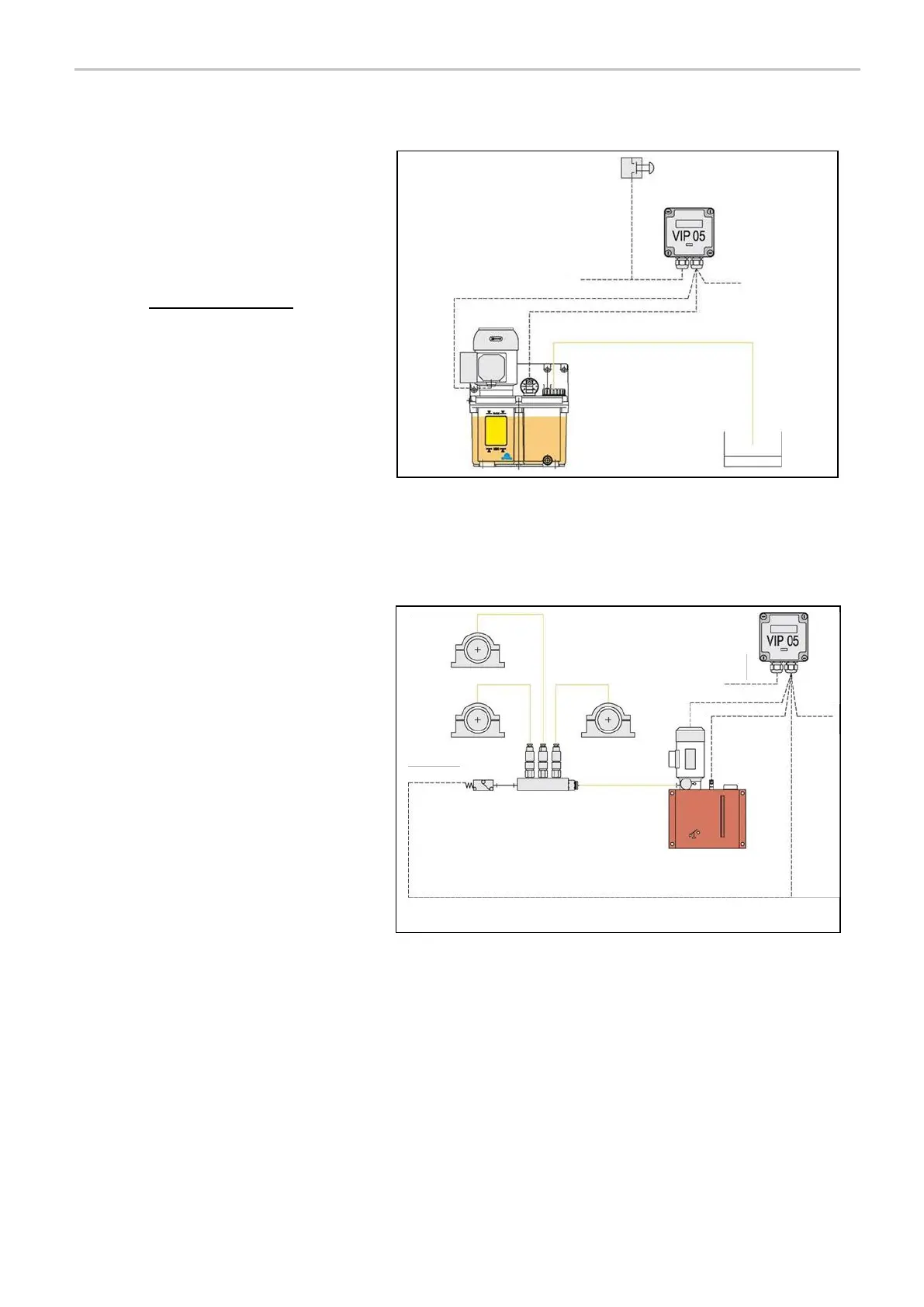
1) TIMER – TIME ONLY
The Lubrication cycle is simply operated
according to a preset Timer value.
Therefore, no input is monitored to confirm
the correct completion of the lubrication
cycle.
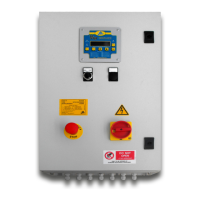
2) PS – PRESSURE SWITCH
Pressure switch monitoring is typically used
in injector system.
The VIP5 will monitor input P1 to verify that
it is an OPEN contact at the start of the
cycle.
The pump is activated and the pressure
switch must CLOSE within a timeout period
otherwise a cycle alarm is generated.
Once the P1 contact is closed, a DELAY
timer checks that the switch is not broken
for a set time before switching off the
pump. This ensures that pressure spikes at
the start of a lubrication cycles on long lines
are filtered out.
A WAIT timer can be set to allow the
injectors to reset when using multi cycle
configuration.



 To Next Page