22/29
9.4 SPECIAL FUNCTIONS:
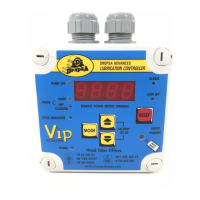
1) LCD CONTRAST ADJUSTMENT : by Pressing ESC or OK during power on or immediately after a reset, you access the
menu for adjusting the contrast of LCD; hold down OK the contrast decreases, with ESC increases.
2) FLOW TOTALIZER DATA VISUALIZATION: with the VIP5 in standby mode, pressing the OK key will allow you to scroll
through the current average flow rate, or the total volume dispense in the last DAY, HOUR or TOTAL since last reset.
3) RESETTING THE FLOW TOTALIZER: during the visualization of the above parameters the flow can be reset by holding
the DOWN key.
4) TIME AND DATE: during standby, it is possible to view time and date by using the ESC key only if DATETIME
parameter is set on “enable”.
5) EVENT LOG VIEWER:n by holding the Up or Down key for five seconds it is possible to scroll through the Event Log .
( available in version FW 2.xx onwards)
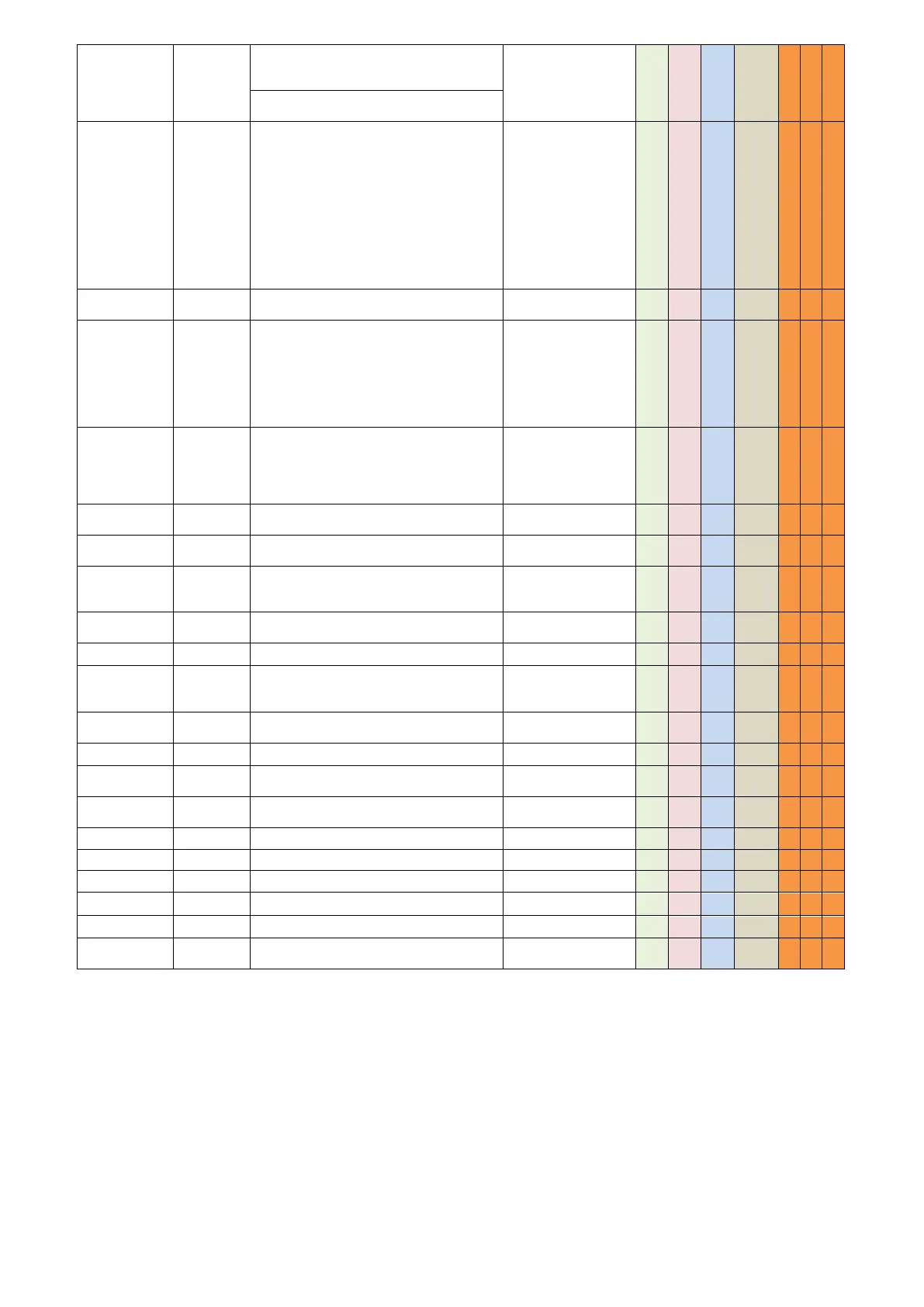
When the pressure switch is made, how long
to keep the pump running to ensure that the
signal is genuine and not a pressure spike
With FLOW mode time an alarm condition
must exist before being reported
When the suspend signal is given to the
controller , we can have following values
Never – Do not stop
In Pause – Stop at the end of lubrication
phase
In Cycle – Stop during lubrication phase
Always – Stop when a signal is received
Never
In Pause
In Cycle
Always
In Pulse Mode, will suspend the Lubrication
Phase if a signal is not received.
In Cycle Mode, set number of pulses during
pause phase. This mode can be used with.
If pause is zero will be based on “pause time”
setting.
Null – 250
(cycle mode)
Null-6000
(PULSE mode)
The ratio that can be applied for ‘pause
count’ setting, to allow the user to obtain a
higher counting breaks . ( eg., if pause is 52
and the multiplier is 100, the value will be
5200 )
The Duration of the Lubrication cycle (in
PULSE Mode)
Informational value of how much lubricant is
dispensed per Lubrication Cycle
Information Unit for the flow value parameter
used for display purposes only.
Counts,
CubicC., Liters, Pints,
Gallons, KilosGrams
Minimum Flow Setting
Totally excludes flow alarm if null
Configuration for the input signal of minimum
level
Setting a low level if you use 4-20mA input
Setting a high level if you use 4-20mA input
When resetting a low level alarm, grace period
before monitoring level inputs.
Enable or Disable the Real Time clock
functions. Note: be sure battery is connected.
RESET TO FACTORY DEFAULT SETTINGS



 To Next Page