DRT-MAN-093
58/74
3.5.2 Operating the detector
* The Network lamp is divided into two different lamps; AP (Blue) and LINK (Green) lamps.
3.5.2.1 Powering on the detector
Before operating the detector, start up the EConsole1
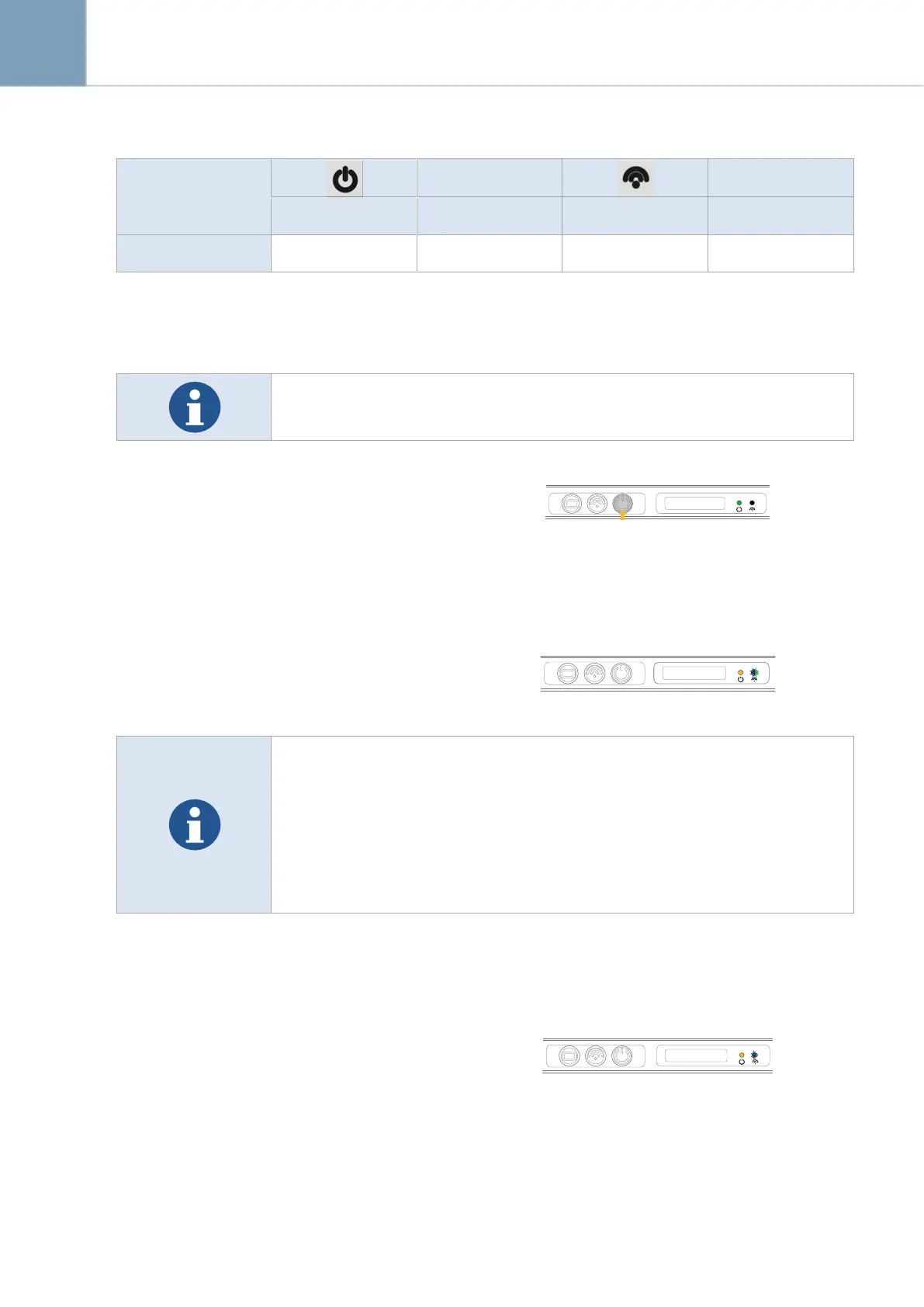
Press and hold the POWER button
(approx. 1 second)
Operation lamp (Green) lights up
3.5.2.2 Register the detector and make connection to the EVS control
system
Registration: AP(Blue) and LINK(Green) lamp
blinks
When the AP lamp is blinking once in 2 seconds, system is in wired mode.
When the AP lamp is blinking twice in 2 seconds, system is in wireless mode
(AP_1).
When the AP lamp is blinking 3 times in 2 seconds, system is in wireless
mode (AP_2).
When the AP lamp is blinking 4 times in 2 seconds, system is in wireless
mode (Detector AP)
**User can set value of AP_1, AP_2, in Ecali Program. Please refer to Ecali1 Operation Manual
(Calibration tool).
Connection: Network connection between the
internal wireless module of the detector and
the wireless access point/EVS control system
is secured automatically. The LINK (Green)
lamp lights up when the detector is registered
and the communication connection has been
established.



 To Next Page