DRT-MAN-093
62/74
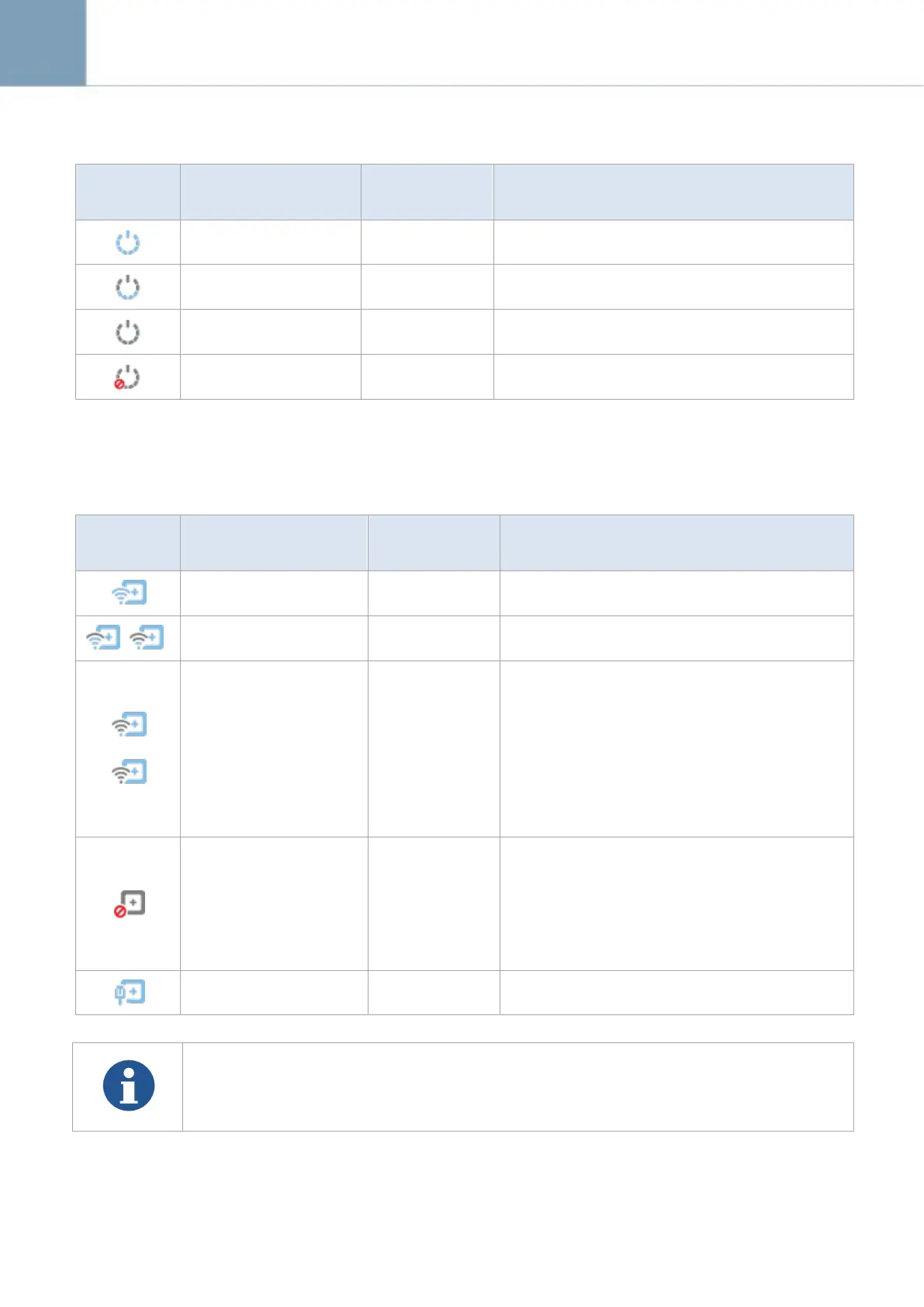
3.7.2 Power Mode Indicator
Hibernation power mode only
Power turned off
or not linked
Disconnected
communications
3.7.3 Signal Strength Indicator
Signal Strength
(communication
stability)
Wireless, Normal
(Stable)
Unstable
communication.
Communication
speed is lowered
Check whether there is any obstacle (e.g. your
hands) between the wireless module and the
wireless access point.
If there is any obstacle, remove it.
If the problem cannot be resolved, ask for
consultation to your sales representative or local
DRTECH dealer.
No signal or No Link
(Communication failed)
Disconnected
communications
Confirm that detector and the access point are
turned on.
If the problem cannot be resolved, ask for
consultation to your sales representative or local
DRTECH dealer.
External cable is connected.
A signal strength indicator appears on the screen of the ECali1 computer. It shows the
wireless communication level between the detector and ECali1.
Keep the wireless communication level stable on capturing or transmitting images.



 To Next Page