Drucker Diagnostics – Customer Service: +1-814-692-7661 – CustomerService@DruckerDiagnostics.com | Page 3
QUICK START
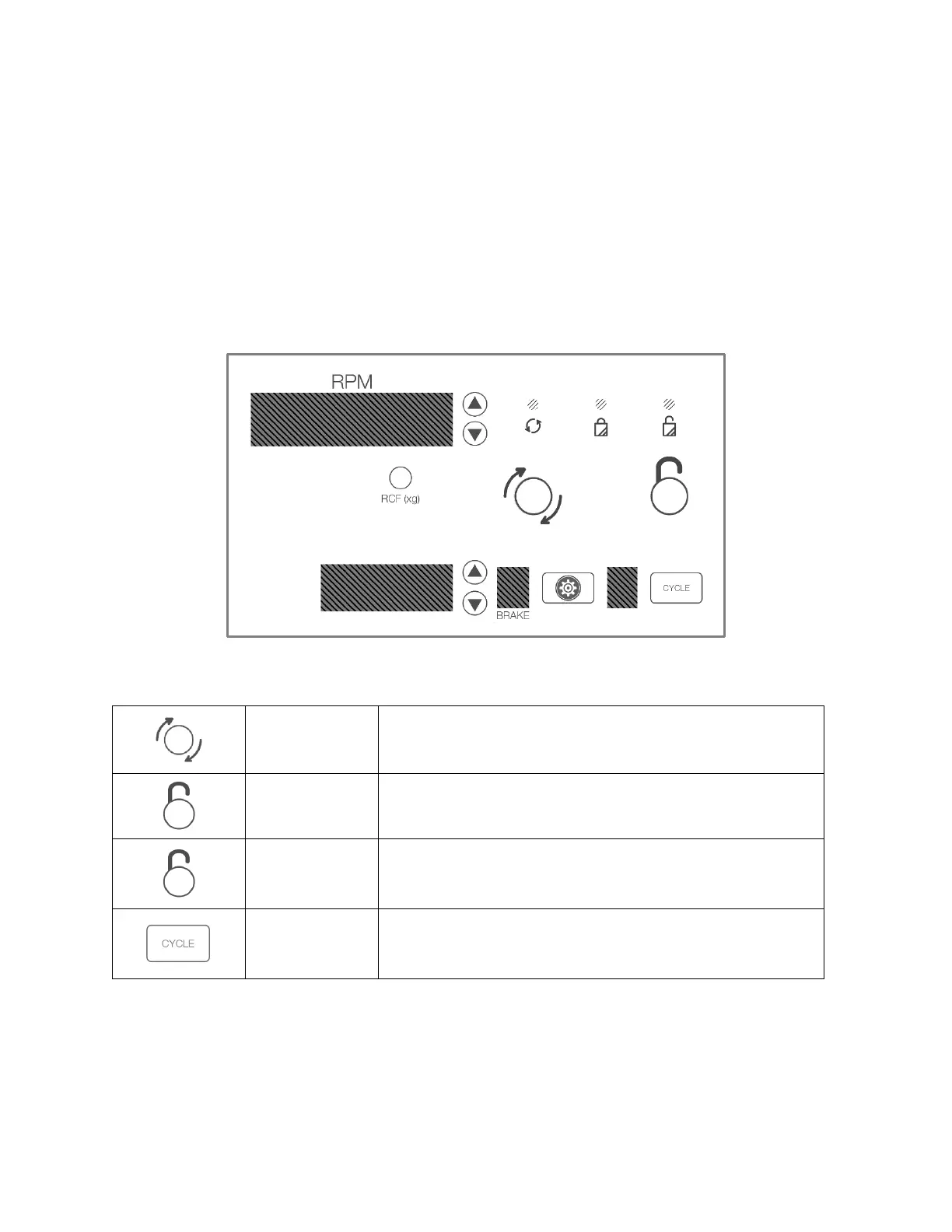
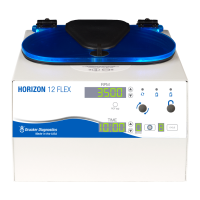
The top screen display alternates between the name of the currently selected speed. The bottom screen displays
the time setting. For convenience, the first few cycles are preset as shown and can be reprogrammed to your
validated cycles:
This setting is factory preset for Chemistry tubes
This setting is factory preset for Coagulation or Platelet Poor Plasma (PPP)
This setting is factory preset for urine tubes
Begins running the cycle displayed on the screen. The lid must be
closed.
Allows access into the rotor chamber by engaging the unlocking
mechanism. Entry is only possible when the rotor is stopped.
Pressing the UNLOCK button during operation will terminate the
run and unlock the lid after the rotor has come to a stop.
Press the CYCLE button to select the desired saved cycle.


 To Next Page