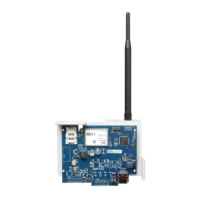
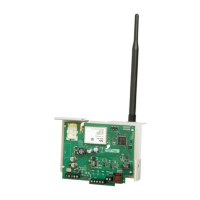
This section may be used by the installer to force the communicator to send an immediate test transmission to specific receivers,
to verify that the communications paths are available. Diagnostic test transmission failure will indicate as FTC trouble (yellow
LED = 9 flashes). If an FTC error occurs when testing all receivers, select only one receiver and repeat test to isolate the
receiver that is not communicating.
NOTE: Sending a test transmission to a receiver that is not programmed generates FTC trouble.
System Information (Read Only)
NOTE: Sections [983] - [998] are provided for information (read only). Values in these sections cannot be modified by the
installer.
[983] Firmware Update Diagnostics Section
Firmware updates for panel and the communicator itself can be made from the communicator.
l The firmware update diagnostic section is a read only 2-digit, hexadecimal section.
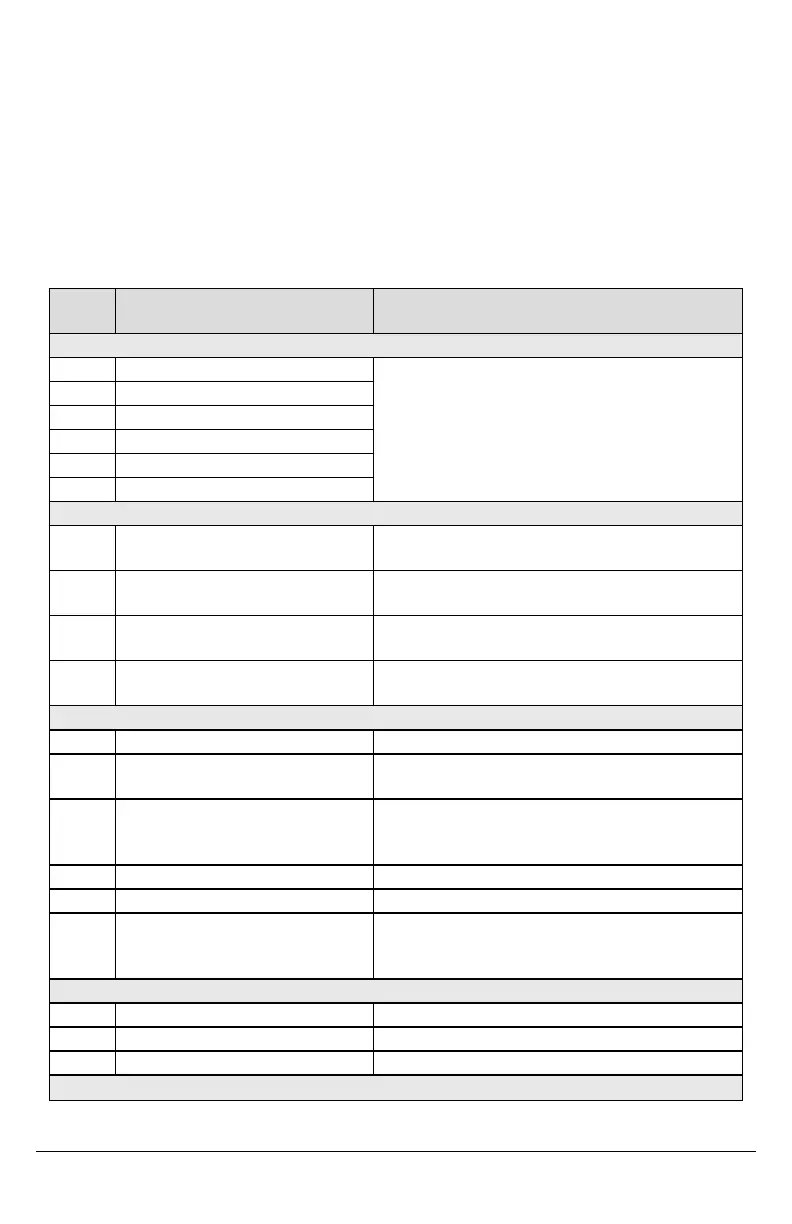
Table 11: Response Code Descriptions and Corresponding Actions
Response
Code
Description of Response Code Corresponding Action
Bad File
00 Version check failed
Contact DSC Tech Support, described the action attempted with
the system and supply them with the Response Code in Section
[983].
01 Image type mismatch
02 Device type mismatch
03 Hardware type mismatch
04 General variant mismatch
05 Firmware header wrong length
Panel is Busy
20 System update pending - panel is armed
Disarm the panel to continue with system firmware update
process.
21
System update pending -AC trouble (Any
AC trouble; device/module)
Resolve the AC trouble to continue with system firmware update
process.
22
System update pending -low battery (Any
low battery trouble; device/module)
Resolve the low battery trouble to continue with system firmware
update process.
25
System update pending - communication in
progress
Retry in a few minutes; if issue persists, contact DSC Tech
Support.
Firmware Update Sequence Change
A0 System firmware update successful None
A1 System firmware update failure
At least one module was not updated. Use DLS to reapply the
firmware to the module not updated.
A2
System firmware update failure - module not
found
At least one module was not responding during firmware
update. Ensure all modules enrolled are physically connected
and powered up.
AA Device firmware transfer begin None
AB Device firmware module update begin None
AC General device firmware transfer failure
Contact DSC Tech Support, describe the action attempted with
the system and supply them with the Response Code in Section
[983].
Firmware Update Status
C0 System ready to update. None
C1 System update cancel request received The system has received an update cancel request from DLS.
C2 System update begin None
Firmware Download Request Reject
19



 To Next Page