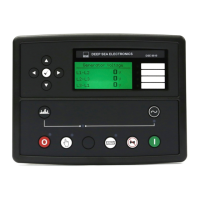
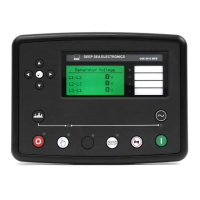
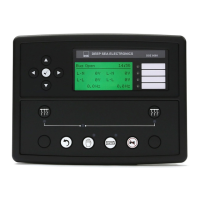
ACCESSING THE FRONT PANEL CONFIGURATION EDITOR.
Ensure the engine is at rest and the module is in STOP mode by pressing the Stop/Reset button.
• Press the Stop/Reset and Info buttons simultaneously.
• If a module security PIN has been set, the PIN number request is then
shown :
• Press the button the first digit will flash to enable the pin to be entered.
• Press
(up) or
(down to adjust it to the correct value)
• Press (right) when the first digit is correctly entered. The digit you have just entered will now
show ‘#’ for security.
•
Repeat this process for the other digits of the PIN number. You can press
(left) if you need to move
back to adjust one of the previous digits.
•
When is pressed after editing the final PIN digit, the PIN is checked for validity. If the number is
not correct, you must re-enter the PIN.
If the PIN has been successfully entered (or the module PIN has not been
enabled), the editor is displayed :
EDITING A PARAMETER
• Enter the editor as described above.
•
Press the or to cycle to the section you wish to view/change. Then press
or
to cycle to the parameter within the section you have chosen.
• To edit the parameter, press to enter edit mode. The parameter begins to flash to indicate that
you are editing the value.
• Press the up
or down
buttons to change the parameter to the required value.
• Press to save the value. The parameter ceases flashing to indicate that it has been saved.
To exit the editor at any time, press and hold the
DEEP SEA ELECTRONICS
7410 INSTALLATION INSTRUCTIONS
053-085
ISSUE 3
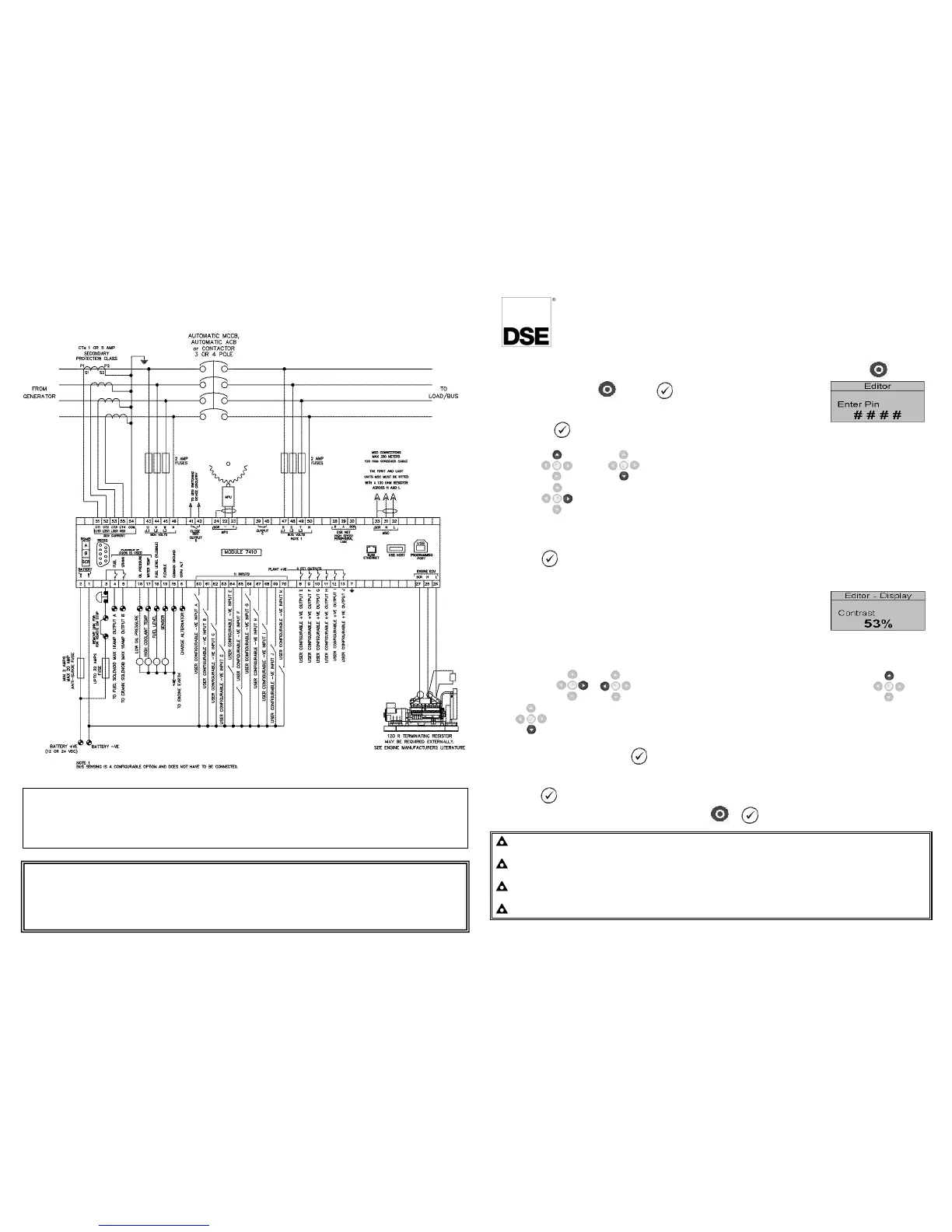
A larger diagram is available in the operators manual.
Deep Sea Electronics Plc.
Tel :+44 (0)1723 890099
Fax: +44 (0)1723 893303
Email: support@deepseaplc.com
Web: www.deepseaplc.com
Deep Sea Electronics inc.
Phone: +1 (815) 316-8706
Fax: +1 (815) 316- 8708
TOLL FREE (USA only) : Tel: 1 866 636 9703
Email: dsesales@deepseausa.com
Web: www.deepseausa.com
NOTE: When the editor is visible, it is automatically exited after 5 minutes of inactivity to ensure
security.
NOTE: The PIN number is automatically reset when the editor is exited (manually or automatically) to
ensure security.
NOTE: More comprehensive module configuration is possible using the 86xx series PC configuration
software. Please contact us for further details
NOTE: The contents of the tables overleaf may differ depending on the actual module configuration
.
. .
.
DIMENSIONS AND MOUNTING
For flat surface mounting in a Type 1 enclosure
DIMENSIONS
240.0mm x 181.1mm x 41.7mm (9.4” x 7.1” x 1.6”)
220mm x 160mm (8.7” x 6.3”)



 To Next Page