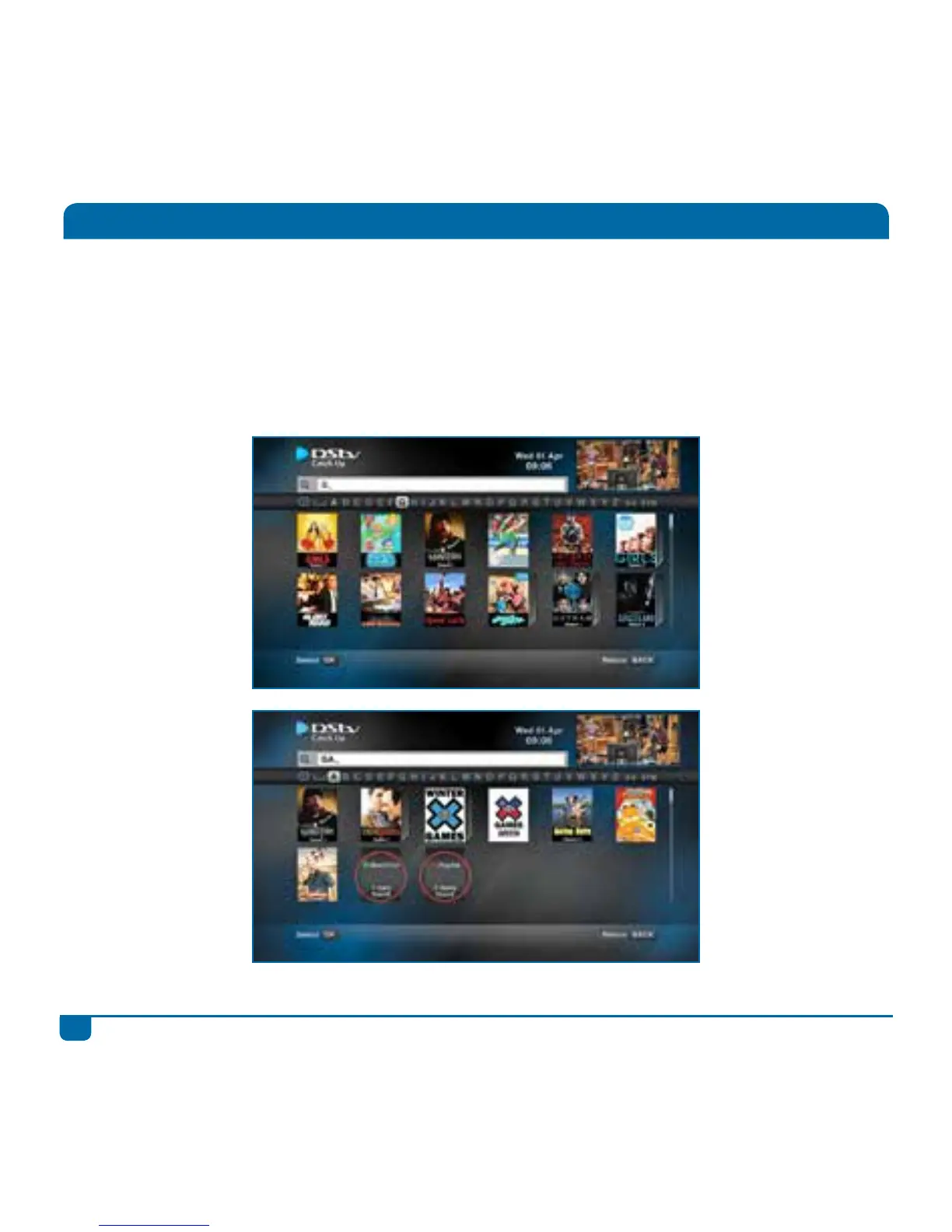
Instant Search
With so much great content, we’re making it easier for you to find what you’re looking for!
When you’re in your Playlist, DStv Catch Up or BoxOffice, just hit the SEARCH button to access
Instant Search.
Enter any word from the title (using the onscreen keyboard or by using the SMS buttons on your
remote) and we’ll instantly show you matching results.
We even show you matching titles in the other two sections.



 To Next Page