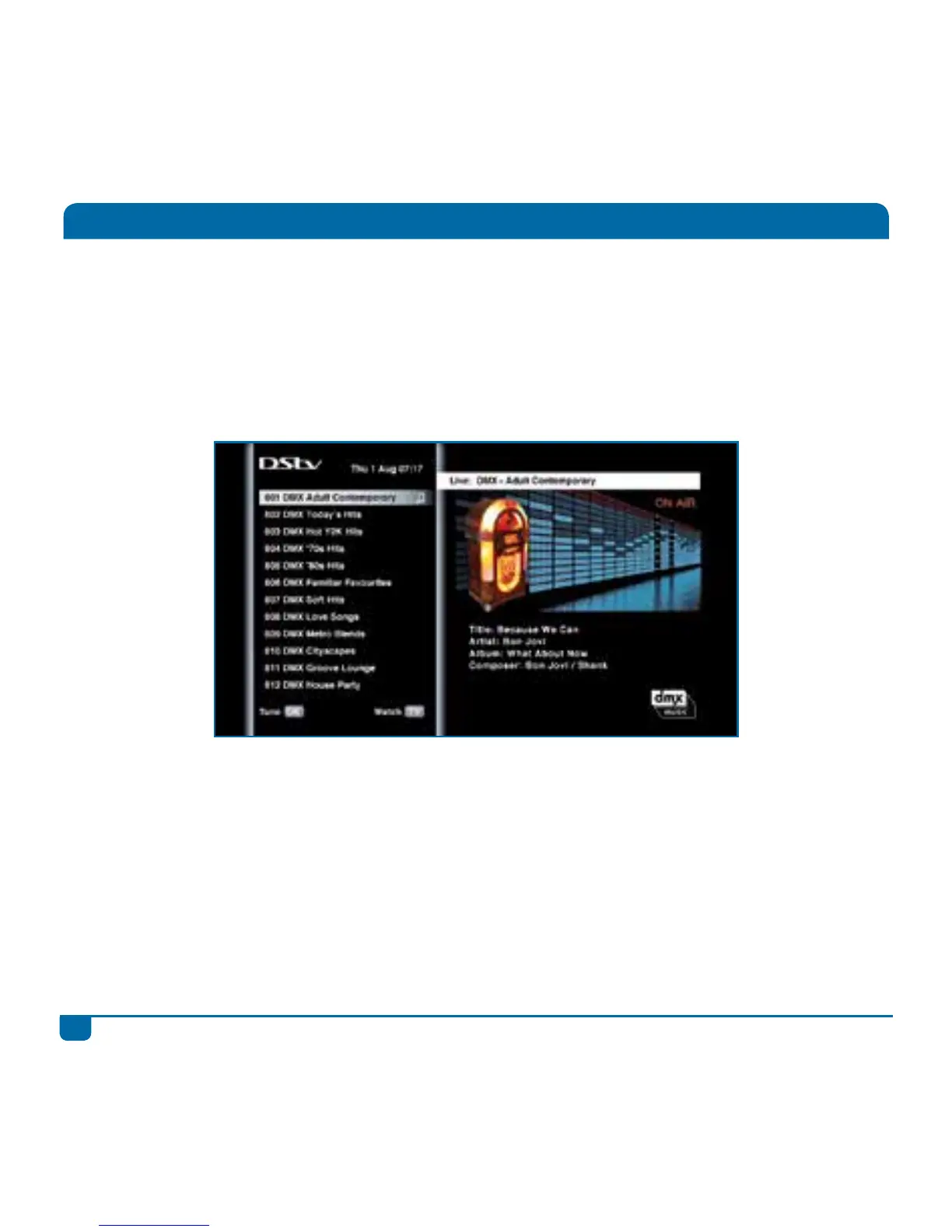
DStv offers a wide range of audio channels. It’s now easy to access and listen to your favourite radio
station or DMX channel.
• When watching TV, enter the number of the audio channel on the remote, or
• Press GRID, find the audio channel you want to go to and press OK, or
• Press the DStv button, select “Watch Now”, go to “Audio Channels” and press OK
To quickly return to live TV, press the TV button.
Listening to Audio Channels



 To Next Page