Getting Connected
Quick Notes
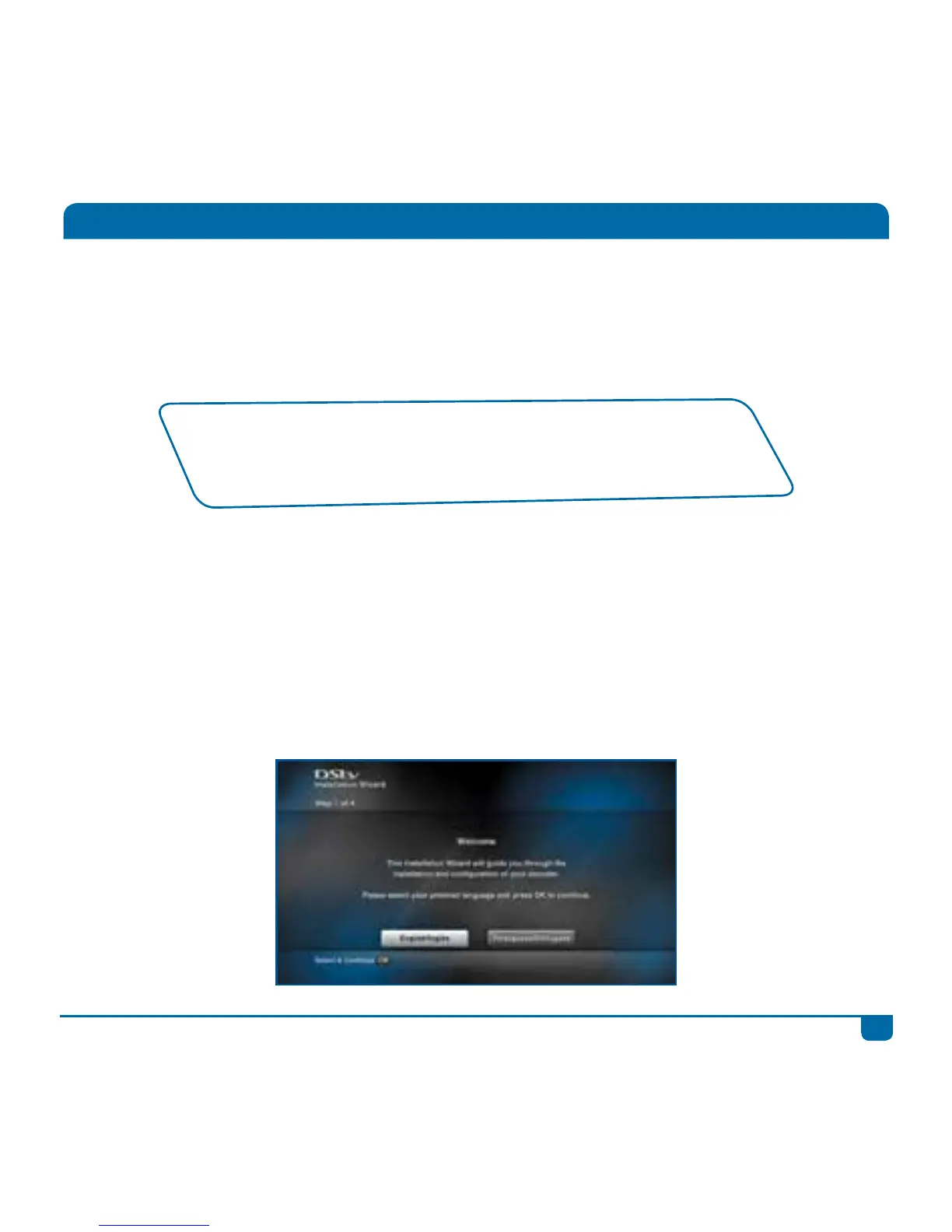
1. Once the DStv Explora has been correctly connected to the satellite dish and switched on, there
is an Installation Wizard to guide you through the first time set-up.
2. Remember, you will need to contact your nearest MultiChoice Call Centre to activate your new
DStv Explora.
3. There is no DStv Catch Up or BoxOffice content when the DStv Explora is first installed. This
content will start downloading as soon as installation is complete. Please be patient while we
download the latest movies, series and more to your Explora.
• We recommend the use of a DStv Accredited Installer for all installations.
• To find your local installer, visit dstv.com
• If your DStv Explora is installed with any other type of LNB, the
installation may require changes to receive future services.
NOTE! The performance of the DStv Explora and availability of all features is directly related to the
quality of the installation (including use of approved equipment and correct alignment of the satellite
dish).
Installation of the DStv Explora requires an 90cm satellite dish together with a DStv Smart LNB.



 To Next Page