Personalising your DStv Explora
We recommend that you personalise the settings on your new DStv Explora to have the best
possible viewing experience.
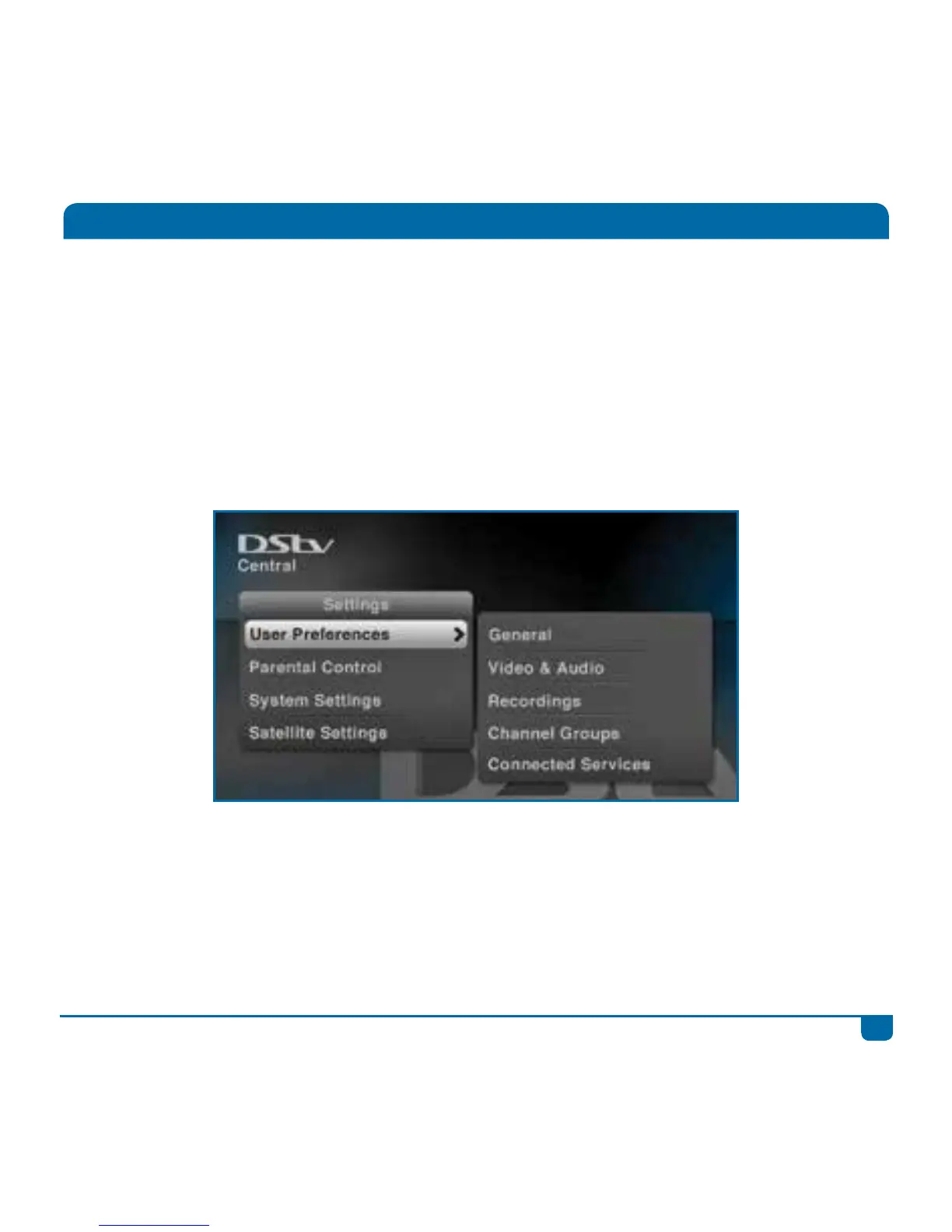
Press the DStv button and go to “User Preferences” in “Settings” to set your preferences for default
language, aspect ratio, recording defaults and more.
If you have connected your DStv Explora to the internet, use Connected Services on this menu to
enable the features.



 To Next Page