The Playlist
The DStv Explora allows you to record up to 220 hours of your favourite programming and your
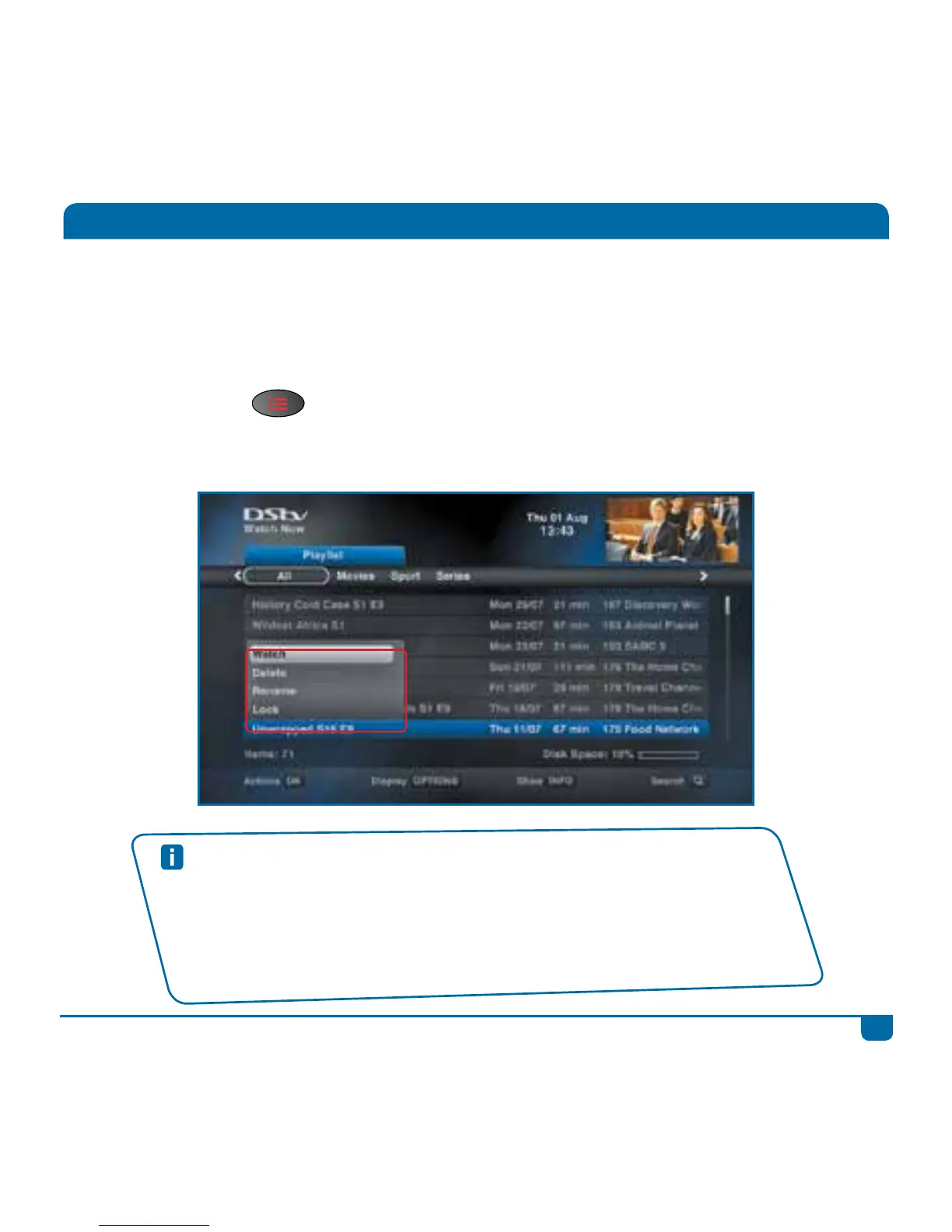
Playlist is where you will find all the programmes you’ve recorded. You get to choose what you want
to watch, when you want to watch it. (We’ve also sorted your recordings based on content, and
neatly stacked your series episodes together, making it easier for you to find what you’re looking for.)
Press the PLAYLIST
button to go directly to your list of recordings.
Select a programme and press OK to see the available options.
Quick Tips
• Press SEARCH to quickly find what you’re looking for in your Playlist.
• Press OPTIONS to change the order of the programmes in the Playlist.
• You can “jump” to the schedules by pressing ALT at any time.
• You can lock your recordings to prevent them being accidentally deleted. Press OK
and select Lock.
• Set up your recording preferences in “User Preferences” in “Settings”.



 To Next Page