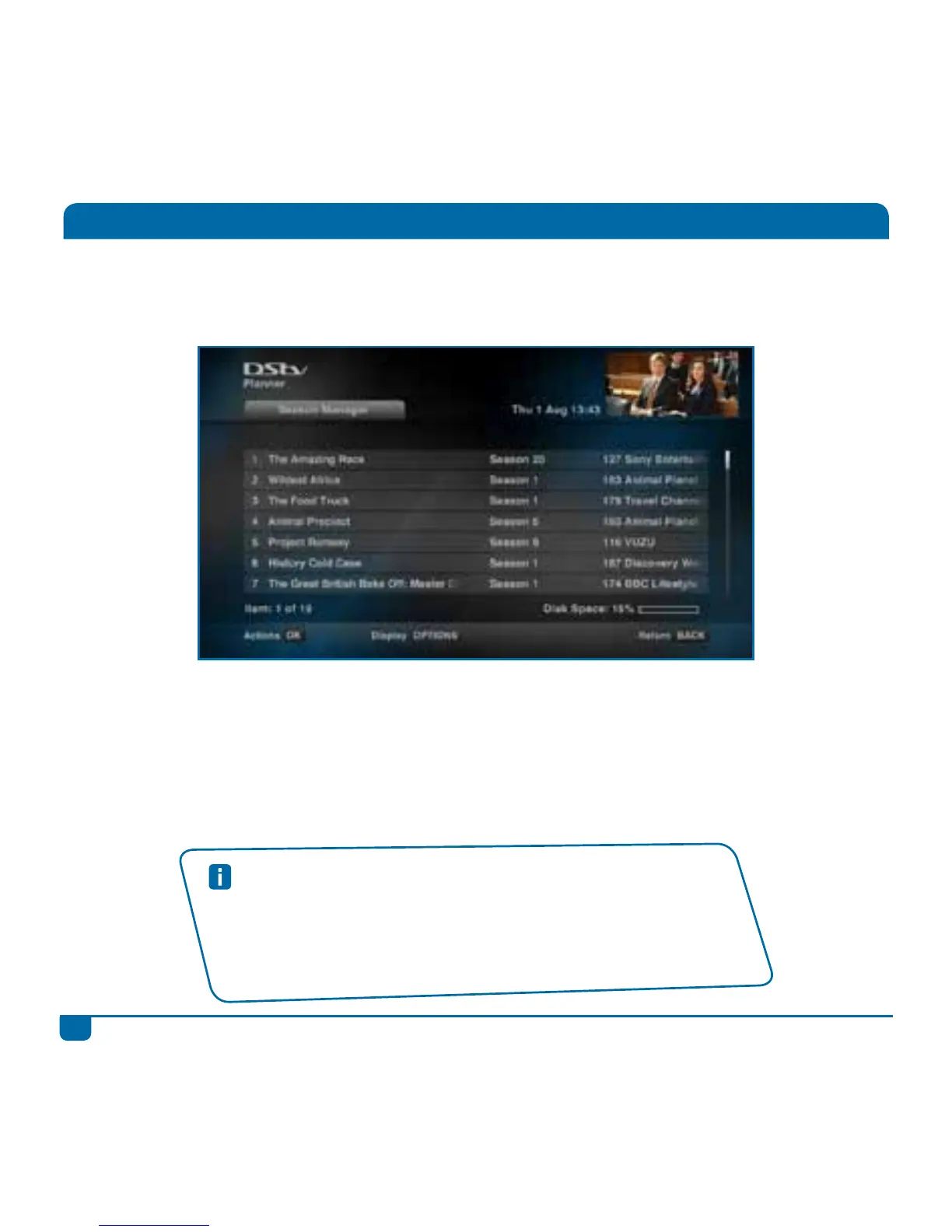
Step 3 You can edit or delete the series recording at any time. You can also prioritise your series,
so that your DStv Explora knows which is more important to you in the event of a conflict.
Step 4 When the programme has recorded, it will be listed in your “Playlist” in “Watch Now”.
(If the programme failed to record, it will be listed in “Failed Recordings” in your
“Schedules”).
Step 5 The programme is now ready for viewing!
Series Recordings
Quick Tips
• You will need to delete the series from the Season Manager once the
season has come to an end.
• If a series is always on at the same time, but does not have series
recording available - you can use Manual Recordings to set a recurring
recording.



 To Next Page