Recordings
The DStv Explora allows you to record up to 220 hours of your favourite programming, ensuring that
you always have something to watch.
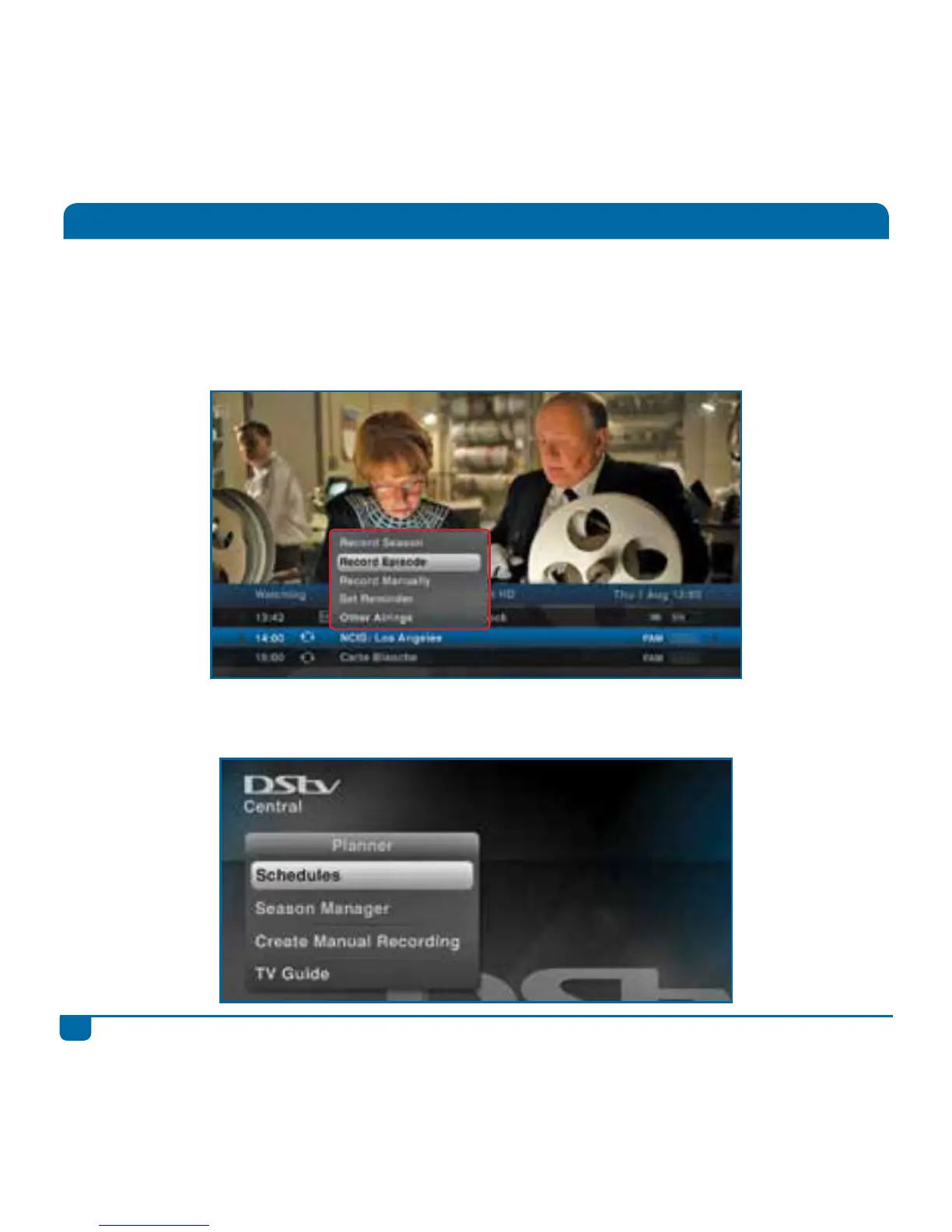
Step 1 Press OK on any programme to see the recording options available. If the programme is
part of a series, you can record just the episode, or the entire season of the series.
Step 2 After scheduling a recording, the programme is marked as a scheduled recording and listed
in “Schedules” in “Planner”.



 To Next Page