Series Recordings
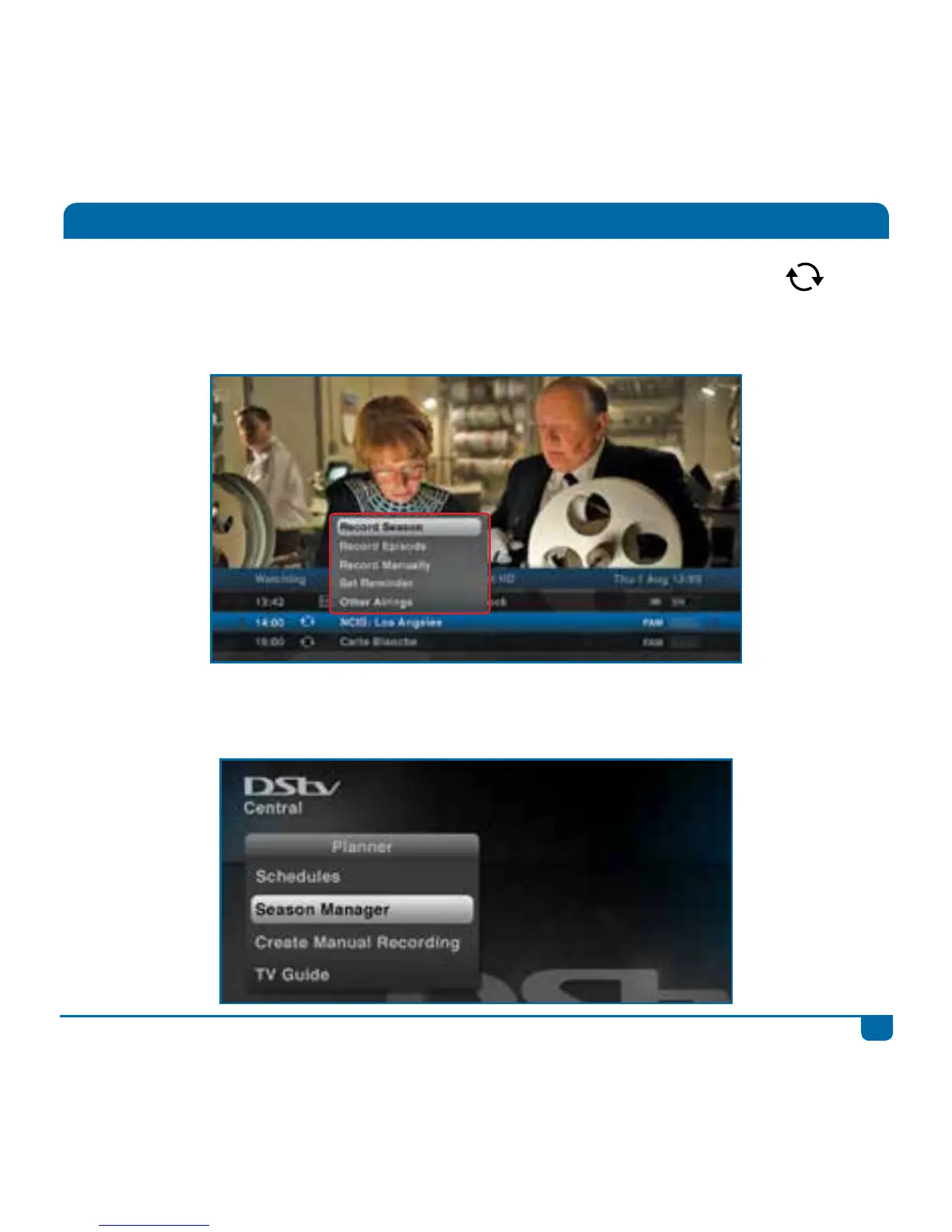
The DStv Explora offers series recording on selected programming. Look out for this icon
which indicates that series recording is available.
Step 1 Press OK on the programme with the series icon and select Record Series.
Step 2 Any new episodes within the next 8 days will be marked as scheduled recordings and
listed in “Schedules” in “Planner. The series will also be listed in “Series Manager” in
“Planner”.



 To Next Page