Favourite Channels (Channel Groups)
Quick Tip
When watching TV, press OPTIONS to change the channel group.
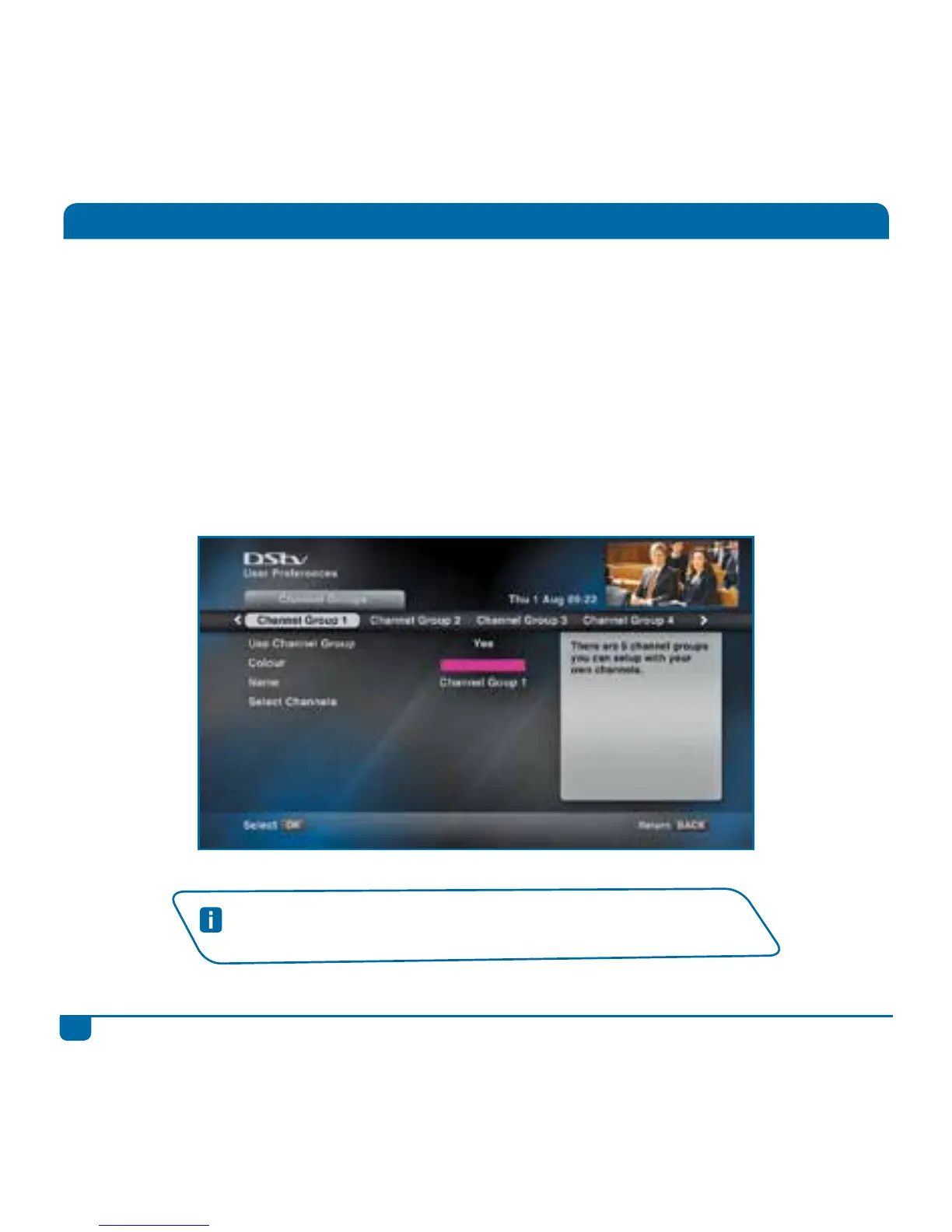
You can set up Favourite Channels on the DStv Explora so that when watching TV or using the TV
Guide, you only see the selected channels.
DStv Explora allows you to set up to five different channel groups, giving you the option to create a
group for each family member, or even groups for the various types of channels.
You can then name these channel groups (like “Mom’s Channels”, “Dad’s Stuff”, “Sports”, etc). We
even let you select a colour for the i-Plate when you’re watching channels in this group.
Press the DStv button and go to “User Preferences” in “Settings”. Then select “Channel Groups”.



 To Next Page