Trickmodes
Need to answer the phone, but don’t want to miss a thing? Press PLAY/PAUSE and the DStv
Explora will wait for you to come back. You can pause live TV for up to 2 hours!
To resume viewing, just press PLAY/PAUSE again.
To fast forward, press FF once to fast forward slowly, and again (up to three times) to fast forward at
the maximum speed. Press PLAY/PAUSE to resume viewing.
To rewind, press REW once to rewind slowly, and again (up to three times) to rewind at the
maximum speed. Press PLAY/PAUSE to resume viewing.
And if you want to watch that unbelievable goal again or catch what the villain just said, press
REPLAY to jump back 10 seconds. Each time you press REPLAY, the video jumps back another 10
seconds.
Now that you’ve seen the goal, you’ll want to watch it in slow motion - press and hold the
PLAY/PAUSE button to activate Slow Motion. Then press FF or REW to view the video in
slow motion at various speeds.
Quick Tip
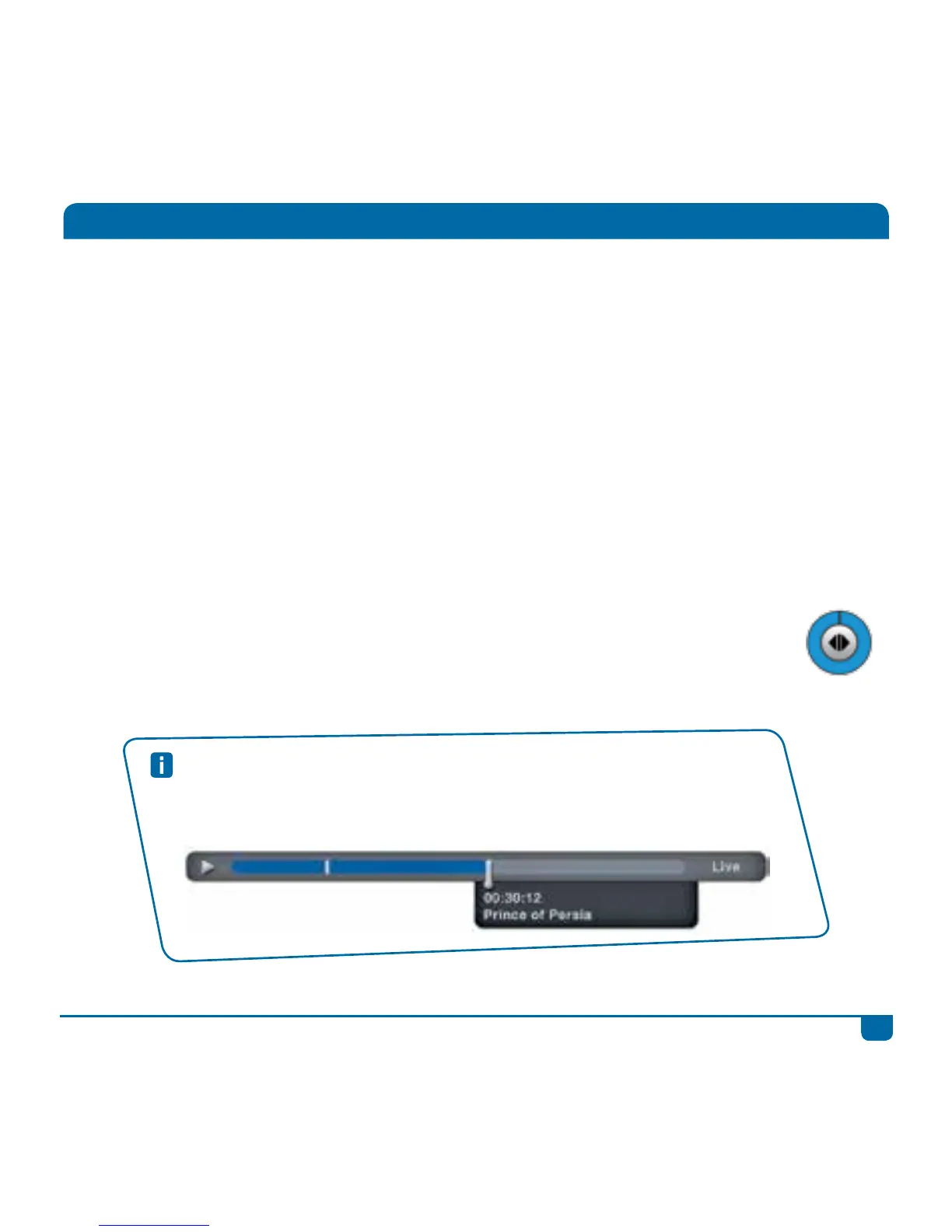
You can also use the Status Bar to “jump” through content. When watching any
programme, press STATUS BAR. Use FF or REW to quickly move through the content,
or use the LEFT/RIGHT arrows to jump to the bookmarks.



 To Next Page