SLICE User’s Manual July 2017
support.dtsweb.com 28 Version 1.0i
6. Powering Up SLICE
This section covers what to expect when powering up a SLICE system and running a test.
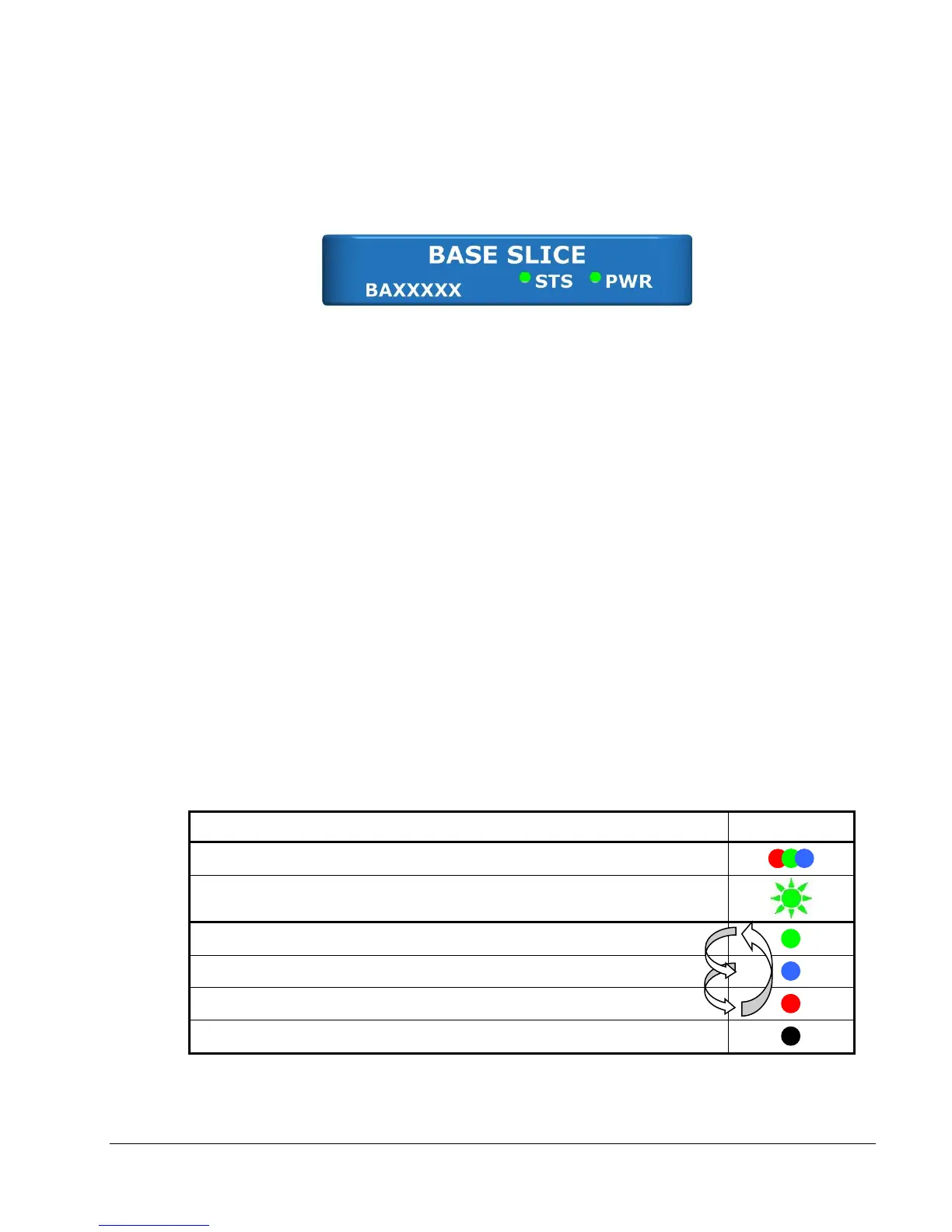
The LEDs on the Base+ SLICE indicate the status of the system.
To initialize SLICE MICRO/NANO systems without power back-up:
1. Apply power to the Base.
2. Connect the SLICE system to the PC via the comm cable.
3. Initialize the software to enable communication.
If your system includes a battery (SLICE NANO Stack Battery or SLICE HG system), it is
important that the internal capacitors be allowed to charge briefly before system initialization.
An ON hardware signal is used to initialize the SLICE system; be sure to disable the ON
signal prior to applying power.
To initialize SLICE NANO/HG systems that include power back-up:
1. Remove the hardware ON signal from your system.
2. Apply power to the Base.
3. Wait ~15 seconds to allow the internal capacitors to charge briefly.
4. Enable the hardware ON signal and connect the SLICE system to the PC via the comm
cable. (The LEDs will complete the power up sequence as soon as the ON signal is
applied.)
5. Initialize the software to enable communication.
6.1. Status (STS) LED



 To Next Page